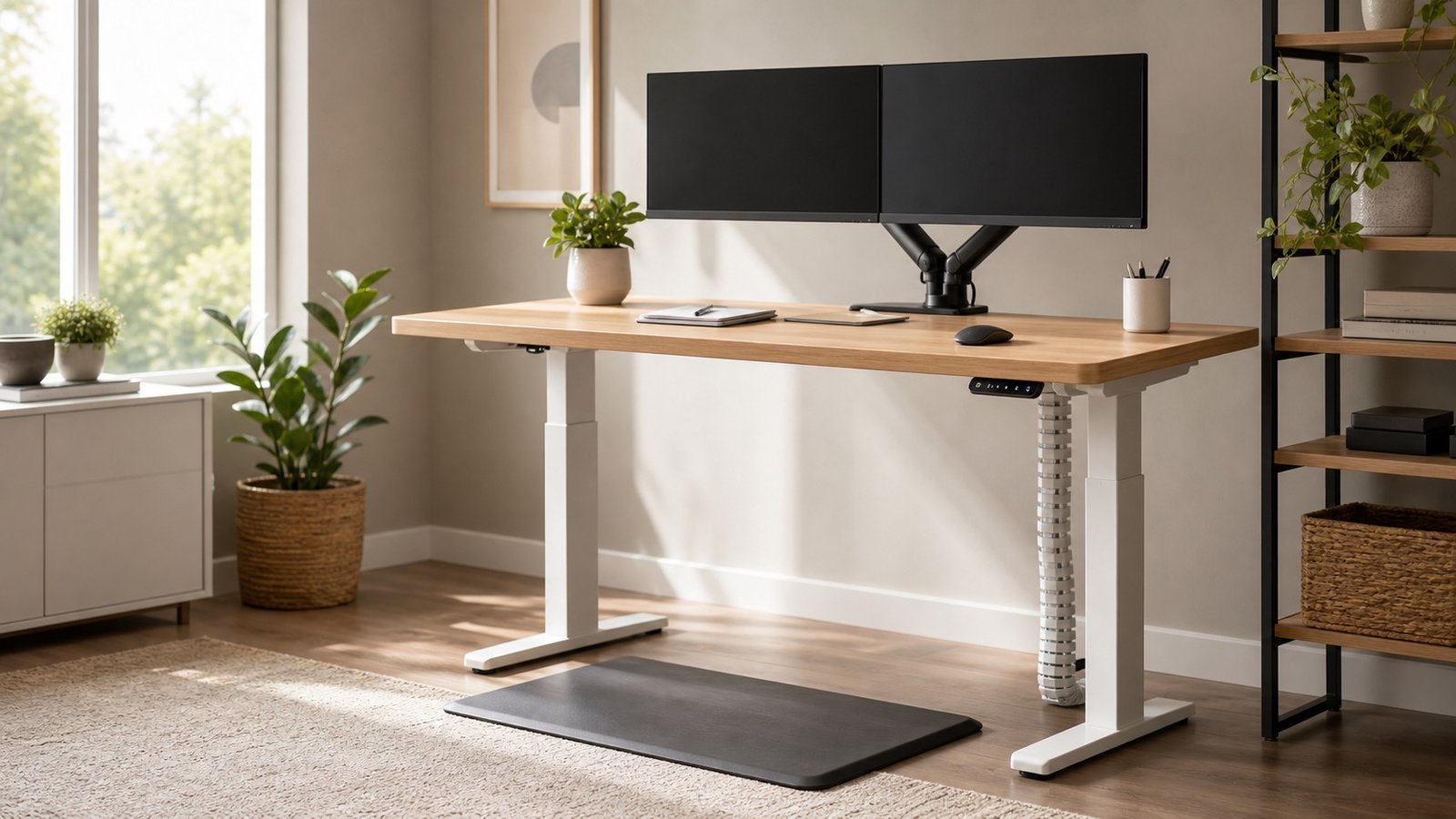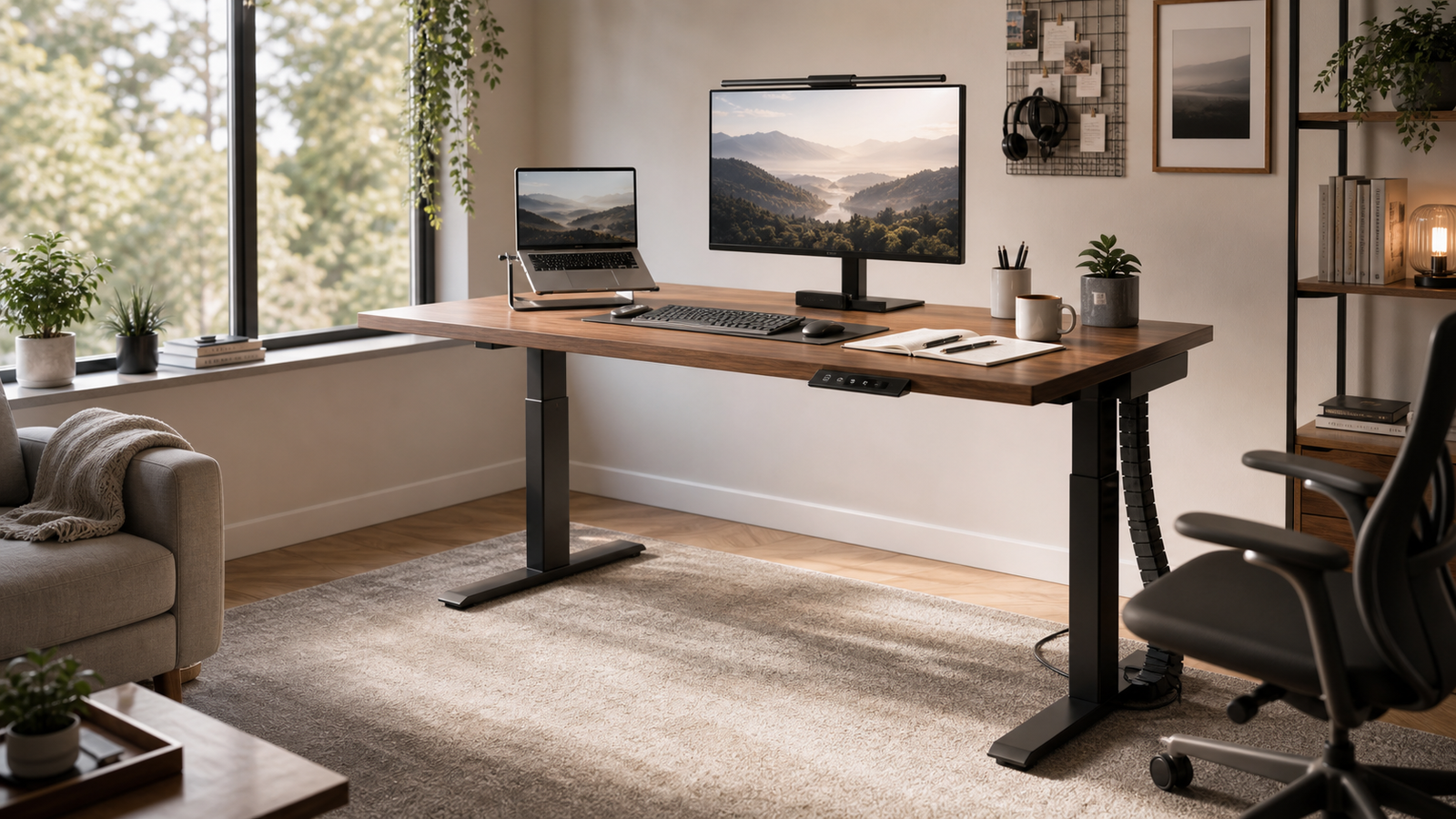
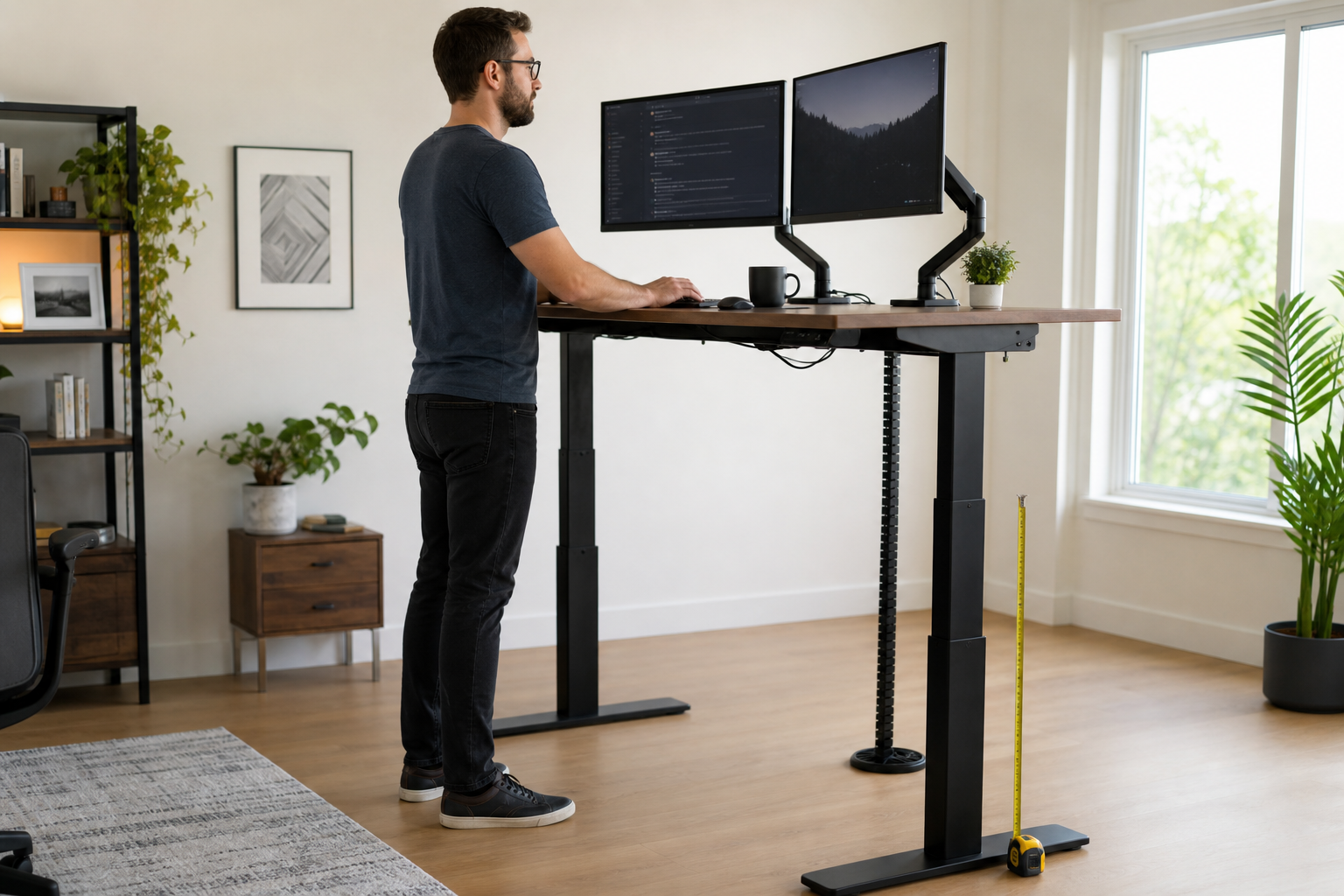
Most standing desks look tall enough until you add the details that matter: shoes, a standing mat, a thick keyboard, a monitor arm, and a long workday of typing at full height. For tall users, a desk that technically rises can still feel too low, too shallow, or too shaky.
The best standing desk for a tall person should give you enough keyboard height without forcing raised shoulders, enough monitor height without stacking books under the screen, and enough stability that your display does not shake every time you type. A high maximum height helps, but it is only one part of the decision.
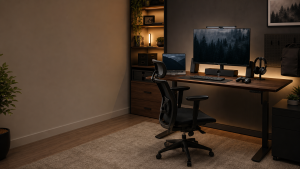
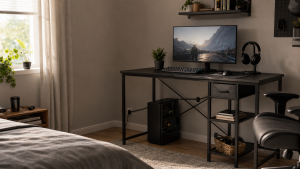
This guide focuses on desks that make sense for taller buyers, not just desks that are popular in general standing-desk roundups.
Quick Picks: Best Standing Desks for Tall People
| Pick | Best for | Height range | Main reason to buy | Main tradeoff |
|---|---|---|---|---|
| Best Overall: UPLIFT V3 Standing Desk | Tall users who want customization and a 30-inch deep desktop | 25.3-49.9 in on checked Amazon configuration | Strong all-around mix of depth, capacity, accessories, and long-term setup flexibility | Not the tallest native range here |
| Best Tall-Range Pick: Branch Standing Desk | Buyers who want a 52-inch maximum height | 25-52 in on checked Amazon configuration | The most straightforward pick when top height is the priority | 26-inch-ish minimum height may be high for shorter shared users |
| Best Stability Pick: FlexiSpot E7 Plus | Dual monitors, monitor arms, and heavier setups | 26-51.6 in without top | Four-leg frame gives tall setups a better stability margin | Heavy frame and more involved assembly |
| Best Gaming and Cable Setup: Secretlab MAGNUS Pro XL | Tall gamers and multi-device setups | 25.6-49.2 in | Wide 70 x 31.5-inch surface with excellent cable control | Expensive, and not the highest desk here |
| Best Easier Assembly Pick: Vari Ergo Electric Standing Desk | Home offices that need simple electric adjustment | 25-50.5 in | Clean, practical electric desk with memory presets | 26-inch depth is less generous for large monitor setups |
| Best Value Pick: FlexiSpot E7 Pro | Tall users who want range without four-leg pricing | 25-50.6 in without top | Strong range and capacity for the money | Less stable than a four-leg frame with heavy arms |
If you are around 6 feet to 6 feet 3 inches, several desks here can work. If you are closer to 6 feet 5 inches or above, start with the Branch Standing Desk, FlexiSpot E7 Plus, or a carefully configured UPLIFT, then check your own elbow height before buying.
How Tall Users Should Judge Standing Desk Height
A tall-friendly standing desk is not just the one with the biggest number in the spec table. The useful number is the height of your keyboard and mouse when your shoulders are relaxed and your elbows sit close to a 90-degree angle. For many tall users, that number lands higher than the default standing presets used by average-height buyers.
The desk surface is only the base layer. Your real working height changes after you add a desktop thickness, keyboard thickness, wrist rest, shoes, an anti-fatigue mat, or a treadmill. A desk that reaches 49 inches may feel fine barefoot on a hard floor and too low once you stand on a mat with a mechanical keyboard.
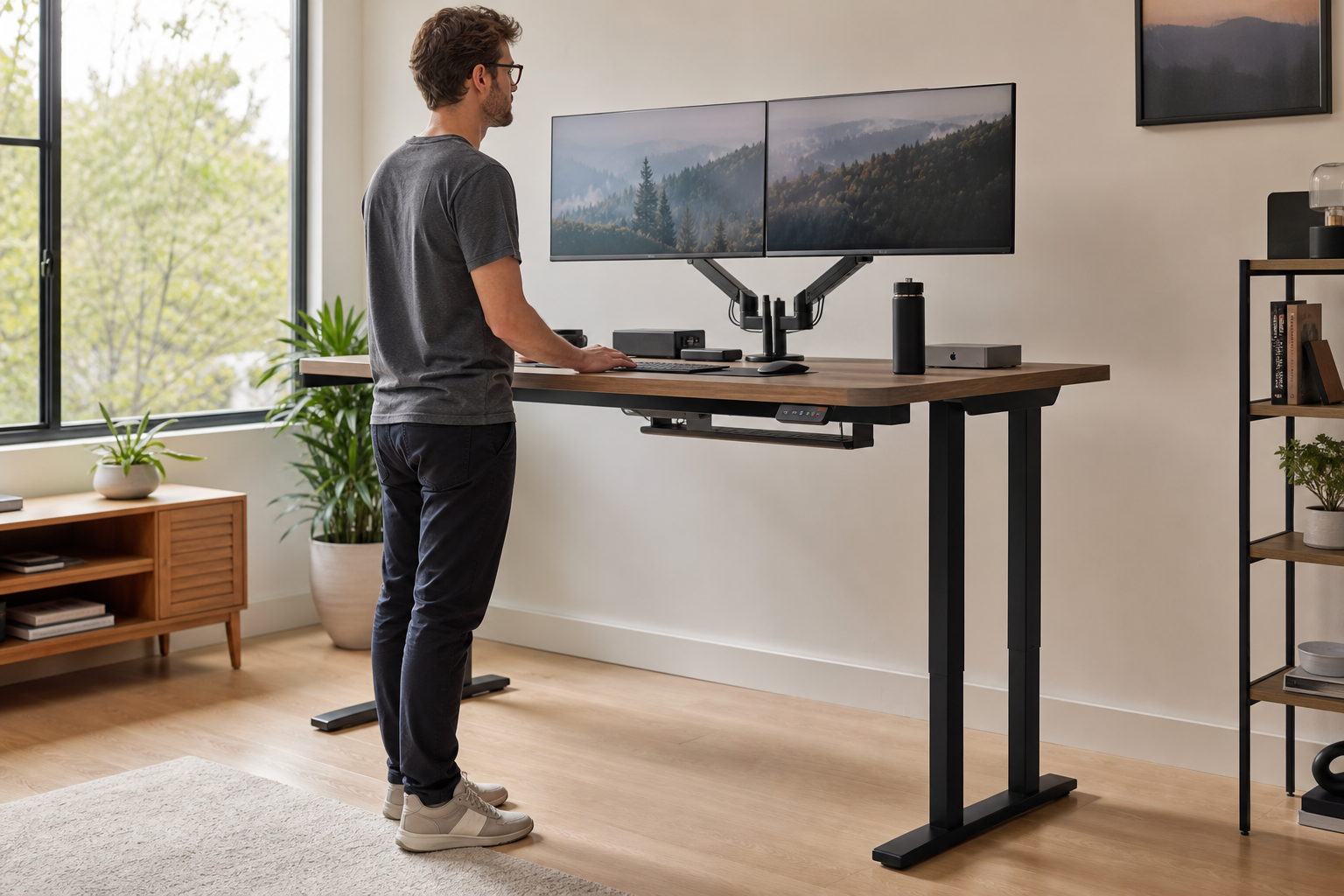
There is also a second height problem: your eyes. Tall users can sometimes get the keyboard height close enough but still look down at the monitor. That is where a monitor arm, riser, or taller monitor stand matters. The screen should come up independently from the keyboard surface instead of forcing the entire desk higher than your arms need.
For rough shopping purposes, think in ranges:
- Around 48-49 inches: often fine for users near 6 feet to 6 feet 2 inches, but it can be tight for taller builds.
- Around 50-51 inches: a more comfortable zone for many users in the 6 feet 2 inches to 6 feet 4 inches range, depending on arm length and accessories.
- Around 52 inches: useful extra headroom for very tall buyers, thick footwear, mats, or shared setups where you do not want the desk living at its maximum stop.
The other half is stability. A desk at 52 inches is less useful if the screen shakes every time your hands hit the keyboard. Taller users usually operate the frame closer to its extended position, where leverage is less forgiving. That is why desk depth, foot design, frame weight, four-leg support, and monitor-arm behavior matter so much.
The 50-Inch Rule Is a Starting Point, Not a Guarantee
The phrase “50-inch standing desk” sounds like a clean cutoff, but bodies are not standardized. A 6-foot-2 user in one Reddit discussion set standing height around 45 inches and did not expect to need much beyond 49 inches. In a different tall-user discussion, a 6-foot-8 user treated a 50.7-inch desk as barely enough.
That gap is the point. Shoulder width, forearm length, keyboard thickness, shoes, posture, and whether you use a standing mat all change the answer. If you are buying near the edge of a desk’s range, measure your elbow height while wearing the shoes or using the mat you expect to use.
Monitor Height Matters as Much as Desk Height
A monitor arm can make a good tall-user desk feel much better because the screen can rise without pushing the keyboard too high. But it also changes the stability test. A small amount of frame movement can become more visible when a display is mounted on a long arm.
That is why heavy dual-monitor setups need more than an impressive lifting-capacity number. At standing height, screen shake depends on frame stiffness, desktop depth, arm placement, floor surface, and how much force your typing or mouse movement puts into the desk.
Best Overall Pick: UPLIFT V3 Standing Desk
The UPLIFT V3 Standing Desk is the best overall pick for tall users who want a flexible desk rather than a single-purpose tall frame. The checked Amazon configuration lists a 25.3- to 49.9-inch height range, a 60 x 30-inch desktop, dual motors, a 355 lb listed capacity, and a programmable keypad.
The 30-inch depth is a major advantage for taller users. A shallow 24-inch desk can force large monitors too close to your face, especially when you add a laptop, speakers, or a monitor arm clamp at the back. A 30-inch top gives your elbows, keyboard, and screen more room to settle into a natural position.
UPLIFT also makes sense when you want a desk to grow with the setup. Monitor arms, cable trays, different desktop sizes, grommets, and other accessories are easier to plan around than on a narrower budget desk. That matters if your workspace may eventually include two monitors, a dock, speakers, a desktop PC, or a larger desktop.
The height range is strong but not limitless. If you are around 6 feet 2 inches to 6 feet 4 inches, the V3 should be on your list. If you are closer to 6 feet 6 inches or above, do not assume it will be enough just because it is a premium desk. Measure your elbow height and compare it with the top height after desktop thickness and your accessories are accounted for.
The main reason to skip it is simple: you want the tallest native range possible or you know you need four-leg stability for heavy monitor arms. In those cases, Branch or FlexiSpot E7 Plus may fit the tall-user problem more directly.
Best Tall-Range Pick: Branch Standing Desk
The Branch Standing Desk is the cleanest pick when maximum height is the first filter. The checked Amazon listing gives it a 25- to 52-inch adjustment range, and Business Insider separately notes the Branch Standing Desk as a tall-person option that adjusts to 52 inches.
That extra top-end height matters because many tall buyers do not want to live at the final inch of the frame. A 52-inch maximum gives more room for shoes, a standing mat, a thicker keyboard, or a slightly higher elbow position without immediately maxing the controller. It also gives shared users more flexibility when the desk moves between sitting and standing presets.
The 30-inch depth is another reason Branch works for this keyword. A tall person usually benefits from more front-to-back room because the keyboard can sit at a comfortable distance while the monitor remains far enough away. The 48- and 60-inch widths cover most home offices without pushing everyone into an oversized executive desk.
The tradeoff is the lower end. A desk that starts around 25 to 26 inches may be fine for many adults, but it can be high for shorter people in a shared household. If the desk will be used by someone much shorter, check their seated elbow height before deciding.
Choose Branch if the phrase “will it go high enough?” is your main worry. Choose a heavier four-leg option if the setup includes multiple arms, a very heavy monitor, or a standing height where even mild movement bothers you.
Best Stability Pick: FlexiSpot E7 Plus
The FlexiSpot E7 Plus is the best pick here for tall users who care about stability as much as height. Its official page lists a 26- to 51.6-inch frame range without the top and a four-leg frame. The frame is also designed for larger desktops, including depths that make more sense for big monitor setups.
Four legs do not magically remove every trace of movement, but they change the stability margin. Tall users tend to work higher in the travel range, and that is where two-leg desks can start to show more front-back movement. Add a dual-monitor arm and the monitor becomes the part you notice first.
The E7 Plus is especially sensible for programmers, designers, traders, gamers, and remote workers who run dual displays or an ultrawide screen. The official page also emphasizes compatibility with monitor mounts, under-desk drawers, and keyboard trays, which is helpful because tall-user ergonomics often depends on accessories, not just the desk frame.
The downside is weight. In a Reddit thread about the E7 Plus, the owner liked the desk but also pointed out how heavy it became with a large bamboo top. That is not a small detail. If you move apartments often, rearrange the office by yourself, or need a desk that can be assembled quickly in a tight room, this is not the easiest option.
Choose the E7 Plus if your setup is heavy, wide, or screen-arm dependent. Choose the E7 Pro if you want similar height range with a simpler two-leg frame and a lower likely total cost.
Best Gaming and Cable Setup: Secretlab MAGNUS Pro XL
The Secretlab MAGNUS Pro XL is not the tallest desk in this guide, but it is the strongest choice for tall users building a clean gaming or multi-device setup. The official and Amazon pages list a 25.6- to 49.2-inch height range, a 70 x 31.5-inch XL surface, and integrated cable management.
The depth is the real tall-user advantage. A 31.5-inch surface gives large monitors more breathing room, and the integrated rear cable tray helps keep power bricks, display cables, USB runs, and lighting cables from hanging behind the desk. For a gaming setup with a PC, speakers, headset, controller dock, large display, and charging gear, that organization can matter as much as raw height.
Owner discussions around the MAGNUS Pro XL tend to be split in a useful way. The cable-management system gets strong praise, while wobble near higher settings and the premium price come up often enough to take seriously. One detailed Reddit review described quiet, smooth motion and good stability at a normal standing preset, while another thread included owners who noticed more movement near maximum height.
That makes the MAGNUS Pro XL a good fit for tall gamers around the 6-foot to 6-foot-3 range who value the setup ecosystem and desk depth. It is less convincing for a 6-foot-6 buyer whose first priority is maximum keyboard height.
Skip it if you want a wood top you can drill into freely, the lowest possible price, or the highest possible frame height. Buy it for the integrated setup, not because it wins the height contest.
Best Easier Assembly Pick: Vari Ergo Electric Standing Desk
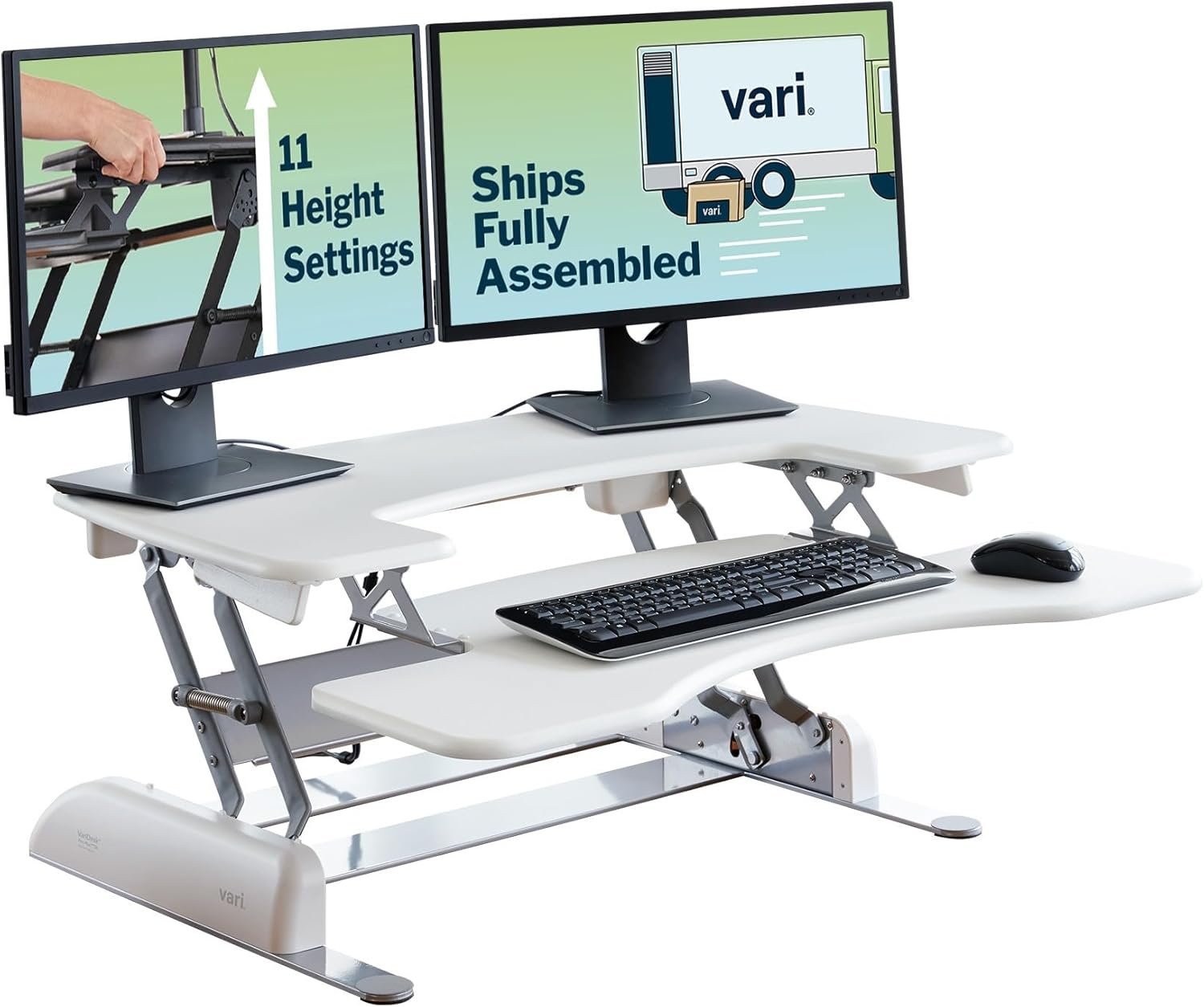
The Vari Ergo Electric Standing Desk is the straightforward pick for someone who wants a tall-capable electric desk without turning the purchase into a custom workstation project. The checked Amazon page lists a 25- to 50.5-inch height range and four programmable memory settings.
That range is enough for many tall home-office users, especially around 6 feet to 6 feet 3 inches. The curved front edge is also worth noting because tall users often rest more forearm weight on the front edge when trying to keep shoulders relaxed. A softer front edge will not fix the wrong height, but it can make daily use more comfortable.
The main limitation is depth. At 26 inches, this desk gives less front-to-back room than 30- or 31.5-inch options. If you use a laptop and one external monitor, that may be fine. If you use a large monitor on an arm, speakers, a desk shelf, or a deep keyboard tray, it can start to feel tight.
Choose Vari when you want a clean electric standing desk that reaches beyond the common 48-inch range and does not require deep customization. Skip it if your setup needs maximum height, maximum depth, or the stability margin of a four-leg frame.
Best Value Pick: FlexiSpot E7 Pro
The FlexiSpot E7 Pro is the value pick for tall users who want a real height range without paying for a four-leg frame. The official FlexiSpot page and third-party reviews list a 25- to 50.6-inch range without the top, plus a 440 lb listed capacity.
For many buyers, that is the practical sweet spot. It gives more top-end room than many budget electric desks, supports larger desktops, and costs less than premium four-leg or integrated gaming desks. TechRadar also rates the E7 Pro highly as a general standing-desk pick, with good stability and build quality.
The important caveat is the same one that shows up across tall-user discussions: two-leg desks move more than four-leg desks at high positions. That does not make the E7 Pro a bad desk. It means the best buyer is someone with a normal monitor setup, one arm or one large display, and realistic expectations about motion at standing height.
The E7 Pro is a strong choice around 6 feet 2 inches to 6 feet 4 inches when the setup is not extreme. If your desk will carry dual arms, a heavy ultrawide, studio gear, or a tower mounted under the desktop, the E7 Plus is the safer FlexiSpot choice.
Size and Stability Comparison Table
| Product | Max height | Desktop depth | Best setup | Stability note | Skip if |
|---|---|---|---|---|---|
| UPLIFT V3 Standing Desk | 49.9 in checked listing | 30 in | Tall home office with customization | Strong two-leg all-rounder | You need 52 in native height |
| Branch Standing Desk | 52 in checked listing | 30 in | Tall users who want extra top range | Good range, simpler product line | A shorter shared user needs a low sitting height |
| FlexiSpot E7 Plus | 51.6 in frame-only | 28-35 in supported tops | Dual monitors and heavy arms | Best stability margin here | You need a light, easy-to-move desk |
| Secretlab MAGNUS Pro XL | 49.2 in | 31.5 in | Gaming, streaming, cable-heavy setups | Good in many normal standing setups, mixed owner comments near top height | You need the tallest frame |
| Vari Ergo Electric Standing Desk | 50.5 in checked listing | 26 in | Simple home office | Practical for moderate tall setups | You need a deep top or heavy arms |
| FlexiSpot E7 Pro | 50.6 in frame-only | 24-30 in common tops | Value-focused tall buyers | Solid two-leg option | You need four-leg steadiness |
The table shows why the “best” answer changes by setup. Branch wins for native height. FlexiSpot E7 Plus wins for stability. UPLIFT wins for a broad, customizable home-office desk. Secretlab wins when the desk is part of a gaming ecosystem rather than just a work surface.
Real-World Buying Lessons for Tall Users
The first lesson is that height needs are personal. Two people with the same overall height can need different desk heights because arm length, shoulder position, keyboard thickness, and footwear differ. A standing desk that feels perfect for one 6-foot-3 user can feel marginal for another.
The second lesson is that monitors reveal movement before your hands do. A desk can feel solid under your palms while a monitor arm still shows tiny movement on screen. That is why standing-height stability is not the same as listed lifting capacity. A 300 lb capacity number does not tell you how a 32-inch display on an arm behaves when the frame is extended.
The third lesson is that desktop depth is underrated. Tall users often sit farther from the monitor and need more room between keyboard, wrists, and screen. A 30-inch or deeper top gives the setup room to breathe. A 24- or 26-inch top can still work, but large displays and desk shelves make it feel crowded quickly.
The fourth lesson is to check sitting height too. A tall buyer may focus on the maximum height and forget that the desk still needs to work while seated. If the desk starts at 26 inches, that can be too high for a shorter partner, a child, or even a tall person using a low chair and thin keyboard.
The fifth lesson is not to buy at the edge unless you have a plan. If your calculated standing height is exactly the desk’s maximum, you have no room left for shoes, mats, a treadmill, or posture changes. In that case, buy a taller frame, add a monitor arm for screen height, or choose a setup that lets you raise the keyboard independently.
Final Verdict: Which Standing Desk Should Tall People Buy?
For most tall home-office users, start with the UPLIFT V3 Standing Desk. It has the best mix of depth, customization, capacity, and general workday practicality.
Choose the Branch Standing Desk if maximum height is your first concern. Its 52-inch top range gives taller users more room than the typical 48- to 50-inch desk.
Choose FlexiSpot E7 Plus if your setup includes dual monitors, monitor arms, or heavy gear. Choose Secretlab MAGNUS Pro XL if your priority is a clean gaming or cable-heavy desk setup. Choose Vari Ergo Electric Standing Desk for a simpler electric desk, and choose FlexiSpot E7 Pro when value and height range matter more than four-leg stability.
FAQ
What height standing desk is best for a tall person?
The best height is close to your standing elbow height with relaxed shoulders and forearms roughly level. Many tall users should look for a desk that reaches around 50 inches or higher, but the right answer depends on your arm length, shoes, standing mat, keyboard, and desktop thickness.
Is a 48-inch standing desk tall enough for someone over 6 feet?
Sometimes. A 48-inch desk may work for a user around 6 feet to 6 feet 2 inches, especially with a thin keyboard and no standing mat. For many users around 6 feet 4 inches or taller, 48 inches can feel tight, and a 50- to 52-inch range is safer.
Are four-leg standing desks better for tall people?
Four-leg desks are not required for every tall user, but they help when the setup is heavy or screen-arm dependent. The higher a desk goes, the more visible movement can become. A four-leg frame gives a better stability margin for dual monitors, large displays, and deeper desktops.
Do tall people need a deeper desktop?
Often, yes. A 30-inch desktop usually feels better than a 24-inch desktop for tall users because it creates more space between the keyboard and monitor. That extra depth is especially useful with large screens, monitor arms, desk shelves, speakers, or a laptop plus external display.
Can a monitor arm fix a standing desk that is too low?
A monitor arm can fix screen height, but it cannot fix keyboard and mouse height. If the desktop is too low for your arms, you may still shrug, bend your wrists, or lean forward. A monitor arm also makes desk movement easier to see, so stability still matters.