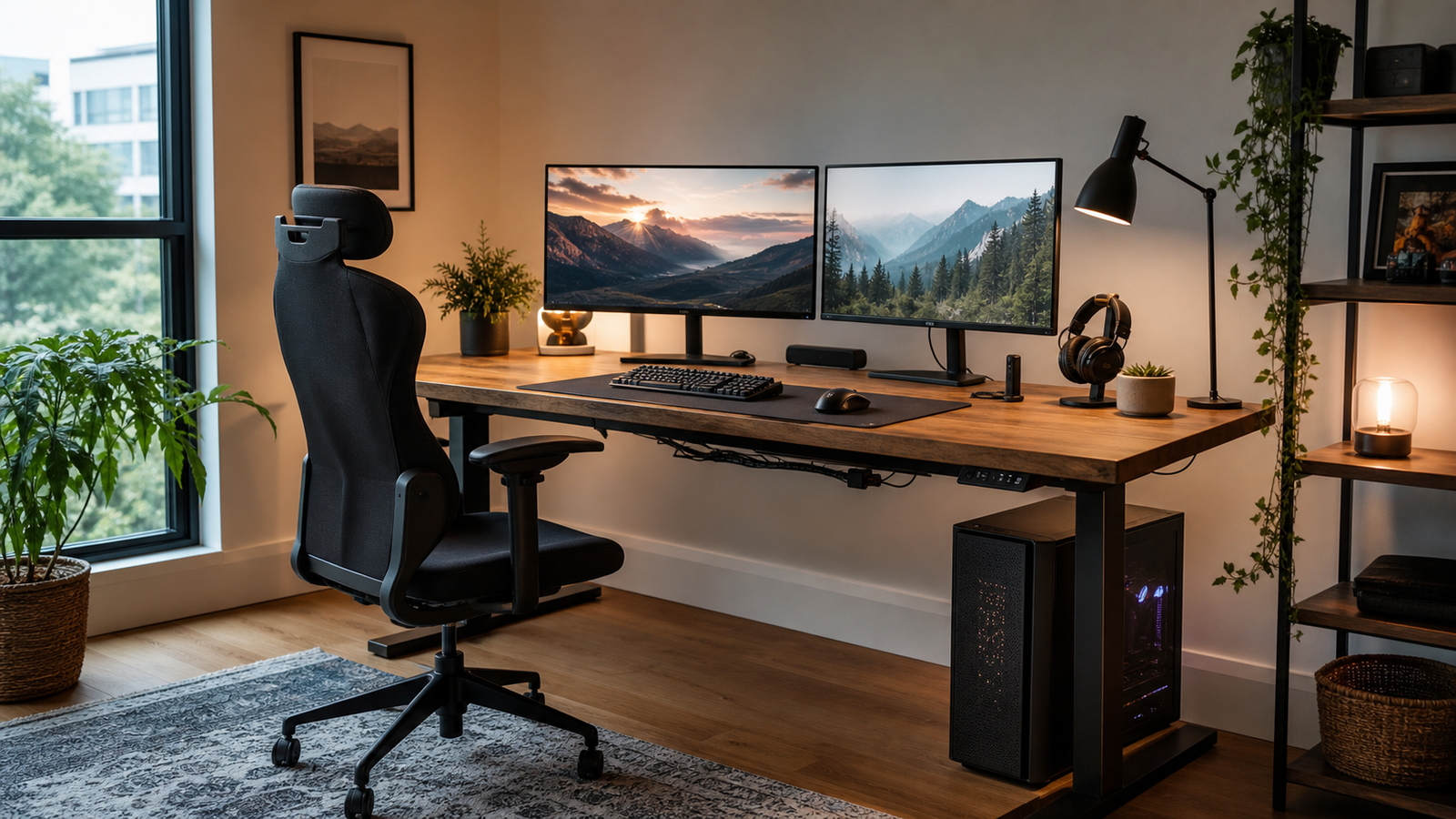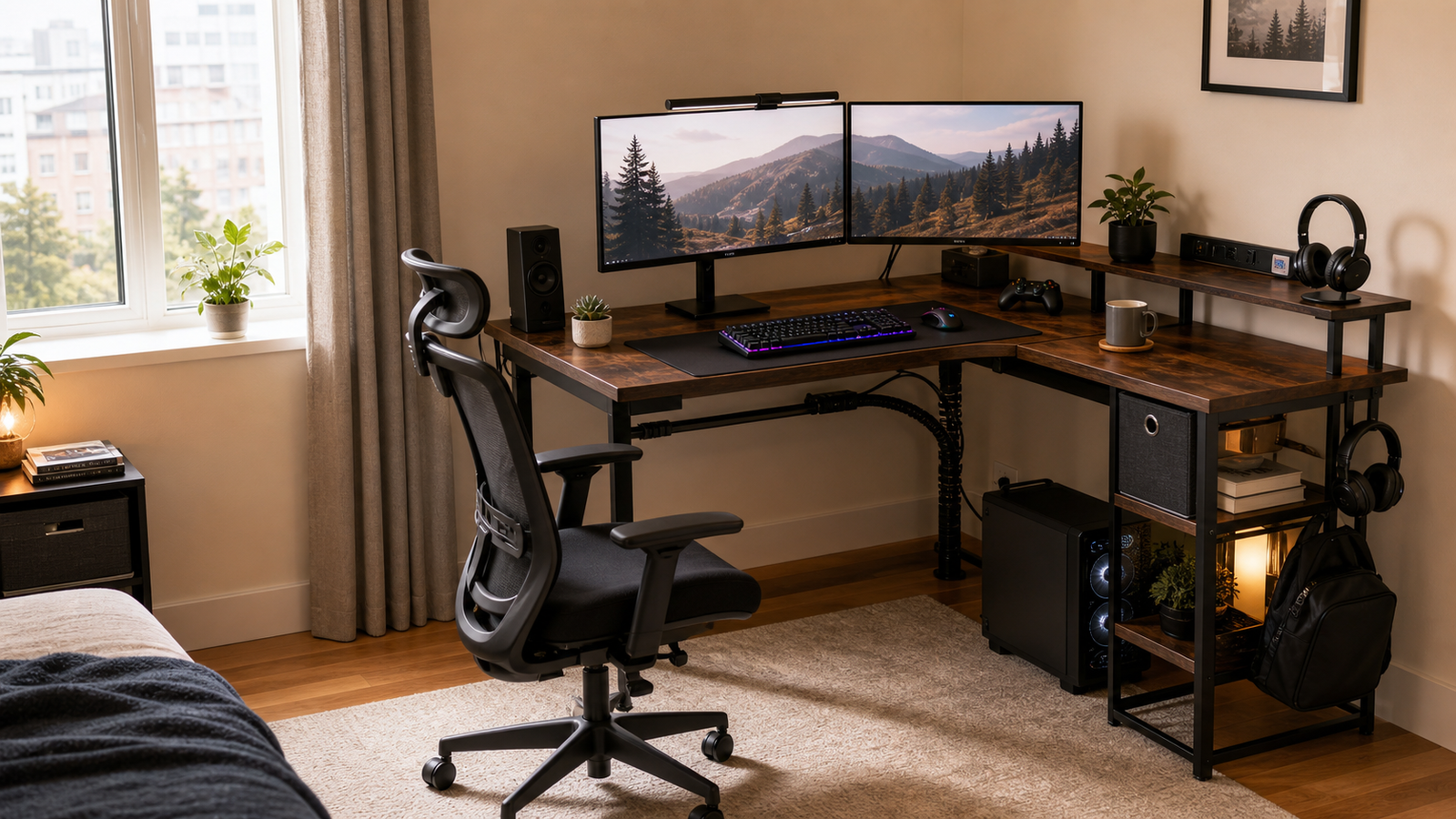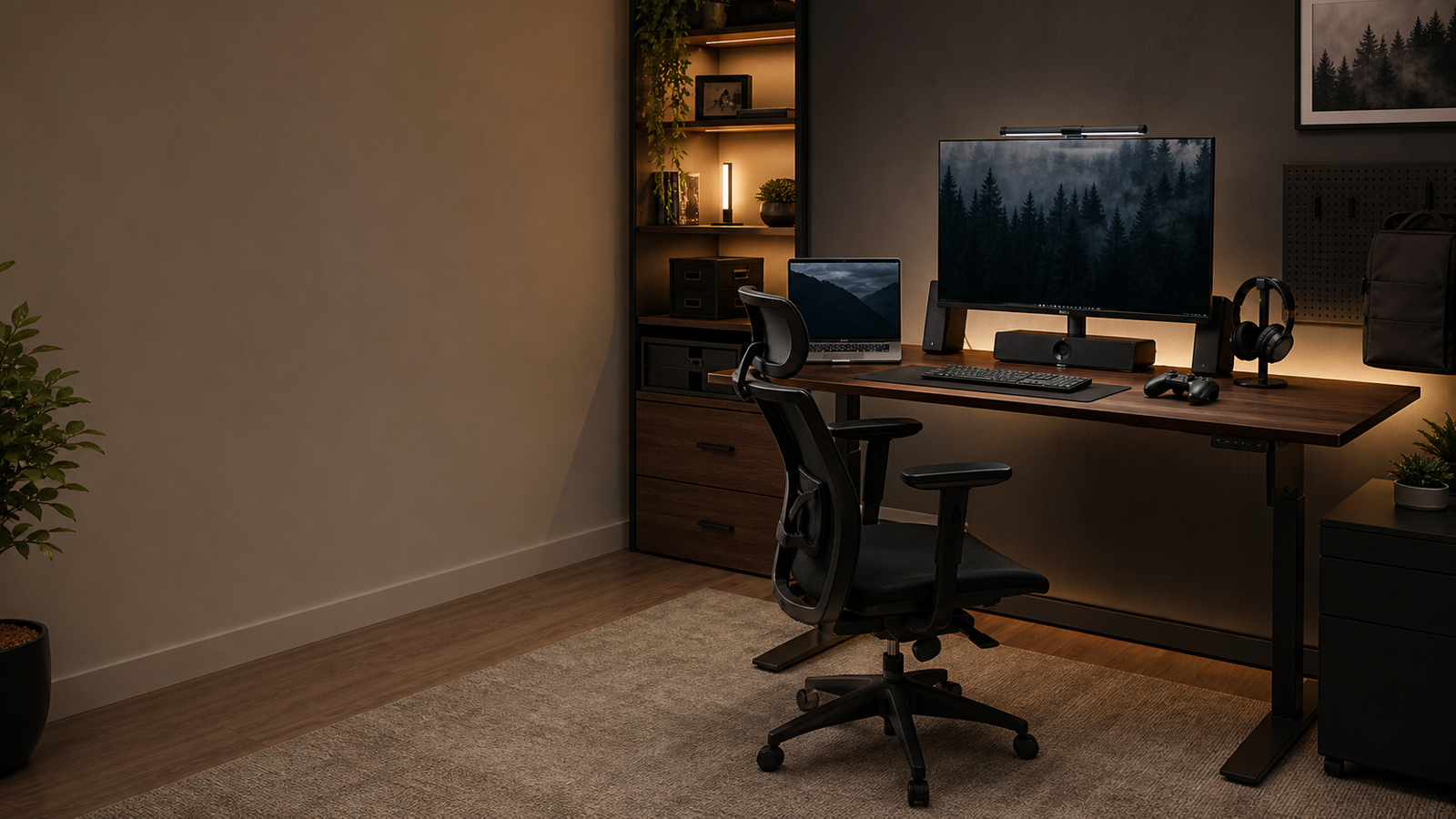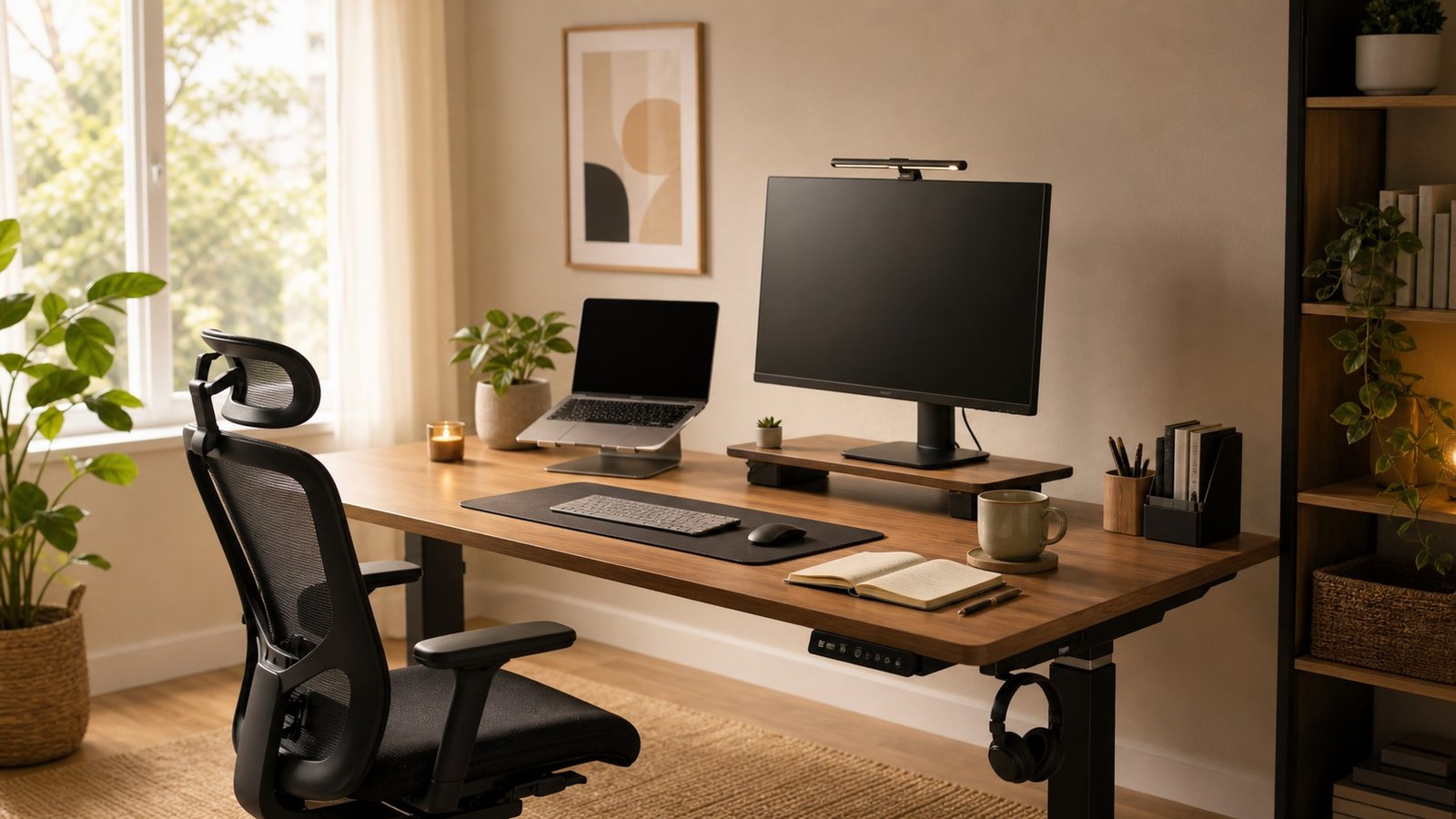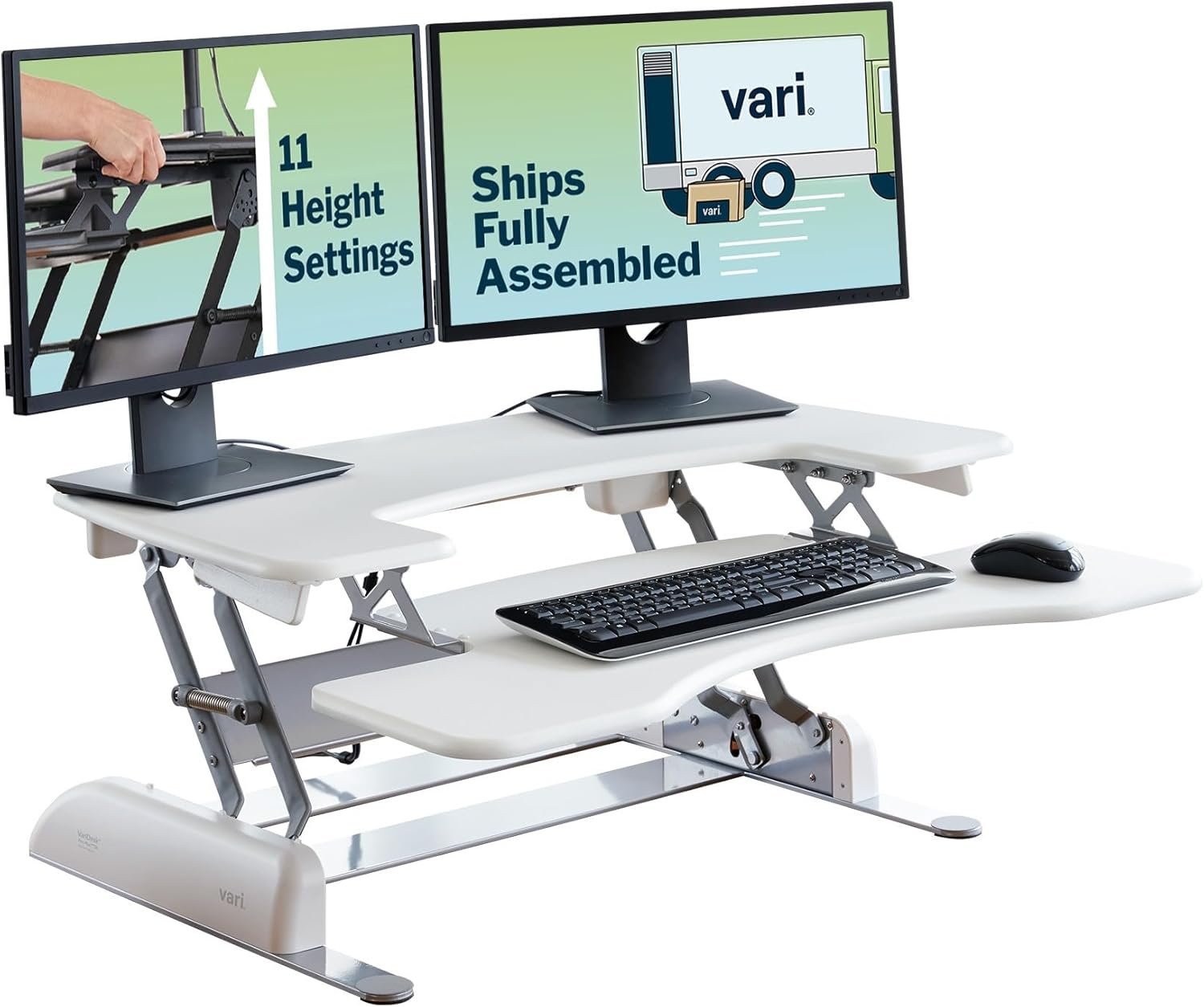
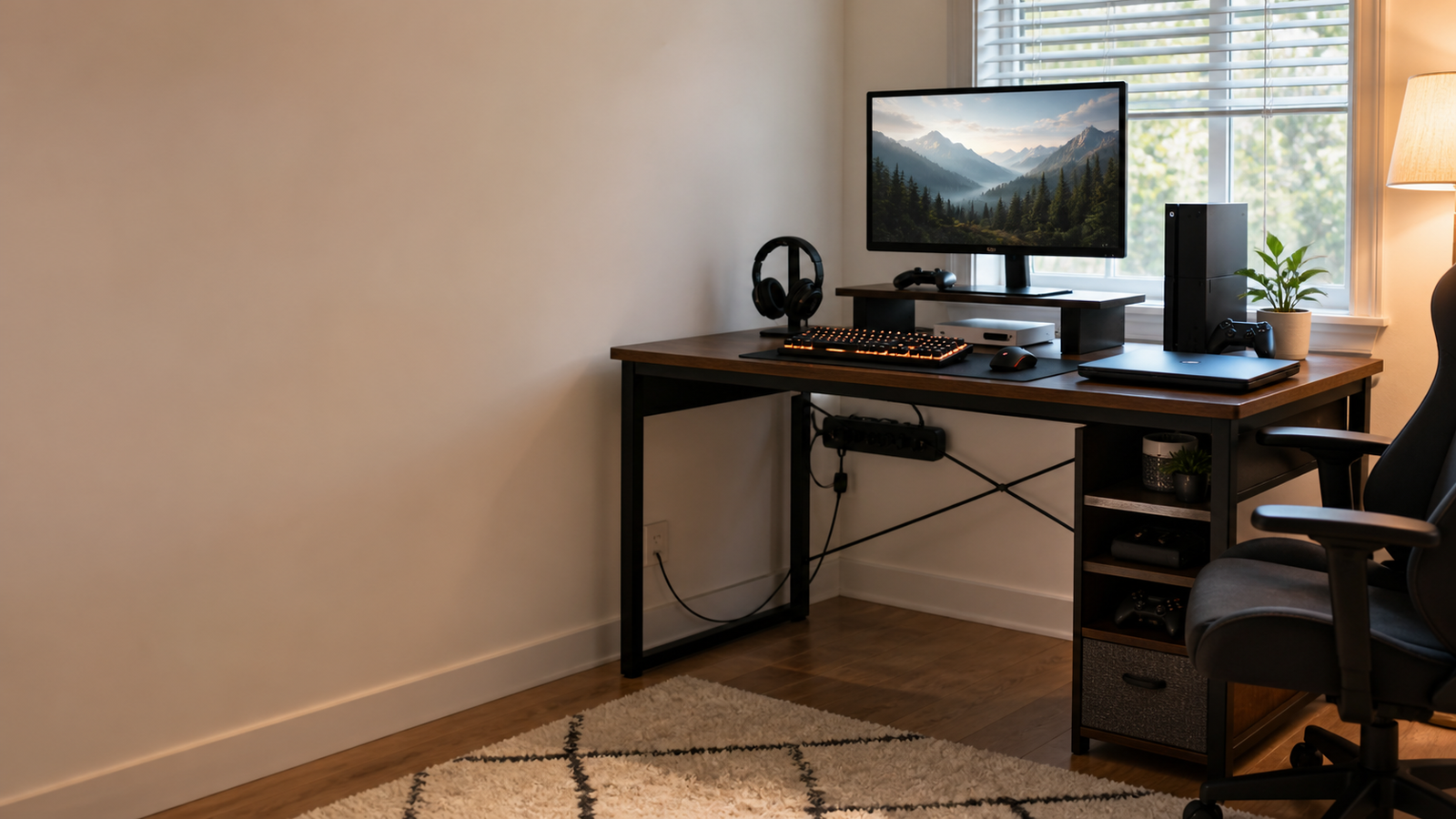
A $400 ceiling gives you more options than a bare-bones budget desk, but it still does not mean every feature is worth paying for. The best gaming desk under $400 should make a real setup easier to live with: more storage, better power access, enough room for monitors, and a layout that actually fits your room.
This list focuses on desks that solve practical setup problems rather than just looking more aggressive. Some are storage-heavy. Some are compact. Some are better for dual monitors. The right choice depends on whether your biggest problem is clutter, cable reach, room shape, or screen distance.
Quick Picks
| Pick | Best for | Why it stands out | Main tradeoff |
|---|---|---|---|
| SEDETA 66-Inch L-Shaped Desk With File Drawer | Most storage in one desk | File drawer, hutch, monitor shelf, power outlet, and printer/storage shelves | Feature-heavy design takes more planning |
| SEDETA Reversible/U-Shaped L-Shaped Gaming Desk | Flexible room layouts | Reversible layout, storage, power, and large workstation feel | Not ideal if you want a very simple desk |
| ODK 53-Inch L-Shaped Gaming Desk | Compact powered setups | LED lighting, outlets, shelves, and a 53-inch corner footprint | Less storage than the larger desks |
| Furologee 66-Inch L-Shaped Desk | Dual-monitor storage | 3 outlets, 2 USB ports, 2 movable monitor stands, and a file drawer | Shallow stated depth needs attention |
| SEDETA L-Shaped Desk With Fabric Drawers | Drawer-heavy gaming rooms | Fabric drawers and hutch storage keep accessories out of sight | Fabric drawers are practical, not premium |
What $400 Should Get You
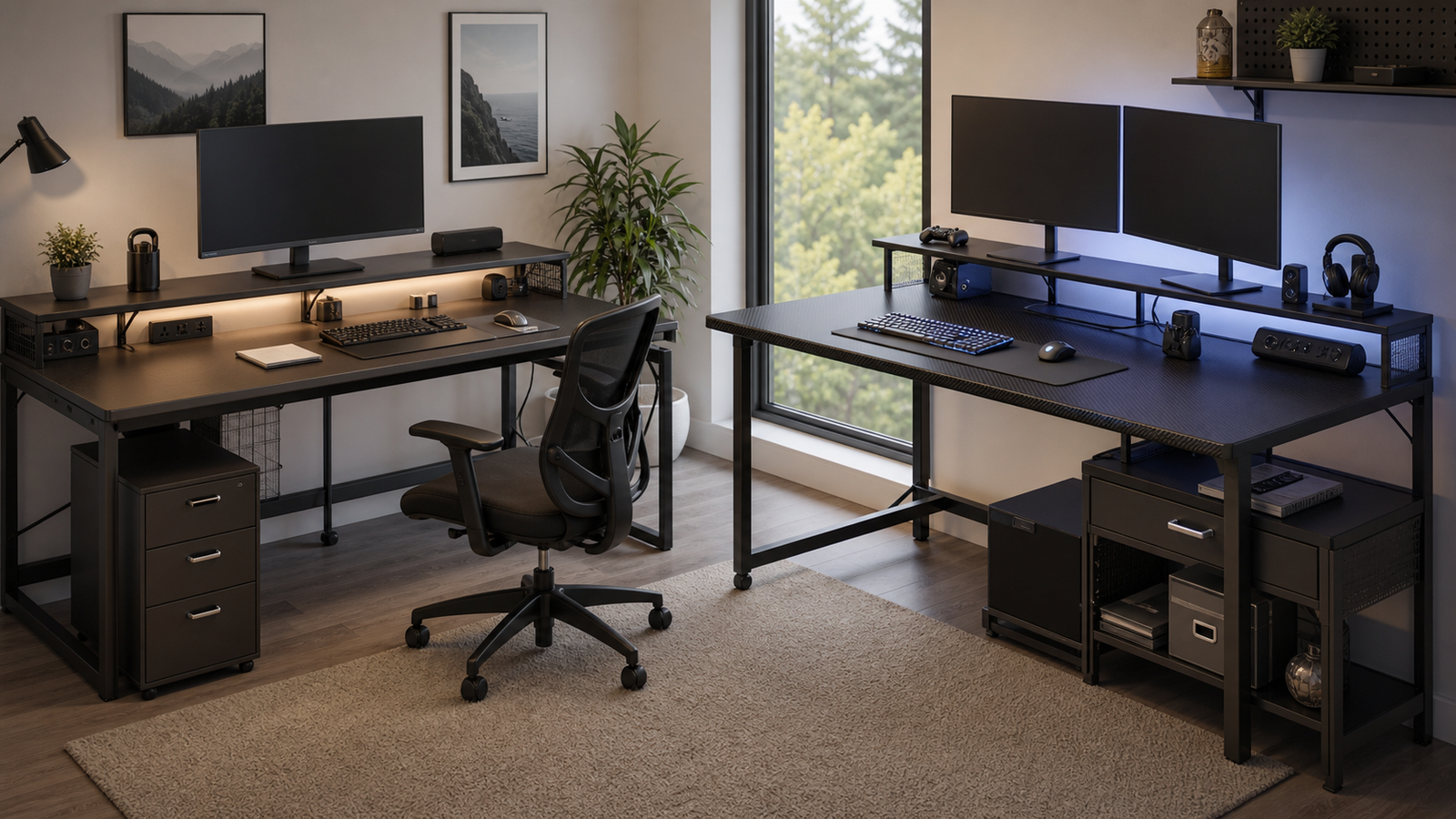
Under $400, you should expect more than a flat tabletop. This budget can buy a desk with a real storage plan: file drawers, side shelves, a hutch, monitor risers, outlet access, USB charging, hooks, or a reversible corner layout. That can make a gaming setup feel cleaner without buying a premium sit-stand desk.
The catch is that many desks in this range still use engineered wood, metal tube frames, fabric drawers, and multi-piece tops. They can be useful, but they are not the same thing as a heavy solid-wood desk or an all-metal gaming platform. The value comes from function per dollar, not from luxury materials.
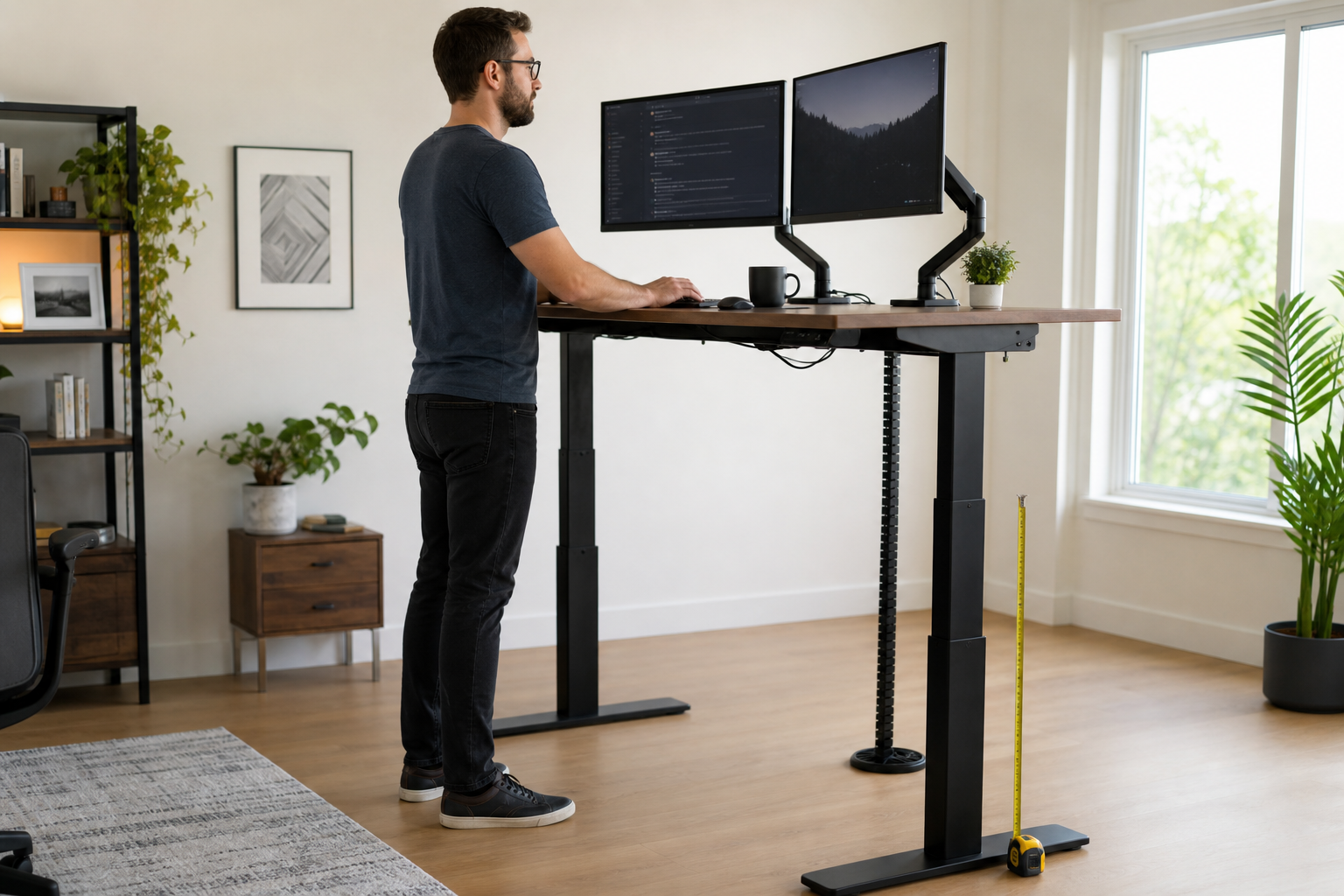
Desk depth is the spec to watch. A desk can look large in photos and still feel tight if the top is around 19 to 21 inches deep. Once a monitor, keyboard, mouse, speakers, and a drink are on the desk, shallow depth becomes obvious. A monitor arm can help, but only if the clamp area is solid and the desk sits close enough to the wall for clean cable routing.
The best $400 desk is usually the one that removes a daily annoyance: no place for documents, no charging ports, no room for a second monitor, or no corner-friendly layout.
How We Chose
The comparison focused on room fit, usable surface area, storage, outlet placement, monitor distance, assembly risk, and how the desk behaves after a real setup is added. A desk that photographs well can still be frustrating if the monitor shelf is too close, the drawers are too light-duty, or the L-shaped return blocks the chair.
Real owner discussions helped shape the practical warnings. SEDETA users on Reddit have called out both sides of the experience: decent space and room-layout flexibility on one hand, but shallow depth and fabric-drawer compromises on the other. Other desk setup discussions point out that product photos can exaggerate apparent depth, making exact dimensions more important than staged images.
That is why the picks below are organized by use case. The best storage desk is not automatically the best compact desk. The most flexible layout is not automatically the cleanest setup.
Best Overall Storage Setup: SEDETA 66-Inch L-Shaped Desk With File Drawer
The SEDETA 66-inch L-shaped desk with file drawer is the strongest all-around pick if you want storage built into the desk instead of scattered around the room. It combines a corner layout with a file drawer, hutch, monitor shelf, power outlet, and printer or storage shelves. That is a lot of function for a desk that usually sits far below the $400 ceiling.
This is the best fit for a mixed gaming and work setup. The main surface can hold your monitor, keyboard, and mouse, while the side return can handle documents, a laptop, controller charger, small printer, or streaming accessory. The hutch and shelves help keep the desktop from turning into a pile of cables and boxes.
The owner-experience caveat is depth. A Reddit discussion about SEDETA desks specifically called out a 19.7-inch depth as the biggest concern and suggested monitor arms for users who want the screen farther away. That is the kind of detail product photos often hide. If you use a large monitor, check the depth and think through whether a monitor shelf brings the screen too close.
Assembly is another real consideration. A storage-heavy L-shaped desk has more pieces than a plain rectangle. Sort the hardware first, leave bolts slightly loose until the frame is aligned, and build it in the room where it will stay.
Best Flexible L-Shaped Setup: SEDETA Reversible/U-Shaped L-Shaped Gaming Desk
The SEDETA reversible gaming desk is the better choice if you care more about layout flexibility than maximum storage density. A reversible or U-shaped-style layout gives you more room to adapt the desk to the wall, window, door, closet, or bed placement in your room.
This matters because L-shaped desks are not automatically space savers. A fixed return can work perfectly in one corner and feel awkward in another. A flexible layout makes the desk easier to keep through a room change, apartment move, or setup upgrade.
The desk makes the most sense for people who split their surface into zones: gaming on one side, laptop or notes on the other, and accessories along the back. Built-in power also helps reduce cable clutter, especially when the wall outlet is not directly behind the main monitor.
The tradeoff is visual complexity. More layout options usually mean more parts, more shelves, and more decisions during assembly. If you want the cleanest possible setup, a simpler straight desk may feel calmer. If your room is awkward, flexibility is worth more than minimalism.
Best Compact Power Desk: ODK 53-Inch L-Shaped Gaming Desk
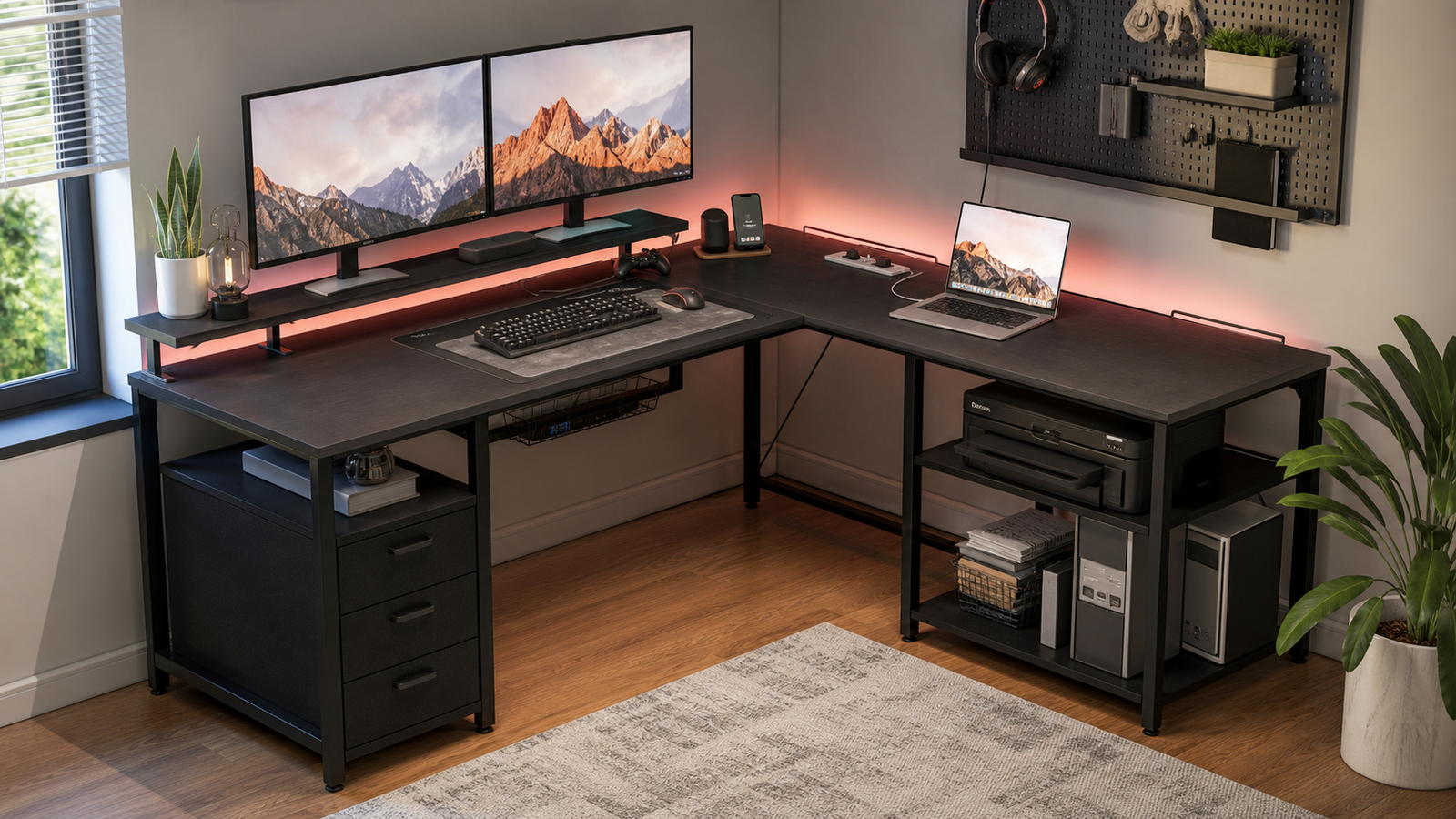
The ODK 53-inch L-shaped gaming desk is the best fit when you want a powered corner desk but do not need a large hutch or full file-storage setup. Its appeal is simple: LED lighting, power access, shelves, and an L-shaped footprint that fits more rooms than a 66-inch workstation.
For a single-monitor or modest dual-monitor setup, that balance can work well. The desk gives you enough gaming identity and charging convenience without making the entire room revolve around the furniture. It is especially useful in bedrooms, apartments, or shared spaces where a larger L-shaped desk would crowd the walkway.
The limitation is long-term expansion. A compact L-shaped desk can fill up quickly once a tower, speakers, microphone arm, headset stand, controller dock, and second monitor enter the setup. If you already know your gear list is growing, the larger SEDETA or Furologee options may be safer.
Choose ODK when power and compactness matter more than file drawers. It is the practical pick for keeping the setup neat without overbuying desk size.
Best Dual-Monitor Storage Pick: Furologee 66-Inch L-Shaped Desk
The Furologee 66-inch L-shaped desk is a strong dual-monitor option because its product page lists three power outlets, two USB charging ports, two movable monitor stands, a file drawer, and storage shelving. The movable monitor stands are the key feature. They let you position screens more deliberately instead of being locked into one fixed riser.
This desk is useful for people who game, work, study, or create from the same surface. One side can hold the primary monitor and keyboard, while the other can handle a laptop, notebook, audio interface, or console. The outlets and USB ports reduce the need to run every small charger to the wall.
The important caution is depth. Furologee’s own product page for a 66-inch L-shaped model lists an 18.9-inch depth. That is shallow for some monitor setups. If your display is large or you sit close to the desk, a monitor arm may be more important than the included stands. It can push the screen back and free desktop space, but only if the clamp area works.
This is the pick for users who want a lot of practical features in one desk and are willing to plan monitor placement carefully.
Best Drawer-Heavy Gaming Desk: SEDETA L-Shaped Desk With Fabric Drawers
The SEDETA L-shaped desk with fabric drawers is the best pick here if your main problem is visible clutter. Gaming setups accumulate small items quickly: controllers, chargers, headset adapters, notebooks, spare cables, flash drives, remotes, and cleaning cloths. Fabric drawers are not glamorous, but they keep lightweight clutter off the surface.
The hutch-style storage helps too. It creates vertical organization without requiring a separate shelf unit. For a bedroom setup, that can make the desk feel less chaotic and leave more room for the mouse and keyboard.
Owner comments around SEDETA-style desks are realistic about fabric drawers. One Reddit user who liked their SEDETA corner desk still said the fabric drawers were not their favorite part, while also noting that they worked fine enough. That is the right expectation. Fabric drawers are convenient budget storage, not heavy-duty furniture.
Buy this desk if you want a cleaner-looking setup and will use the drawers for light items. Skip it if you need rigid storage for heavy books, tools, or electronics.
Comparison Table
| Desk | Layout | Best setup | Storage/power | Watch out for |
|---|---|---|---|---|
| SEDETA 66-Inch With File Drawer | 66-inch L shape | Work/gaming storage hub | File drawer, hutch, shelves, power | Depth and assembly complexity |
| SEDETA Reversible/U-Shaped Desk | Flexible L/U-style layout | Rooms that may change | Power and storage | More visual complexity |
| ODK 53-Inch L-Shaped Desk | Compact L shape | Small powered gaming setup | LED, outlets, shelves | Less expansion room |
| Furologee 66-Inch L-Shaped Desk | 66-inch L shape | Dual-monitor work and gaming | 3 outlets, 2 USB, monitor stands, file drawer | Shallow depth needs planning |
| SEDETA With Fabric Drawers | L shape with hutch | Accessory-heavy rooms | Fabric drawers and hutch | Drawers are light-duty |
Desk Depth, Monitor Distance, and Room Fit
Desk depth is the spec most likely to disappoint buyers. A desk can be wide and still feel cramped if the monitor sits too close. In Reddit discussions about SEDETA and other budget L-shaped desks, owners often focus on depth, monitor stands, and whether a monitor arm is needed to make the screen distance comfortable.
A monitor shelf can help posture if it puts the screen at the right height, but it can also get in the way. One budget L-shaped desk owner described the monitor stand as continually getting in the way, even though the desk was still a decent temporary setup. That kind of experience is common with compact desks: the feature is useful only if it matches your actual monitor and keyboard placement.
Measure the depth, not just the width. Also measure chair clearance, tower placement, and the side return. If the desk will sit in a bedroom, make sure drawers and shelves can open without hitting the bed, closet, or wall.
Assembly and Stability Notes
Storage-heavy L-shaped desks take patience. They often have reversible parts, shelves, drawers, rails, and multiple top panels. The easiest way to avoid trouble is to sort the hardware, identify left/right pieces before tightening, and build the desk near its final position.
Some owner feedback is reassuring. A Reddit user discussing a SEDETA corner L-shaped desk said the instructions were clear, no pieces were missing or damaged, and the listed measurements were accurate enough to plan whether a PC case would fit under a shelf. That is a useful real-world detail because measurement accuracy matters more than marketing photos.
Still, budget desks should be treated with realistic stability expectations. Level the feet, avoid overloading shelves, and do not assume a hollow-frame desk will feel like a heavy office workstation. If you plan to use monitor arms, check clamp space and avoid hanging too much weight on a thin or unsupported edge.
FAQ
Is $400 enough for a good gaming desk?
Yes. A $400 budget is enough for a useful gaming desk with storage, outlets, shelves, or a good L-shaped layout. It is not always enough for premium materials or electric height adjustment. Spend the money on the feature that solves your real problem.
Are L-shaped gaming desks worth it?
L-shaped desks are worth it when you have a usable corner or want separate zones for gaming, work, and storage. They are not automatically better than straight desks. In small rooms, the side return can either save space or make the room harder to move through.
How deep should a gaming desk be?
Around 24 inches is more comfortable for many monitor setups, especially with larger screens. Desks around 19 to 21 inches deep can still work, but monitor distance becomes more sensitive. A monitor arm can help if the desk supports clamping safely.
Are fabric drawers good on a gaming desk?
Fabric drawers are good for lightweight clutter: cables, controllers, notebooks, remotes, and small accessories. They are not a substitute for solid furniture drawers. If you need heavy-duty storage, choose a desk with rigid drawers or add a separate cabinet.
Final Verdict
For the most complete storage setup, choose SEDETA 66-Inch L-Shaped Desk With File Drawer. If room flexibility matters more, SEDETA Reversible/U-Shaped L-Shaped Gaming Desk is the safer layout bet. ODK 53-Inch L-Shaped Gaming Desk is better for compact powered setups, while Furologee 66-Inch L-Shaped Desk is the stronger dual-monitor storage pick. For hiding everyday clutter, SEDETA L-Shaped Desk With Fabric Drawers makes the most sense.