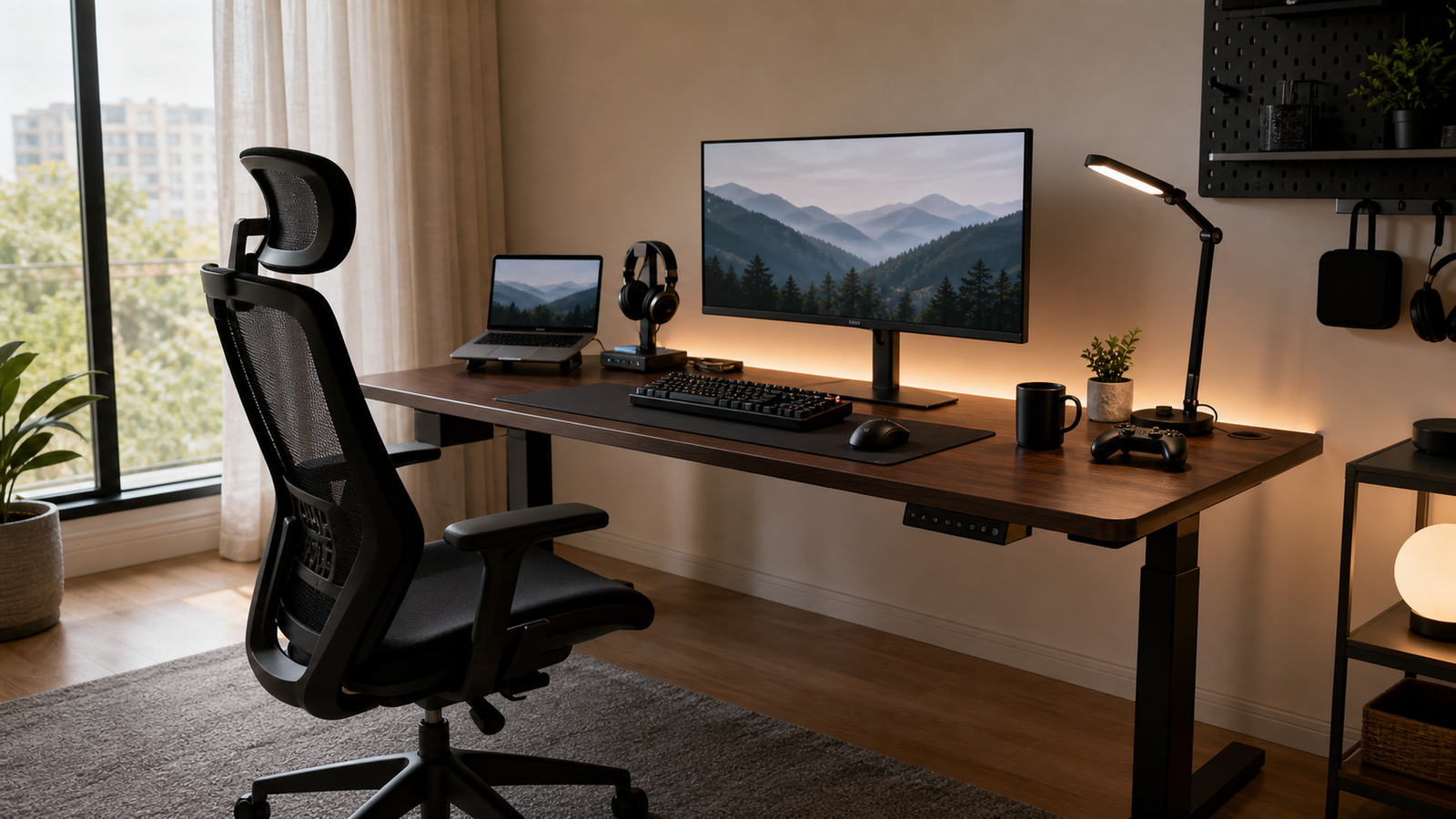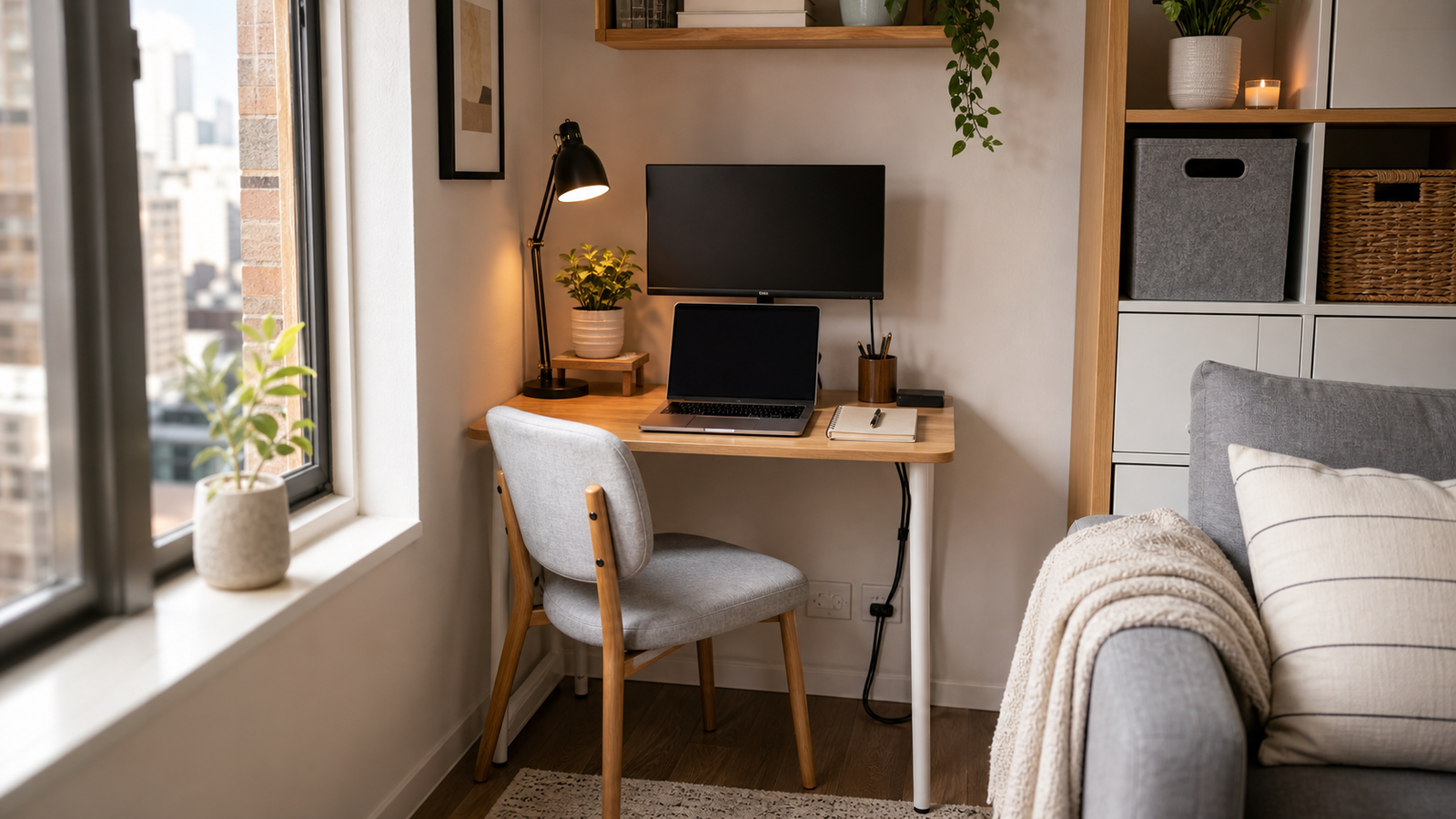
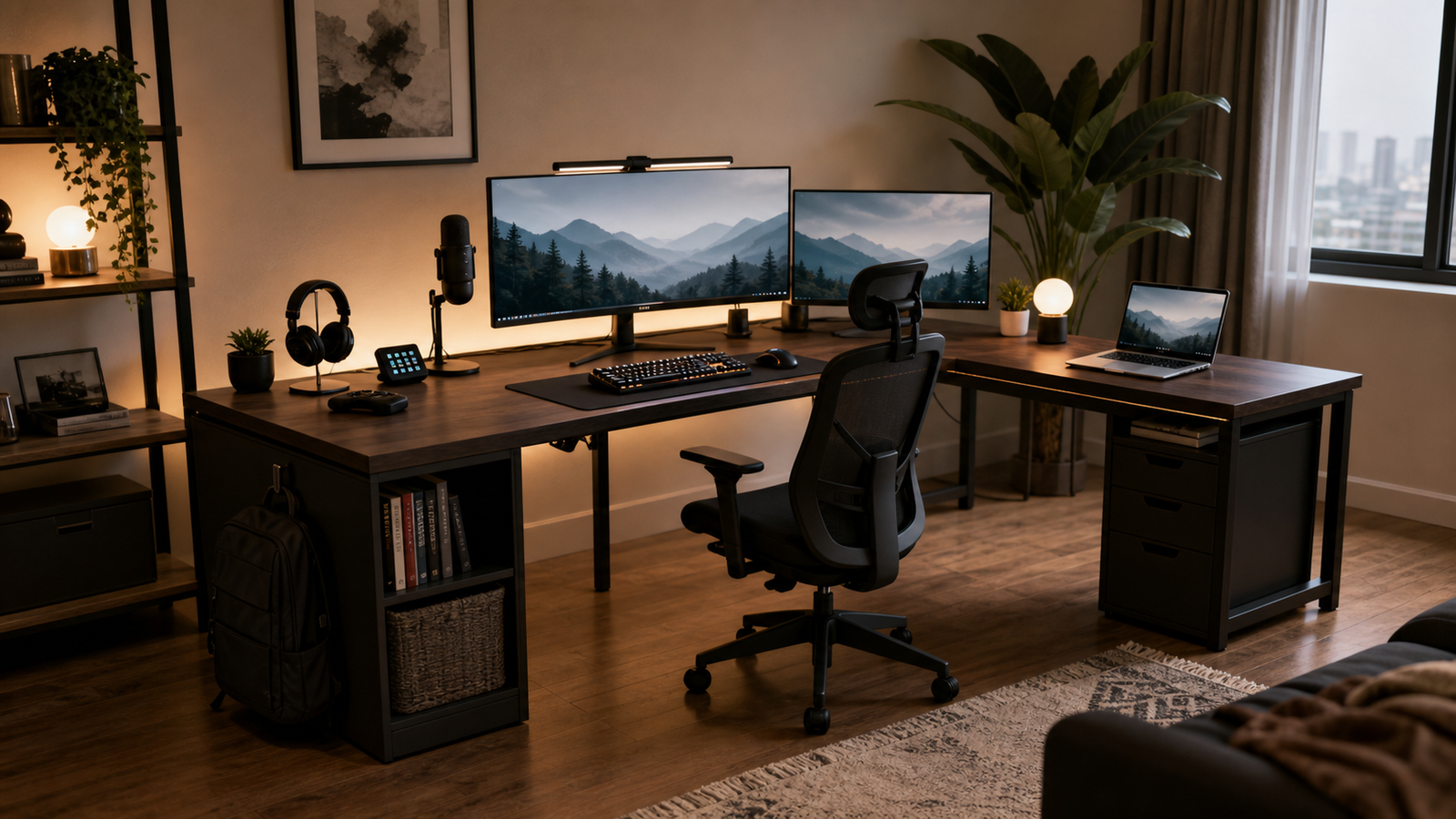
A $1300 budget gives you room to buy a serious gaming desk, but it does not mean the most expensive desk is automatically the right one. The better question is what your setup actually needs: a full cable-management system, a sit-stand frame, a wide mouse surface, a corner layout, or simply a compact desk with power outlets that does not waste floor space.
For most PC setups, the best gaming desk under $1300 is the one that fits your room and keeps your monitors, tower, peripherals, and cables under control after the first week. These five picks cover very different setups, from premium standing desks to practical small-room options.

Quick Picks
| Pick | Best for | Why it stands out | Main tradeoff |
|---|---|---|---|
| Secretlab MAGNUS Pro XL | Premium cable-managed battlestations | Integrated power column, full-length rear cable tray, magnetic accessory ecosystem, large sit-stand surface | Expensive, heavy, and easiest to justify if you want the Secretlab accessory system |
| Corsair Platform:4 Elevate | Compact premium gaming and creator setups | Electric height adjustment, included monitor arm, USB, cable tray, and modular rail in a 47 x 30 inch footprint | Small for the price if you do not need the rail system |
| Eureka Ergonomic 61-Inch L-Shaped Standing Desk | Corner setups that need storage and lift | L-shaped standing layout, keyboard tray, monitor stand, RGB, USB, and cable management features | More feature-dense than refined; not a minimalist premium desk |
| Arozzi Arena | Wide fixed gaming surfaces | 63 x 32 inch surface, full-desk mousepad, cable cutouts, and room for large monitor layouts | No motorized height adjustment and some owner feedback is mixed on base stability |
| Bestier 42-Inch L-Shaped Gaming Desk | Small rooms and first PC setups | Built-in power, USB/Type-C, LED lighting, reversible shelves, and a compact corner shape | Budget materials and less long-term upgrade room |
What a $1300 Budget Should Actually Buy
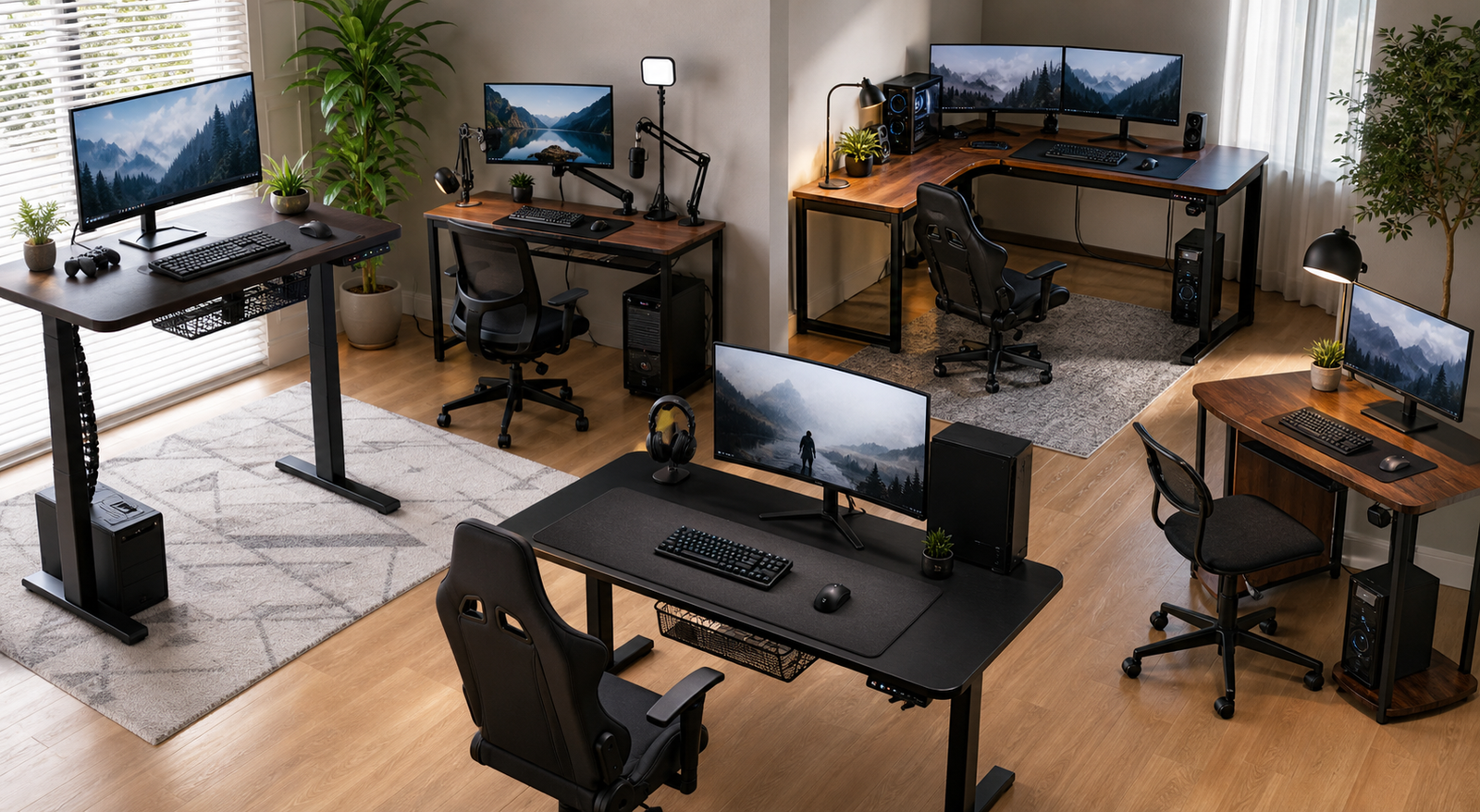
At this price ceiling, the real upgrade is not more RGB. A better gaming desk should solve practical problems: where the power strip goes, how monitor cables move when the desk rises, whether a dual-monitor arm makes the screens shake, and whether the desktop is deep enough for a keyboard, mouse, speakers, and a comfortable viewing distance.
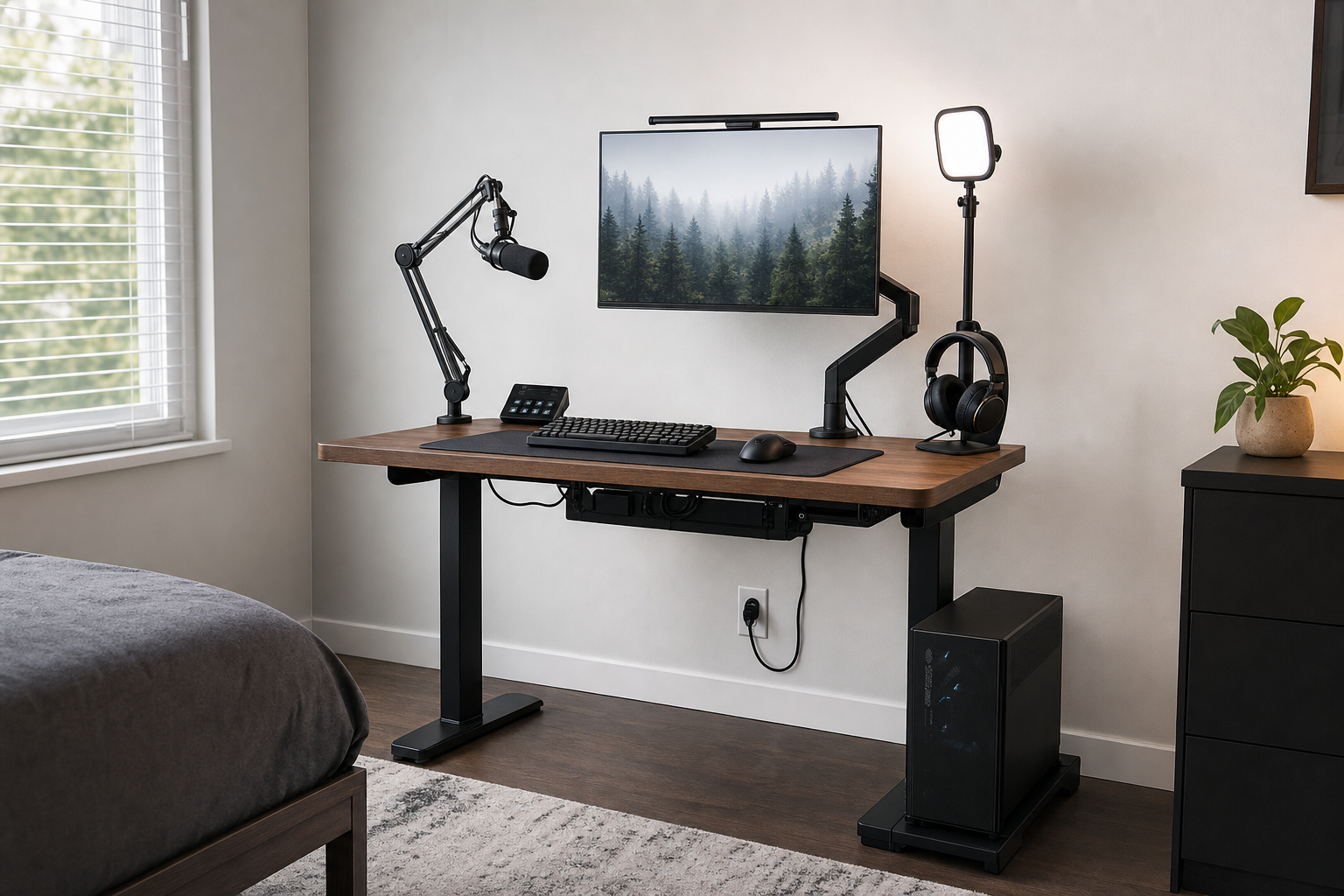
If you have a heavy tower, two or three displays, speakers, lights, a microphone arm, and a console or laptop dock, a premium desk can be worth it because the desk becomes the backbone of the whole setup. Better cable routing and stronger mounting points make daily use feel cleaner.
If your setup is a single monitor in a small bedroom, spending close to $1300 may be unnecessary. A compact L-shaped desk with built-in power can solve the real problem for far less money. The rest of the budget may do more good on a better chair, monitor arm, surge protector, lighting, or acoustic treatment.
How We Chose the Desks
The main filters were room fit, stability, usable surface area, cable control, monitor-arm compatibility, power access, and whether the desk makes sense below a $1300 ceiling. A desk that looks good in a staged setup can still disappoint if it is too shallow, hard to level, or awkward once a PC tower and monitor arms are added.
Real owner discussions also shaped the tradeoffs. With standing desks, people care less about official weight limits than about what happens when a keyboard is used at standing height and a monitor arm magnifies small movement. With gaming-branded desks, cable management and accessories matter, but only if the buyer will actually use them.
That is why this list mixes premium and value picks. The right answer for a streaming setup is not the same as the right answer for a corner bedroom setup.
Best Overall Premium Setup: Secretlab MAGNUS Pro XL
The Secretlab MAGNUS Pro XL is the strongest fit if you want one desk to organize an entire high-end gaming and work setup. Its biggest advantage is not one isolated spec. It is the way the power column, rear cable tray, magnetic accessories, sit-stand frame, and large surface work together.
The integrated power column keeps the main cable path cleaner than a normal standing desk where a power strip hangs from the underside. The full-length rear tray gives you room for monitor power bricks, chargers, USB hubs, and excess cable length. That matters because a gaming setup usually grows over time. A desk that looks clean on day one can become messy once you add a second monitor, capture device, speakers, lights, or a console dock.
The XL size is the safer choice for users with wide monitors, dual arms, or a tower mount. It gives the setup breathing room without forcing everything to the back edge. For a sit-stand gaming desk, that extra space is often more useful than another RGB strip.
Owner discussions are mostly positive about daily stability, but the nuance matters. At sitting height, most complaints are low. At standing height, especially near the top of the range, small movement can show up through monitor arms. That does not make the desk weak; it means buyers with sensitive eyes, tall standing height, or dual arms should think about monitor weight, arm quality, floor leveling, and how aggressively they type.
Who should skip it
Skip it if you do not want to pay for a premium accessory ecosystem. The desk makes the most sense when you want Secretlab’s magnetic cable anchors, mat system, monitor arms, PC mount, or other matching pieces. If you only need a flat surface and a basic monitor arm, the price is harder to justify.
Small rooms are another reason to pause. A large standing desk needs space behind it for cable access and enough clearance for your chair when you sit. Measure before buying, especially if the desk will sit near a bed, closet, or door swing.
Best Compact Premium Desk: Corsair Platform:4 Elevate
The Corsair Platform:4 Elevate is the best pick here for a compact, premium, gear-heavy setup. It is smaller than many premium desks at 47 x 30 inches, but it uses that footprint well with electric height adjustment, memory presets, an included monitor arm, USB, cable management, and a modular T-channel rail.
That rail is the reason to buy it. If you use a monitor arm, microphone arm, camera mount, lights, stream deck, or Elgato-style creator gear, the desk can feel like a compact command center. The setup stays more intentional because accessories have an actual mounting system instead of being clamped wherever they happen to fit.
The tradeoff is value by square inch. If you judge only by desktop size, Platform:4 Elevate is expensive. A larger standing desk can cost less. But if your room is narrow and your setup depends on mounted gear, the smaller surface can be a feature rather than a compromise.
Owner discussion around Corsair’s platform desks often comes back to price and ecosystem. People who value the modular layout see the convenience; people who just need a large desk tend to compare it against cheaper standing desks and question the premium. That split is useful: buy this for the rail, monitor arm, and cable system, not because it is the cheapest way to get a standing desk.
Who should skip it
Skip it if you do not plan to use the rail system or included monitor arm. Without those features, the desk loses much of its reason to cost more than a larger conventional standing desk. It is also not ideal if you need a deep three-monitor desk or want a tower, speakers, and console all on the surface.
Best L-Shaped Standing Desk: Eureka Ergonomic 61-Inch L-Shaped Standing Desk
The Eureka Ergonomic 61-inch L-shaped standing desk is for buyers who need a corner layout more than a minimalist premium surface. It combines a sit-stand frame with a wide L-shaped work area, keyboard tray, monitor stand, RGB lighting, USB, headphone/cup holders, cable holes, and socket holders.
That makes it useful for a mixed gaming and home-office setup. The keyboard tray frees up desktop space, the side return gives you room for a laptop or secondary task area, and the monitor stand helps create a more layered layout. If your room naturally has a corner for a desk, an L shape can also separate the main gaming area from work notes, controllers, audio gear, or a console.
The realistic caveat is that this is a feature-packed desk, not a stripped-down metal premium platform. Buyers should expect more parts, more assembly decisions, and more visual busyness than they would get from a simple rectangular standing desk. The included accessories are useful, but they also define how the desk feels.
Choose it if your problem is layout. If your problem is maximum premium feel, cleaner third-party mounting, or the strongest possible standing-height stability, a simpler rectangular standing desk may be the better foundation.
Best Wide Fixed Desk: Arozzi Arena
The Arozzi Arena is the best fit if you want a wide gaming surface and do not care about electric height adjustment. Its 63 x 32 inch desktop gives you enough room for a large mouse sweep, full-size keyboard, speakers, and dual-monitor or triple-monitor layouts. The full-surface mousepad is the feature that makes it feel different from a normal office desk.
For low-sensitivity mouse users, that surface is genuinely useful. You are not fighting the edge of a small desk mat, and your keyboard, mouse, and wrists all sit on the same soft surface. The desk also has cable cutouts to help route wires away from the middle of the setup.
The main caveat is stability feedback. Some owners praise the size and solid feel, while others worry about base movement, hard-floor wobble, or the quality of the under-desk cable net. That makes setup important. Level the feet carefully, avoid dragging it around after assembly, and think twice before loading it with an extreme monitor-arm setup if screen shake bothers you.
It is a good desk for people who want space first. It is not the right pick if you want sit-stand movement, a hidden power system, or a premium cable tray.
Best Budget Corner Pick: Bestier 42-Inch L-Shaped Gaming Desk
The Bestier 42-inch L-shaped gaming desk is the practical answer for someone who searched with a high budget but does not actually need to spend it. It fits small bedrooms, dorms, apartments, and first PC setups where the main problem is getting a monitor, PC, keyboard, mouse, and charging cables into a clean corner.
The built-in power strip is the most useful feature. Two AC outlets, USB, and Type-C reduce the need to run every cable down to the wall. The reversible shelves and hooks give the desk more flexibility than a plain rectangular table, and the LED lighting adds the gaming look without making the desk expensive.
Set expectations correctly. This is not a premium sit-stand desk, and it should not be treated like one. It is a compact budget desk with convenient features. If you plan to clamp heavy monitor arms, mount a large desktop tower, or keep this desk through several major setup upgrades, you may outgrow it.
For a small room, though, it solves the right problem. It keeps the setup compact, powered, and organized without using the whole $1300 budget.
Comparison Table
| Desk | Type | Best setup | Standout feature | Watch out for |
|---|---|---|---|---|
| Secretlab MAGNUS Pro XL | Electric standing desk | Premium dual-monitor battlestation | Power column and full-length cable tray | Price, weight, accessory cost |
| Corsair Platform:4 Elevate | Compact electric desk | Streamer or creator setup | Rail system, USB, included monitor arm | Small surface for the price |
| Eureka Ergonomic 61-Inch L-Shaped | L-shaped standing desk | Corner gaming/work setup | Keyboard tray and accessory-heavy layout | More parts and visual clutter |
| Arozzi Arena | Fixed wide desk | Wide mouse and multi-monitor setup | Full-surface washable mousepad | No motor, mixed stability feedback |
| Bestier 42-Inch L-Shaped | Budget corner desk | Small rooms and first PC setups | Built-in power and reversible storage | Budget materials and limited upgrade room |
Room Fit and Setup Scenarios
Measure the room before choosing the desk. Width matters, but depth and clearance matter more than many buyers expect. A 47-inch desk can work well if it has smart mounting and cable routing. A 63-inch desk can still feel cramped if it is shallow, pushed against a wall, or packed with speakers and a PC tower.
For a small bedroom, Bestier is the easiest fit. It gives you a corner layout and power without forcing the room to revolve around the desk. Corsair is the premium small-space pick when the setup has mounted gear and you want the desk to organize it.
For dual monitors, Secretlab and Arozzi are the more comfortable choices. Secretlab is better if you want sit-stand use and hidden cables. Arozzi is better if you mainly want a large fixed surface and do not want to pay for motors.
For a true corner workstation, Eureka is the most natural fit. The side return gives you a second zone for a laptop, console, notes, audio interface, or controller charging. Just make sure the room has enough chair clearance, because L-shaped desks can feel larger in real life than they look in product photos.
Stability, Monitor Arms, and Wobble
Official weight capacity is only part of stability. A desk can hold the load and still let a monitor shake when you type. Monitor arms make this more obvious because they move the screen away from the stable desktop and turn small frame movement into visible vibration.
This is why standing-height stability matters for Secretlab, Corsair, and Eureka. At sitting height, most good desks feel fine. At higher standing positions, especially with dual arms or a heavy ultrawide, the setup becomes more sensitive. Floor type also matters. Carpet, casters, uneven feet, and an unbalanced tower mount can all change the feel.
Owner discussions around Secretlab are a good example. Many owners describe normal use as stable, while a smaller group points out wobble at max height or with monitor arms. Both can be true. A person with a single monitor on a solid stand may never notice it. A person with two large displays on an arm may care a lot.
With Arozzi, the issue is different. It is a fixed desk, so motor wobble is not the concern. The concern is the base, floor, and whether the wide surface stays steady enough for the buyer’s monitor layout. Level it carefully and avoid assuming that a wide desktop automatically means a rock-solid frame.
Cable Management and Power
Cable management is where the premium desks separate themselves. Secretlab hides power through the leg and gives you a full-length rear tray. Corsair uses a rail and cable system that works especially well for mounted creator gear. More conventional standing desks often rely on trays, magnetic covers, and clips. Budget desks usually give you grommets, a small tray, or a built-in outlet.
The best system depends on your setup. If you have a PC, two monitors, speakers, lights, a microphone, and a camera, a large hidden tray is worth paying for. It keeps power bricks off the floor and makes the desk easier to raise without pulling cables tight.
If you only have a monitor, keyboard, mouse, and charger, a built-in outlet may matter more than a premium tray. Bestier is useful for that reason: the outlets and USB ports reduce everyday cable annoyance in a small room.
Before buying, trace the cable path in your head. Where does the wall outlet sit? Will the PC tower be on the desk, floor, or under-desk mount? Will monitor cables have enough slack when the desk rises? A desk can have good cable features and still fail your room if the outlet and tower are in the wrong place.
Which Desk Should You Buy?
Choose Secretlab MAGNUS Pro XL if you want the most complete premium gaming desk under the budget ceiling and care deeply about cable management. It is the best fit for a high-end PC setup that will keep growing.
Choose Corsair Platform:4 Elevate if your room is smaller but your setup is accessory-heavy. It is especially strong for creators, streamers, or anyone using mounted lights, cameras, microphones, and a monitor arm.
Choose Eureka Ergonomic if you want an L-shaped standing desk with a lot of built-in utility. It is the best pick here for a corner that needs a keyboard tray, monitor stand, and side workspace.
Choose Arozzi Arena if you want a wide, simple, fixed gaming surface with a full-desk mousepad. It is best for people who want space more than motors.
Choose Bestier if the smart move is to spend less. For a small room or first setup, it gives you power, shelves, hooks, and an L shape without pretending to be a premium desk.
FAQ
Is $1300 too much for a gaming desk?
It can be too much if you only need a basic surface for one monitor. It starts to make sense when the desk also solves power, cable routing, sit-stand movement, monitor-arm mounting, and long-term setup growth. Spend close to the limit only when those features will change daily use.
Is a standing desk good for gaming?
Yes, if you also use the setup for work, streaming, long sessions, or posture changes during the day. For gaming alone, standing is less important than stability and monitor position. If you use monitor arms, pay close attention to screen movement at standing height.
What size gaming desk is best for dual monitors?
A 55-63 inch desk is a comfortable starting point for most dual-monitor setups, but depth matters too. A deeper desk gives your eyes more distance from the screens and gives monitor arms more room to clamp and move without crowding the keyboard and mouse.
Are L-shaped gaming desks better?
L-shaped desks are better when your room has a usable corner or you need separate zones for gaming, work, consoles, and accessories. They are not automatically more stable or easier to manage. A good straight desk can be cleaner if you mainly need one wide surface.
Final Verdict
For most high-budget gaming setups, Secretlab MAGNUS Pro XL is the strongest choice because it treats cable management, power, surface space, and standing adjustment as one system. If you want a smaller premium desk for mounted gear, Corsair Platform:4 Elevate is the better fit. For a corner room, Eureka Ergonomic 61-Inch L-Shaped Standing Desk gives you more built-in utility. If you do not need motors, Arozzi Arena gives you a wide gaming surface, while Bestier 42-Inch L-Shaped Gaming Desk keeps the setup practical and inexpensive.