A $1500 budget can buy a serious gaming desk, but most people do not need to spend the full amount. The better question is what the desk must actually handle: dual monitors, an ultrawide display, a tower PC, speakers, a microphone arm, cable trays, charging, or sit-stand movement.
The best gaming desks under $1500 are not all luxury desks. Some are wide electric standing desks. Some are value sit-stand options. Some are simple fixed desks that leave more money for a chair, monitor arm, or better cable gear. These five picks cover the setups that make the most sense before paying for a true premium ecosystem.
Quick Picks
| Pick | Best for | Why it stands out | Main tradeoff |
|---|---|---|---|
| FLEXISPOT 79 x 32 Dual Motor Standing Desk | Large sit-stand gaming/work setups | Huge 79 x 32 inch surface and dual-motor lift | Requires room and careful cable planning |
| VIVO Electric 71 x 30 Standing Gaming Desk | Wide electric gaming setups | 71 x 30 inch desktop with electric height adjustment | Less premium than higher-end desk ecosystems |
| FLEXISPOT EN2 With Clamp Power Strip | Value sit-stand buyers | Whole-piece desktop, electric lift, and clamp power strip | Smaller and simpler than the largest desks |
| Huuger 63-Inch L-Shaped Desk With USB-C | Budget corner setups | L-shaped layout, power outlets, and USB-C | Fixed height and budget materials |
| AODK 59-Inch Gaming Desk With LED | Low-cost gaming rooms | 59-inch surface and gaming styling at a low price | Not a premium standing desk |
What This Budget Should Really Buy
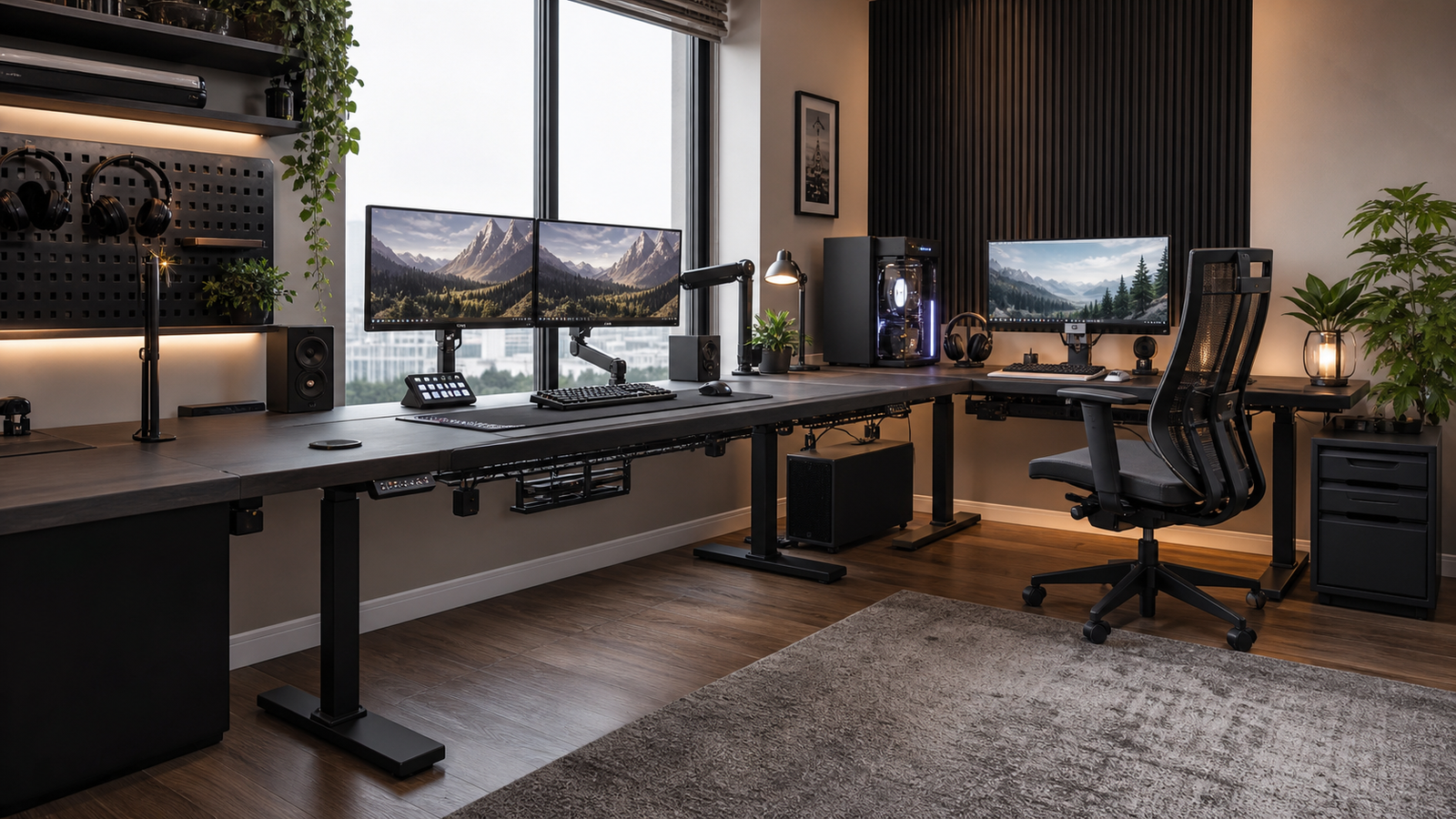
At this budget, the desk should solve a real setup problem. For many buyers, that means a large electric standing desk with enough depth for a comfortable monitor distance. For others, it means a clean L-shaped layout with power access and enough surface area for work and gaming.
The mistake is assuming that a higher ceiling means the most expensive desk is automatically better. If you only use one monitor in a small bedroom, a $1000 desk may waste money and space. If you use an ultrawide display, dual monitor arms, speakers, a microphone, and a tower PC, a wider and deeper standing desk can feel like a real upgrade every day.
Spend first on surface size, stability, depth, cable routing, and monitor-arm compatibility. RGB, decorative shapes, and extra shelves matter only after the fundamentals are right.
How We Chose
The main filters were usable desktop size, standing-desk practicality, monitor distance, cable movement, power access, and whether the desk makes sense below a $1500 ceiling. A gaming setup puts unusual stress on a desk because the load is not just weight. It is also cable pull, monitor-arm leverage, mouse movement, speaker placement, and frequent device charging.
Real owner discussions around standing desks also shaped the warnings. People often care less about the official load rating and more about what happens when they type at standing height with monitors on arms. A desk can hold the weight and still allow visible screen movement.
That is why this list includes both standing and fixed desks. The best choice depends on whether the desk needs to move, how many screens it supports, and how much of the room it can occupy.
Best Large Standing Desk: FLEXISPOT 79 x 32 Dual Motor Standing Desk
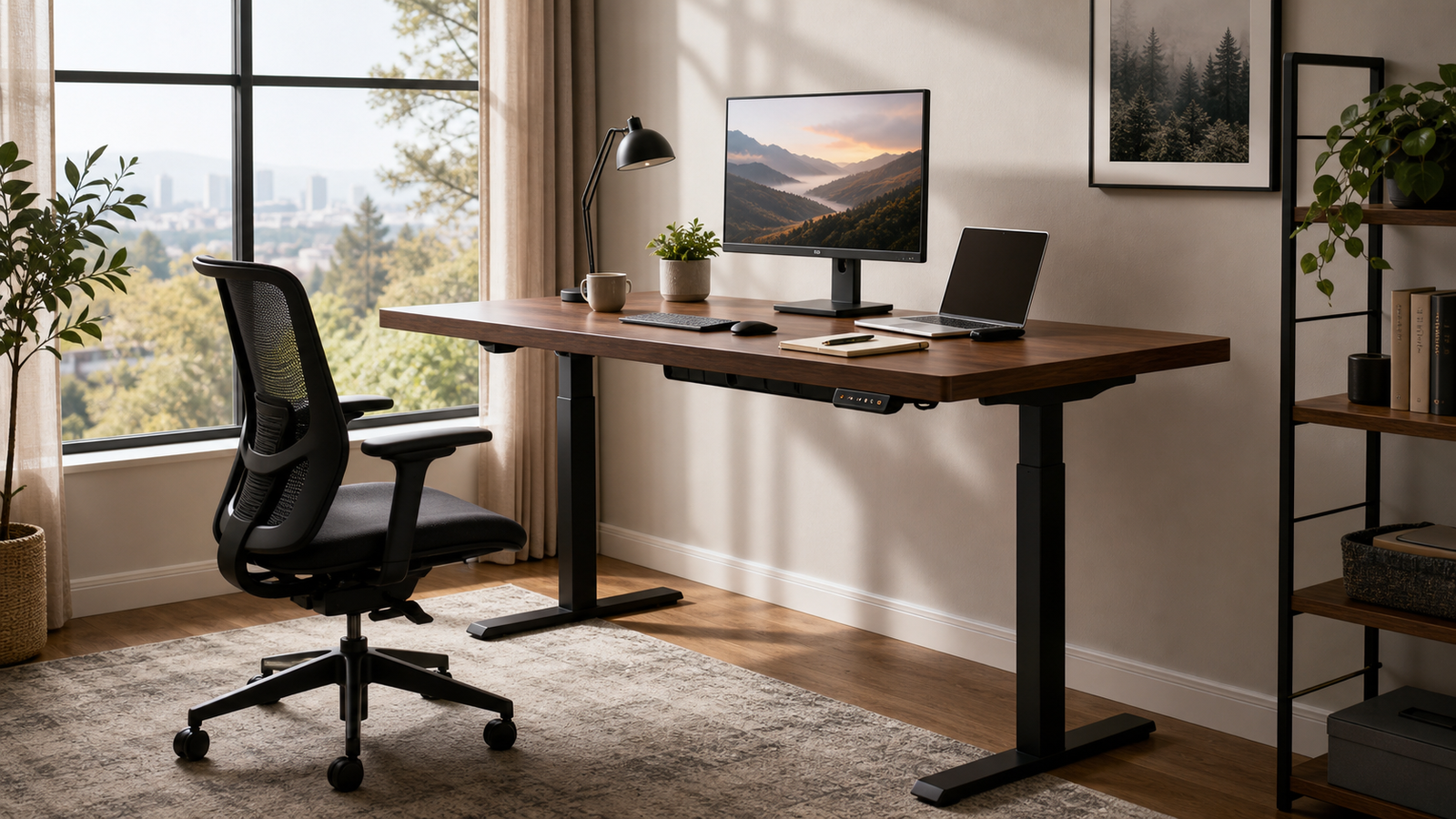
The FLEXISPOT 79 x 32 large dual-motor standing desk is the strongest fit if your setup needs a big surface. A 79-inch width can hold dual monitors, speakers, a microphone arm, a laptop stand, and a full keyboard/mouse area without crowding every edge. The 32-inch depth is just as important because it gives monitors more distance from your eyes.
For gaming, that depth matters more than many buyers expect. A large screen pushed too close can make the whole setup uncomfortable. A deeper desk also gives monitor arms more room to clamp and move without forcing the keyboard too close to your body.
The dual-motor lift is useful if you split time between work and gaming. It lets the same desk function as a workstation during the day and a gaming surface at night. The real planning point is cable slack. Every monitor, speaker, PC, and charger cable needs enough length to move safely with the desk.
This is the pick for large rooms and serious mixed-use setups. It is overkill for a single-monitor corner, but very practical for dual displays or an ultrawide.
Best Wide Electric Gaming Desk: VIVO Electric 71 x 30 Standing Gaming Desk
The VIVO 71 x 30 electric standing gaming desk is a good middle ground between oversized premium desks and smaller budget risers. The 71-inch width gives you enough surface for a wide gaming layout, while the 30-inch depth keeps the monitor position more comfortable than many shallow gaming desks.
It is a strong fit if you want electric adjustment but do not want to pay for a closed accessory ecosystem. You can add your own monitor arm, cable tray, surge protector, under-desk mount, or lighting instead of buying into one brand’s accessories.
The tradeoff is polish. It is not trying to be the most premium desk under the budget ceiling. It is trying to give you a large electric desk at a practical price. For many setups, that is the smarter use of money.
Choose it if the desk needs to move and you want enough width for a serious PC setup. Skip it if you want built-in premium cable channels, magnetic accessories, or a furniture-grade finish.
Best Value Standing Desk: FLEXISPOT EN2 With Clamp Power Strip
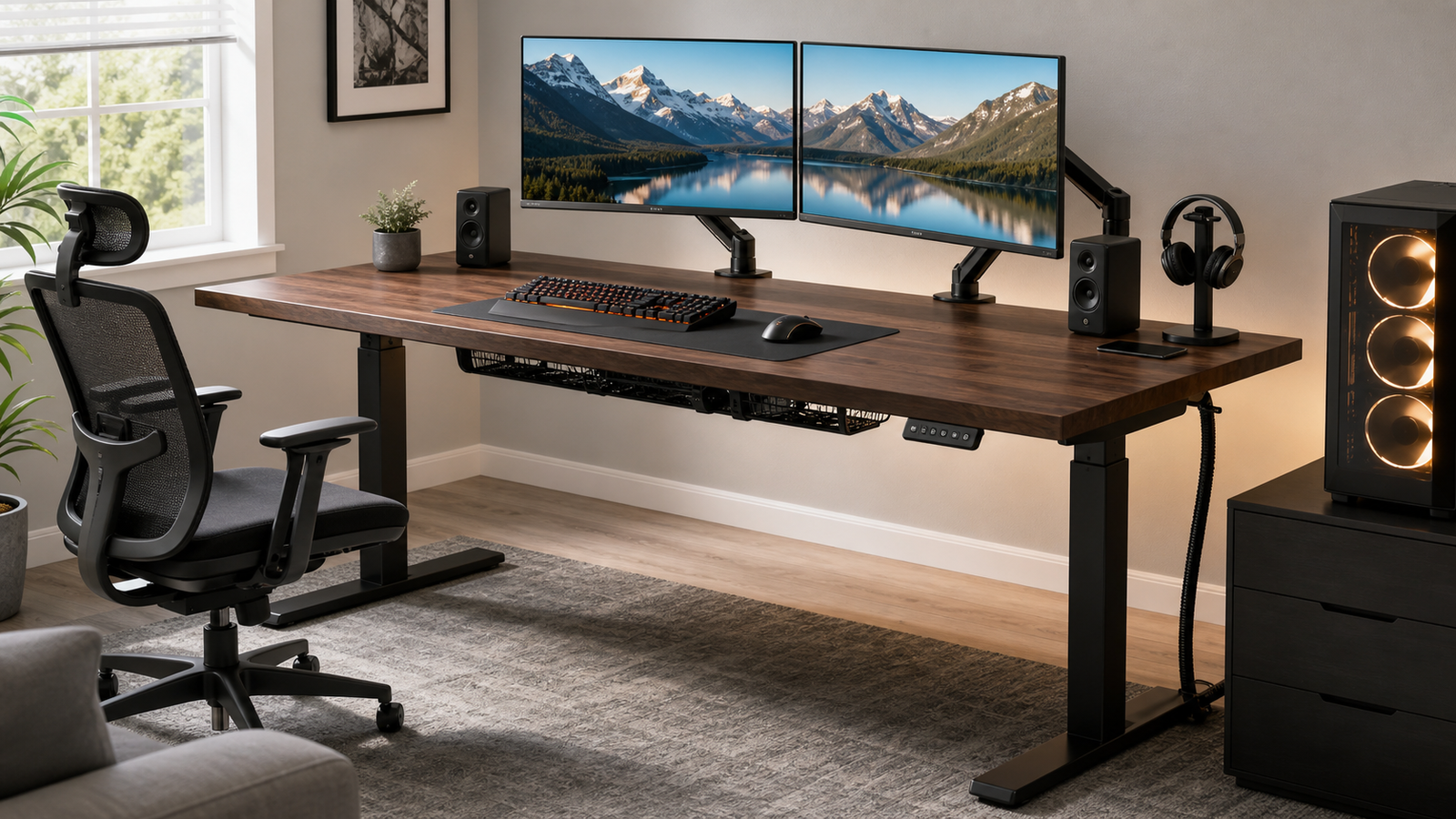
The FLEXISPOT EN2 is the value sit-stand pick. It is not as large as the biggest desk here, but the combination of electric height adjustment, a whole-piece desktop, and a clamp power strip makes it useful for a clean everyday setup.
The clamp power strip is more meaningful than it sounds. Many standing-desk cable problems start with chargers and small devices. Keeping power accessible at the desk reduces the temptation to run loose cables across the floor. It also makes the setup easier to change later.
This desk makes sense if you want sit-stand function but do not need a 79-inch surface. It can work well with one large monitor or a moderate dual-monitor setup, especially if you keep the tower on the floor and use simple cable routing.
The standing-desk caveat still applies: monitor arms can magnify movement. Level the feet, avoid overloading one side, and think about screen weight before clamping a heavy dual-arm setup.
Best Budget L-Shaped Desk With USB-C: Huuger 63-Inch L-Shaped Desk With Power Outlets and USB-C
The Huuger 63-inch L-shaped desk with power outlets and USB-C is the sensible choice when the budget is high but the room does not need a premium standing desk. It gives you a corner layout, charging convenience, and enough surface for a modest gaming setup without spending anywhere near the full ceiling.
The L shape is useful if you want one side for the main monitor and one side for a laptop, console, notes, or controller charging. USB-C is also practical for newer accessories and phones, though it should not be treated as a full replacement for a dedicated charging setup.
This desk is not the pick for heavy monitor-arm users or premium-material shoppers. It is a fixed-height budget desk. But that can be the right decision if the rest of the money would be better spent on a chair, monitor arm, cable tray, or better display.
Best Low-Cost Gaming Desk: AODK 59-Inch Gaming Desk With LED
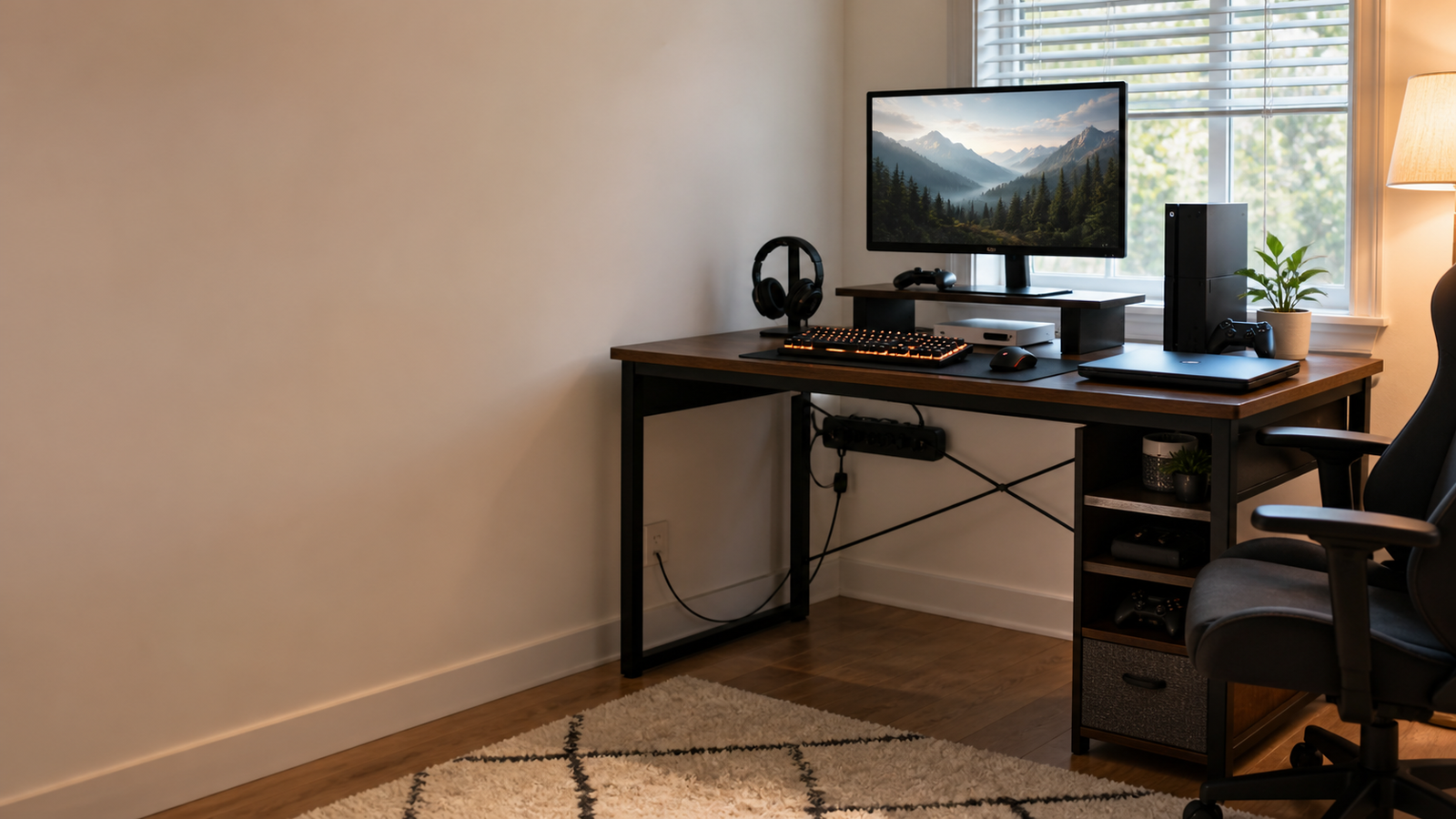
The AODK 59-inch gaming desk is here for buyers who searched with a high ceiling but only need a basic gaming surface. It gives you a 59-inch fixed desk with gaming styling and LED lighting at a low price.
It is best for a first PC setup, guest-room setup, teen room, or secondary gaming station. If you use one monitor, a keyboard, mouse, headset, and a few accessories, a fixed desk can be enough. The money saved can go toward a better chair or monitor, which may improve daily use more than a premium desk frame.
Set expectations correctly. This is not a premium standing desk, and it should not be loaded like one. If you expect to add dual monitor arms, speakers, streaming gear, and a heavy tower, choose one of the wider standing desks instead.
Comparison Table
| Desk | Type | Best setup | Standout feature | Watch out for |
|---|---|---|---|---|
| FLEXISPOT 79 x 32 Dual Motor | Large electric standing desk | Dual monitors or ultrawide | 79 x 32 inch surface | Needs cable slack and room |
| VIVO 71 x 30 Electric Gaming Desk | Wide electric desk | Large gaming/work setup | Practical 71 x 30 size | Less premium ecosystem polish |
| FLEXISPOT EN2 With Power Strip | Value standing desk | Sit-stand buyers | Clamp power strip | Smaller than the largest options |
| Huuger 63-Inch L-Shaped Desk | Fixed L-shaped desk | Budget corner setup | Outlets and USB-C | Fixed height, budget build |
| AODK 59-Inch Gaming Desk | Fixed gaming desk | First or secondary setup | Low price and LED look | Limited premium features |
Standing Stability, Monitor Arms, and Cable Slack
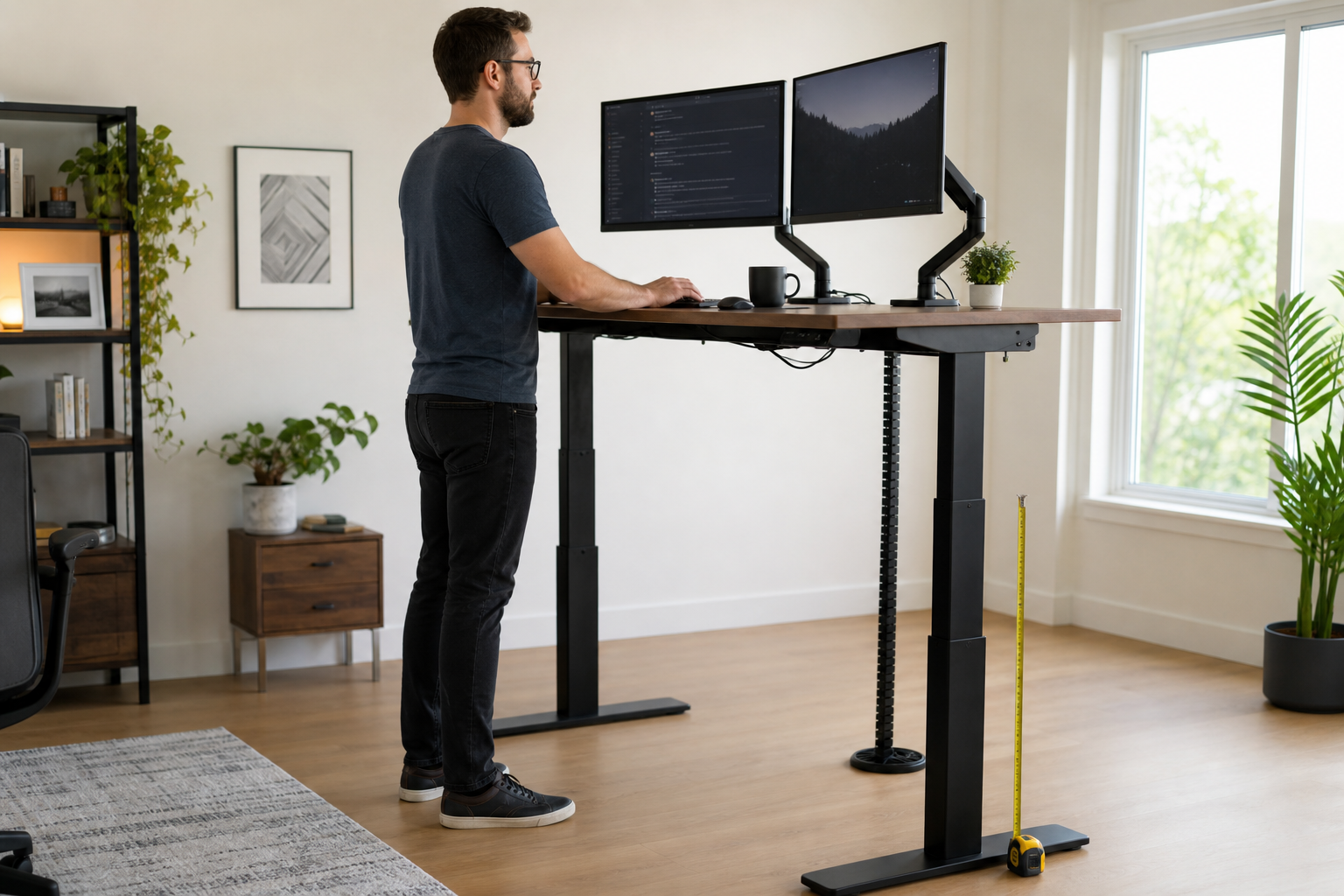
For standing desks, official weight capacity is only one part of the story. A desk can hold the gear and still let a monitor shake when you type. Monitor arms make this easier to notice because they place the screen away from the desktop and turn small frame movement into visible vibration.
This is especially important for ultrawide displays and dual-arm setups. The heavier and farther forward the screen sits, the more sensitive the setup becomes. Floor type matters too. Carpet, uneven feet, and an unbalanced tower placement can change how stable the desk feels.
Cable slack is the other standing-desk issue. When the desk rises, monitor cables, speaker cables, USB hubs, chargers, and power cords all move. A clean setup needs enough slack to rise safely and enough cable management to keep that slack from hanging everywhere.
When Not to Spend the Full $1500
Do not spend the full budget just because the keyword allows it. If your setup is one monitor in a small bedroom, a compact L-shaped desk or simple fixed desk may be a better fit. A premium standing desk can make the room harder to use if it is too wide or deep.
Spend more when the desk solves a real problem: a large monitor needs depth, dual displays need width, sit-stand work needs motorized adjustment, and a complex setup needs cable management. If none of those problems apply, a lower-cost desk plus a better chair, monitor arm, or lighting can be the smarter upgrade.
FAQ
Is $1500 too much for a gaming desk?
It can be too much for a simple setup. It makes sense when the desk also supports large monitors, sit-stand use, cable routing, monitor arms, and a heavy mixed work/gaming setup. Most buyers should spend only as much as their room and gear actually require.
Is a standing desk good for gaming?
Yes, especially if the same setup is used for work or long sessions. For gaming alone, stability and monitor position matter more than height adjustment. If you use monitor arms, check standing-height wobble before assuming any standing desk will feel solid.
What desk size is best for dual monitors?
A 60-72 inch width is a comfortable starting point, and a deeper 30-32 inch surface is helpful for large displays. If you use monitor arms, make sure the desktop edge supports clamping and leaves enough room for the arm base.
Should I get an L-shaped or straight gaming desk?
Choose L-shaped if your room has a good corner and you want separate zones for gaming, work, or charging. Choose straight if you need the cleanest wide surface for monitors and speakers. For standing desks, straight layouts are usually simpler.
Final Verdict
For a large premium-feeling setup without spending the full ceiling, FLEXISPOT 79 x 32 Dual Motor Standing Desk is the strongest pick. VIVO Electric 71 x 30 Standing Gaming Desk is the better wide electric value, while FLEXISPOT EN2 With Clamp Power Strip makes sense for a simpler sit-stand setup. If standing is unnecessary, Huuger 63-Inch L-Shaped Desk is a practical corner option, and AODK 59-Inch Gaming Desk keeps the budget low for a basic gaming room.