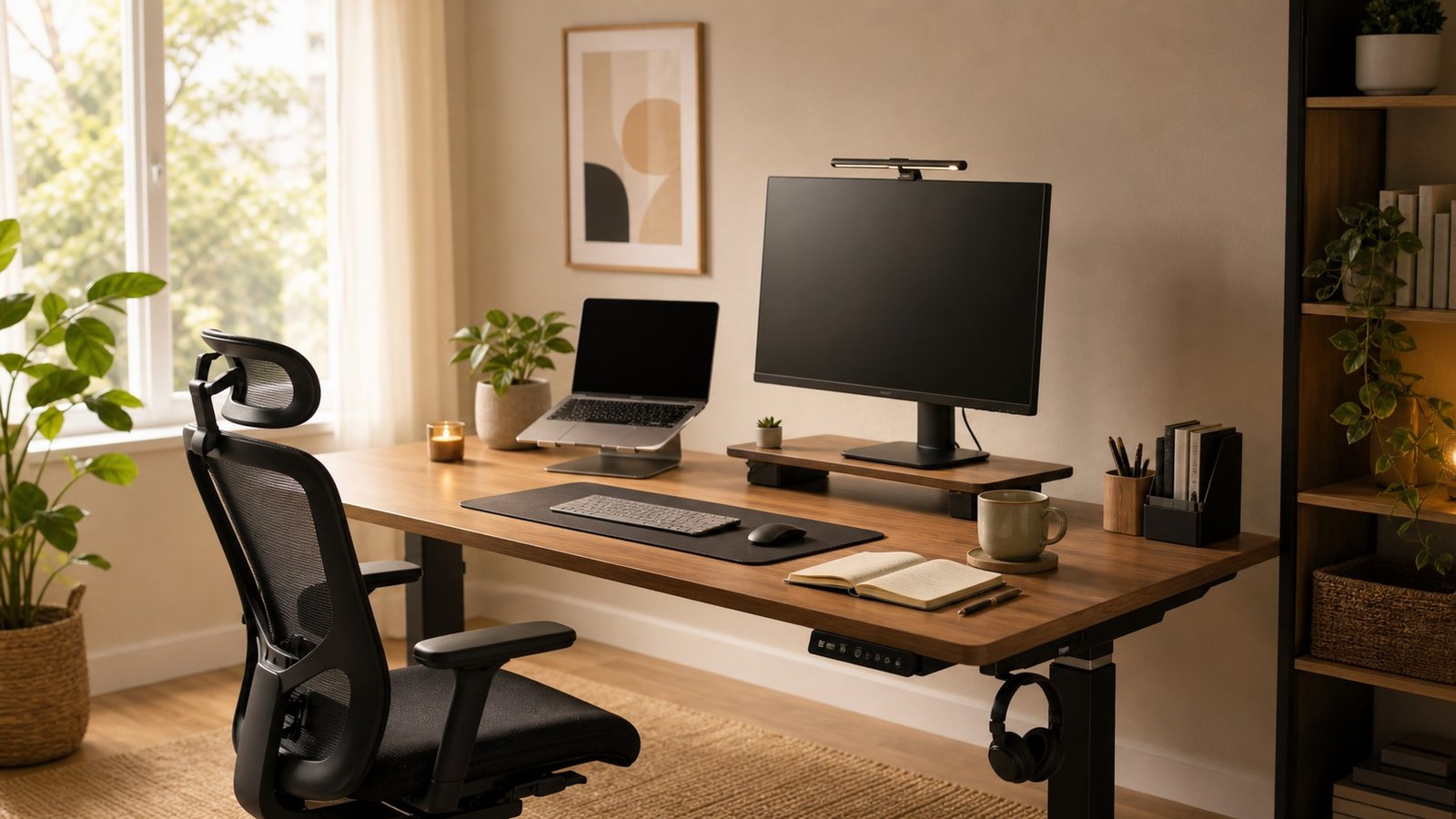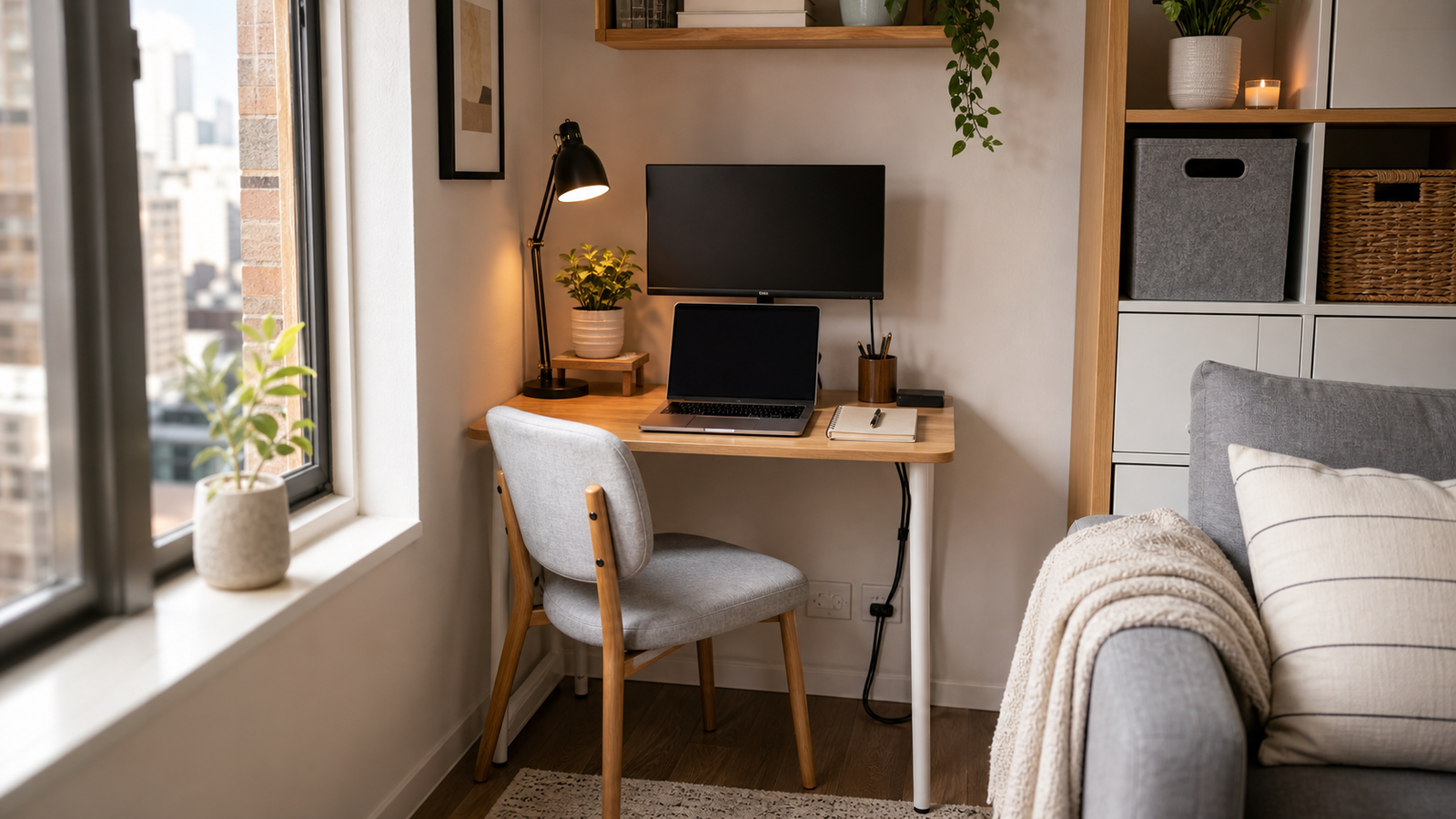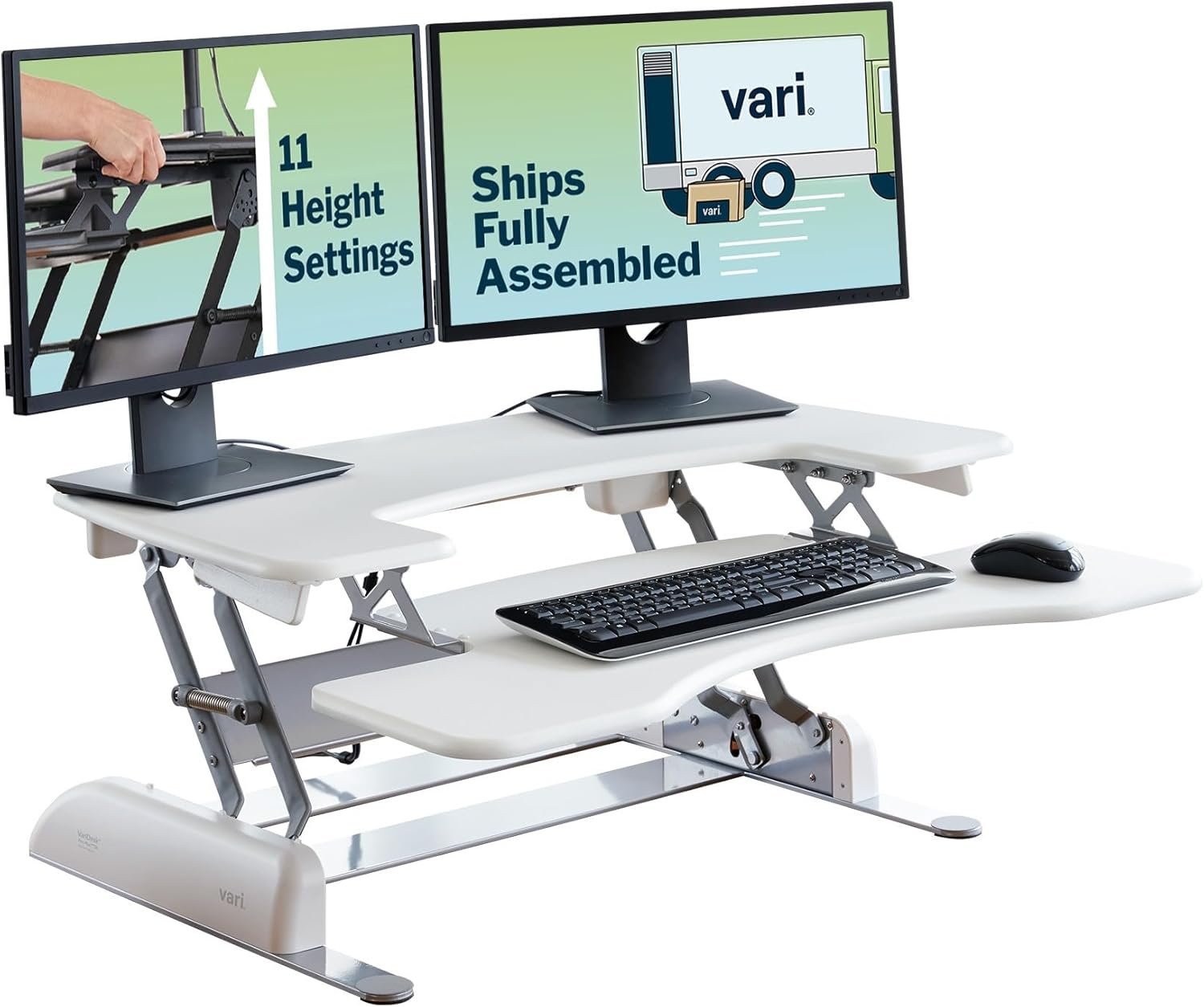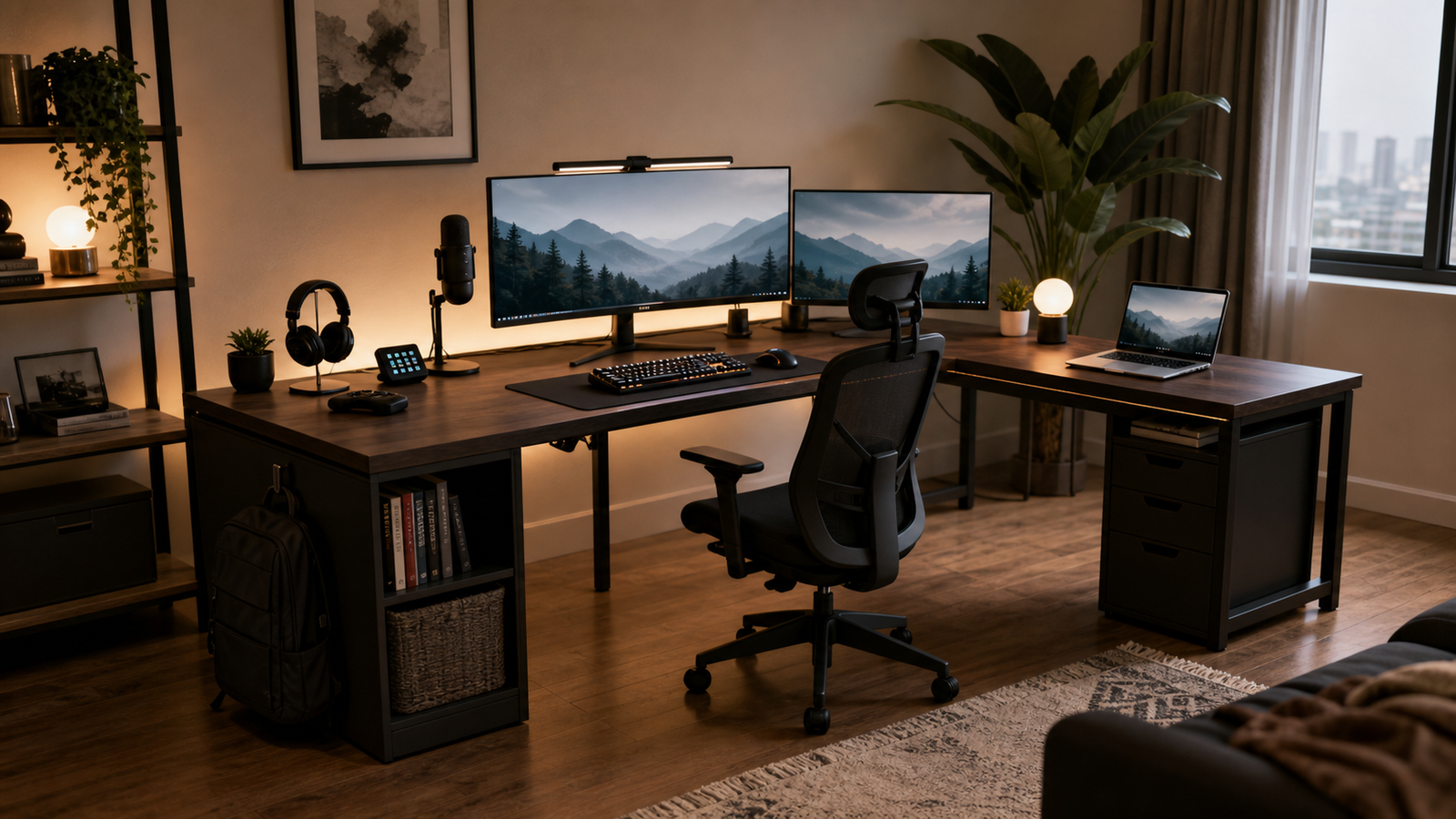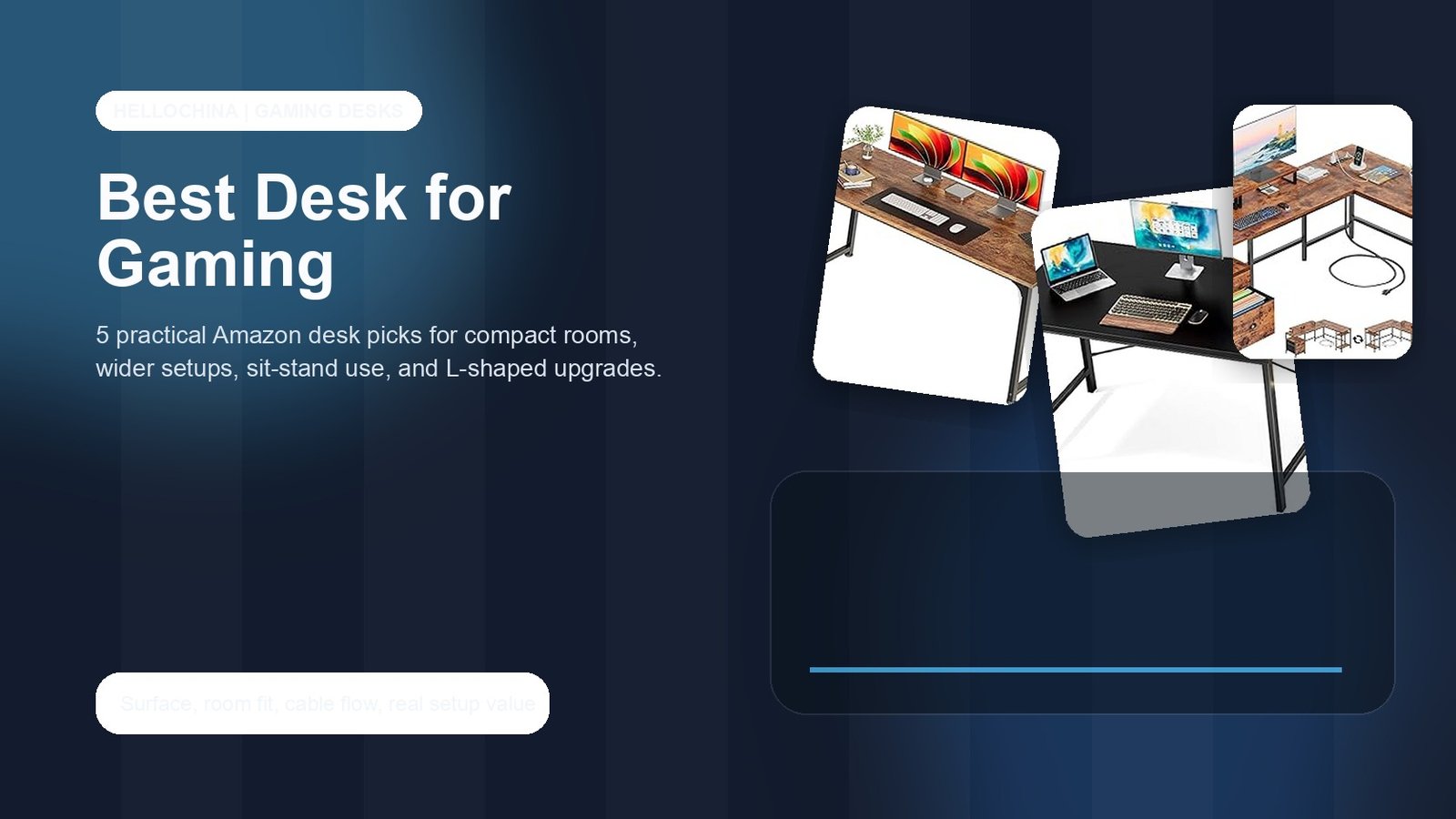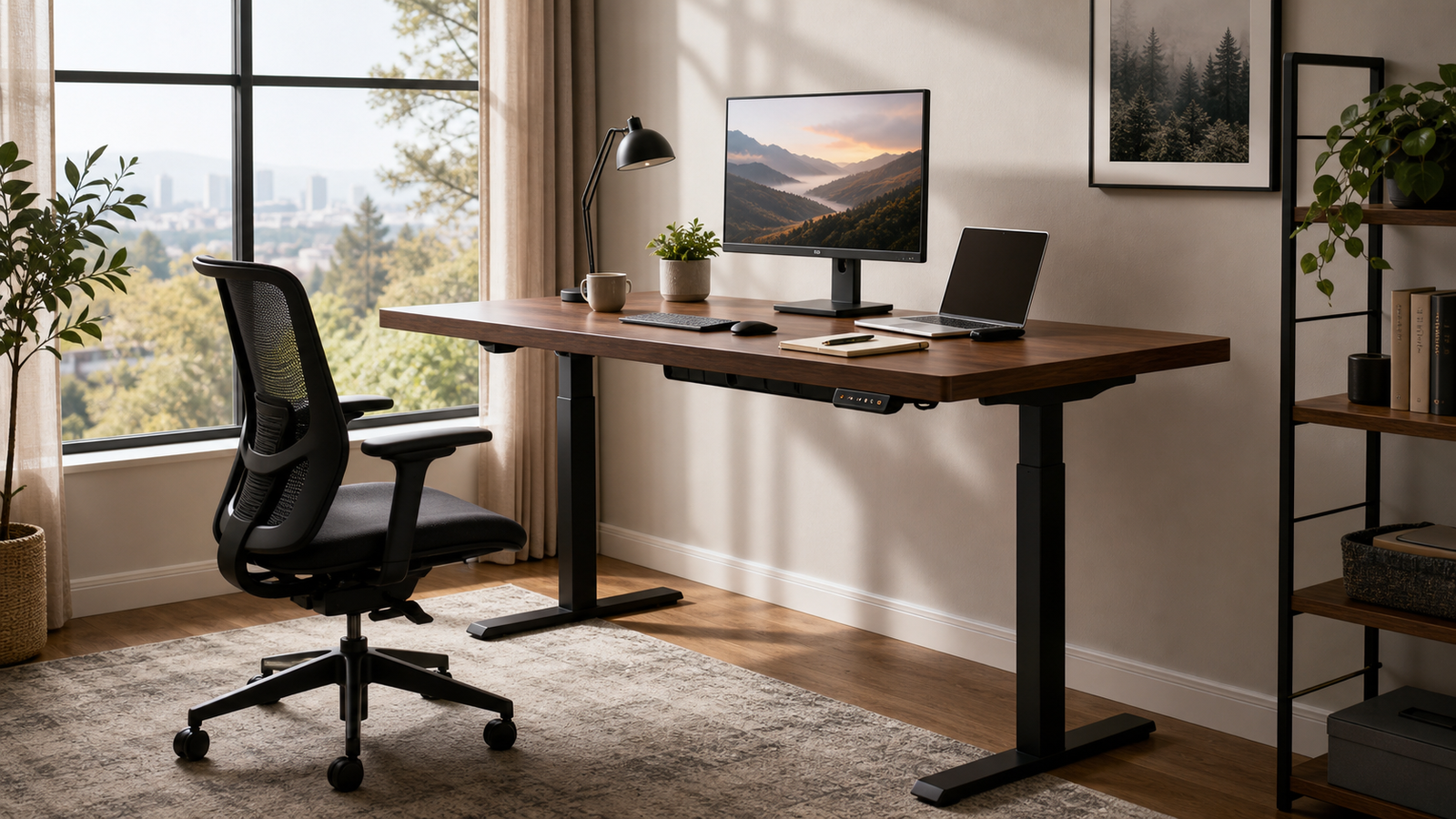
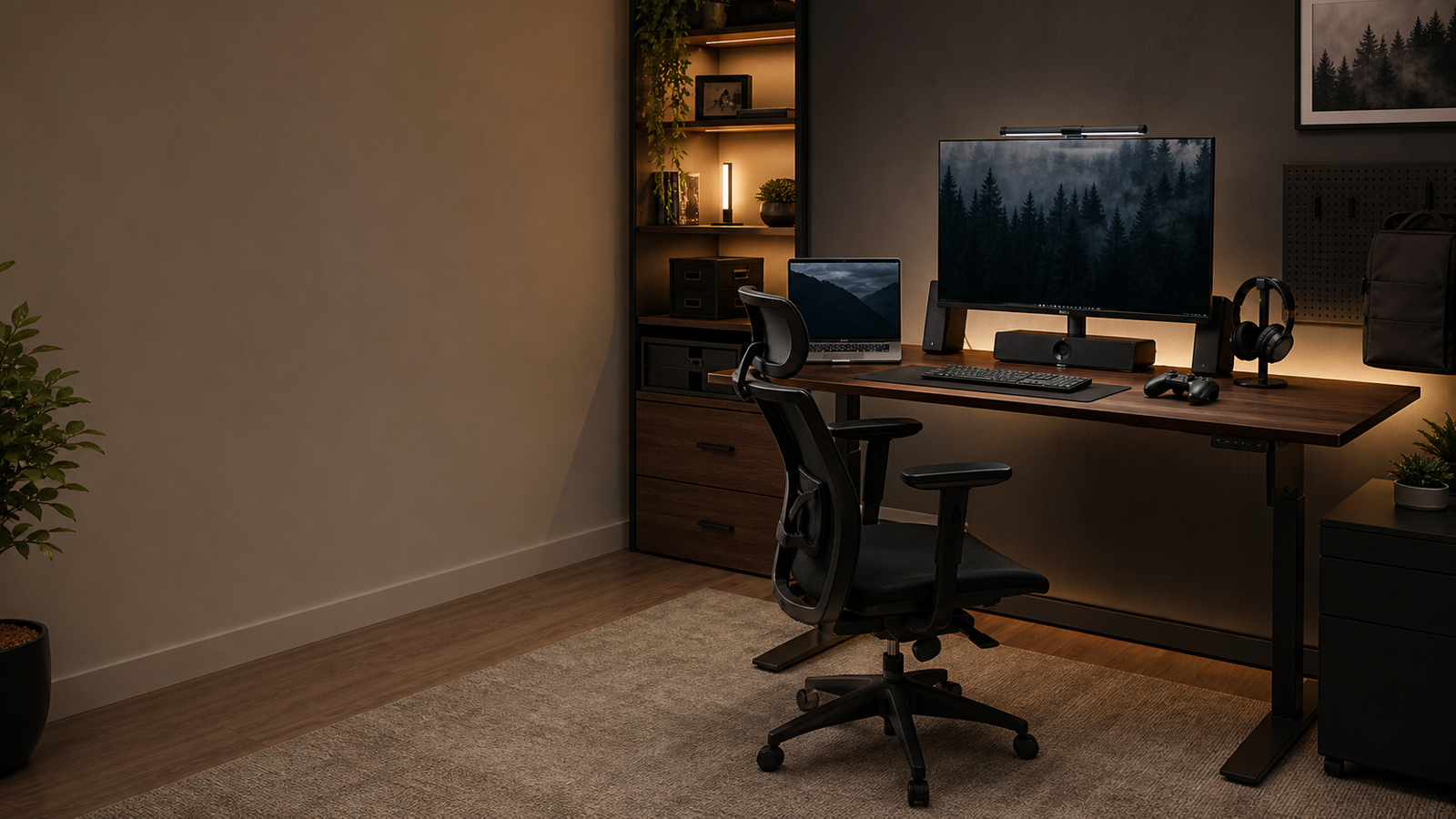
A $1000 budget gives you plenty of room to buy a good gaming desk, but it is still easy to spend badly. Some setups need a wide fixed desk. Some need storage. Some need electric height adjustment. Some just need a small powered surface that does not crowd the room.
The best gaming desk under $1000 is the one that fits your monitor layout, cable needs, chair clearance, and upgrade plans. These five picks cover wide mouse surfaces, storage-heavy L-shaped setups, budget standing desks, compact powered desks, and simple low-cost rooms.
Quick Picks
| Pick | Best for | Why it stands out | Main tradeoff |
|---|---|---|---|
| Arozzi Arena | Wide fixed gaming setups | 63 x 32 inch surface and full-desk mousepad | No electric height adjustment |
| SEDETA L-Shaped Desk With Drawers, Hutch, and Pegboard | Storage-heavy rooms | Drawers, hutch, pegboard, and L-shaped organization | More parts and more visual bulk |
| Huuger 55 x 28 Electric Standing Desk | Budget sit-stand use | Electric adjustment at a low price | Not as wide as premium standing desks |
| Bestier 44-Inch LED Gaming Desk | Small powered setups | LED, outlets, shelves, and a compact footprint | Tight for wide monitor layouts |
| DUMOS 44-Inch Computer Desk | Basic gaming rooms | Very low price and simple surface | No gaming-specific storage or power |
What a $1000 Budget Should Do
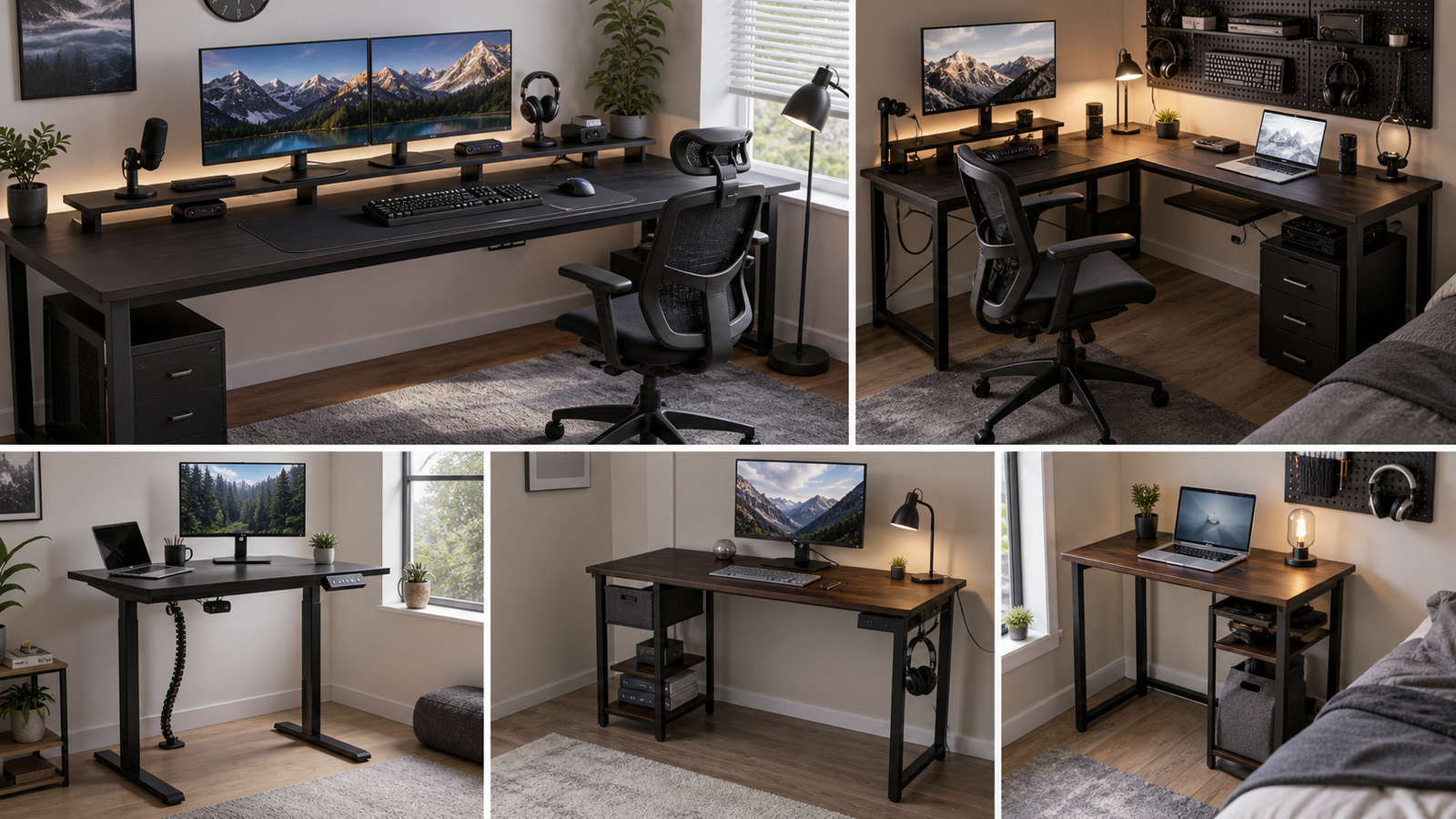
A $1000 ceiling should buy better fit, not just a bigger price tag. For a serious gaming setup, the most useful upgrades are width, depth, stability, cable routing, storage, and a layout that leaves room for the chair and tower.
If you use a low-sensitivity mouse, a wide fixed desk can feel better than a smaller standing desk. If your setup doubles as a work area, a storage-heavy L-shaped desk may reduce clutter. If you sit for long hours, electric height adjustment can be worth more than extra shelves. If the desk is going into a small bedroom, a compact powered desk may be the smartest choice.
The budget also leaves room for accessories. A monitor arm, cable tray, under-desk mount, surge protector, or better chair can improve daily use more than buying a more expensive desk with features you will not use.
How We Chose
The comparison focused on surface size, monitor fit, storage, cable access, room footprint, standing-desk practicality, and whether the desk still makes sense far below the $1000 ceiling. A desk can be a strong pick without being expensive if it solves the right problem.
Owner discussions helped shape the cautions. Around wide fixed gaming desks like the Arozzi Arena, the value question often comes down to whether the large mousepad surface and width outweigh concerns about fixed height and stability. Around budget standing desks, monitor-arm wobble matters more than official weight capacity. Around storage desks, fabric drawers and assembly quality shape the daily experience.
Each pick below is matched to a setup type, not ranked by price alone.
Best Wide Fixed Desk: Arozzi Arena
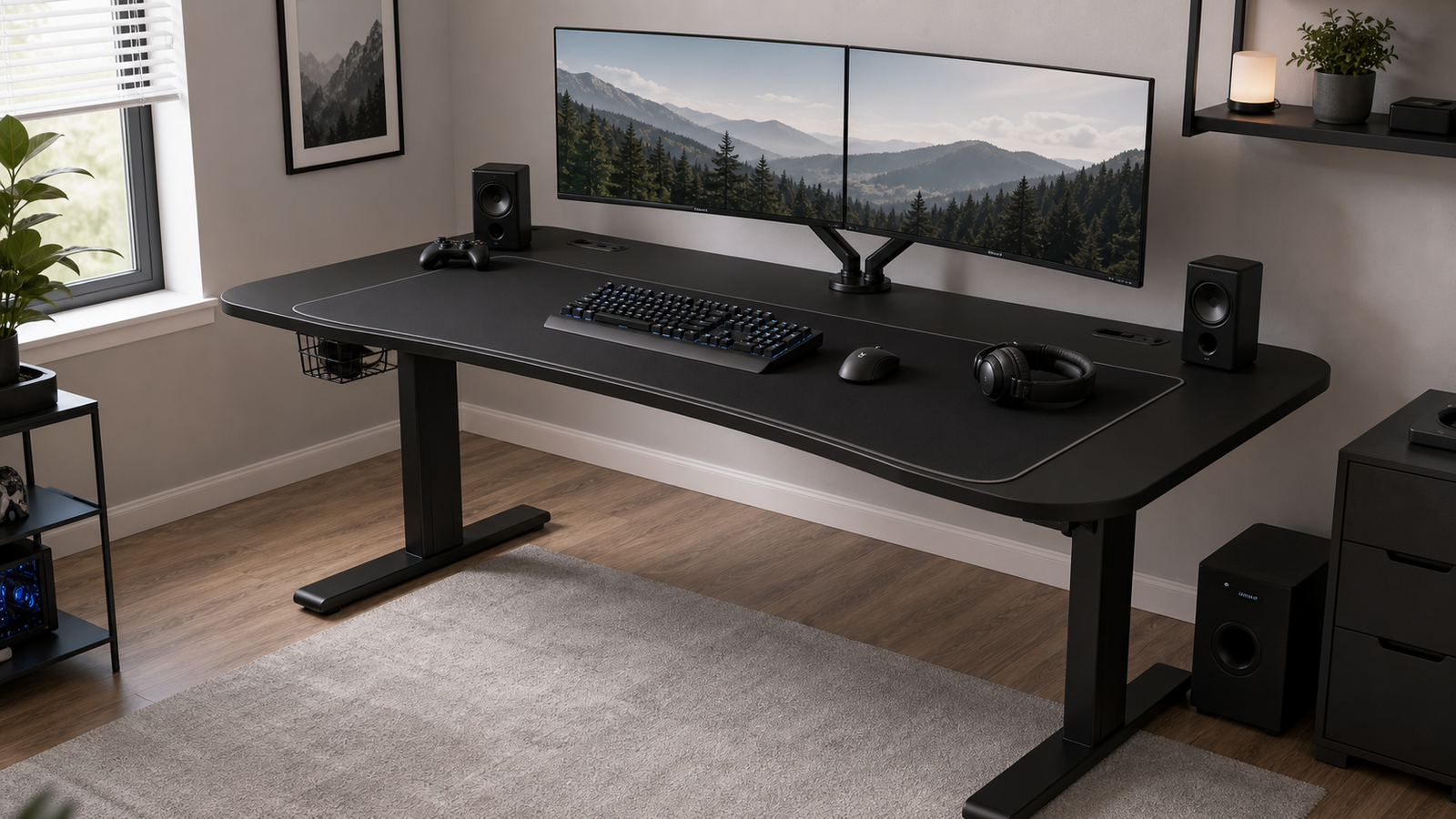
The Arozzi Arena is the best fit if you want a wide, fixed gaming surface and do not need motors. Its 63 x 32 inch desktop gives you room for dual monitors, a large keyboard, speakers, and broad mouse movement. The full-surface mousepad is the defining feature. It lets your mouse, keyboard, and wrists sit on one consistent surface instead of a small separate mat.
This is especially useful for low-sensitivity players or anyone who dislikes running out of mousepad space. It also keeps the setup visually clean because the entire top becomes the play surface.
Reddit discussion around the Arozzi Arena tends to focus on whether the large surface is worth the price and whether stability expectations are realistic. That is the right tradeoff to consider. The desk is attractive because it is wide and comfortable, not because it has electric adjustment or hidden power.
Choose it if you want space first. Skip it if you need sit-stand movement, built-in outlets, or a desk that can hide a complex cable system by itself.
Best Storage Workstation: SEDETA L-Shaped Desk With Drawers, Hutch, and Pegboard
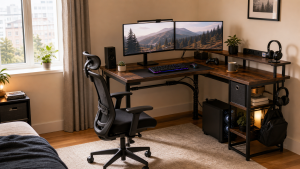
The SEDETA L-shaped desk is the storage pick for rooms where gaming gear keeps spreading across the surface. Drawers, a hutch, and a pegboard give accessories a place to go: controllers, cables, notebooks, headset adapters, remotes, and small tools.
The L shape also helps divide the setup. One side can hold the monitor, keyboard, and mouse, while the other side works for a laptop, console, notes, or charging area. For a bedroom or home office that does double duty, that separation is useful.
The tradeoff is complexity. Storage-heavy desks have more parts, more seams, and more visual weight. A Reddit user discussing a SEDETA corner desk reported clear instructions and no missing or damaged pieces, while still describing the fabric drawers as acceptable rather than exciting. That is a fair expectation: practical storage, not luxury furniture.
Buy it if clutter is the problem. If you want a clean open surface, Arozzi or a standing desk will feel calmer.
Best Budget Standing Desk: Huuger 55 x 28 Electric Standing Desk
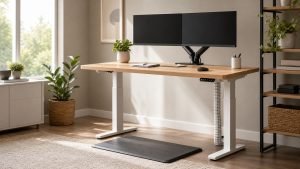
The Huuger 55 x 28 electric standing desk is the low-cost way to add height adjustment to a gaming and work setup. It does not have the massive width of premium standing desks, but 55 x 28 inches is workable for one large monitor or a modest dual-monitor layout.
The main reason to choose it is routine. If you work and game at the same desk, changing posture during the day can matter more than having another shelf. A desk that moves is also easier to share between sitting work, standing calls, and evening gaming.
Monitor-arm planning is important. Standing desk discussions often show that screen wobble becomes more noticeable when monitors sit on arms, even if the desk can hold the weight. Level the feet, keep the load balanced, and avoid expecting a budget electric frame to feel like a heavy premium workstation at maximum height.
This desk makes sense if you want standing capability without spending close to $1000. For very wide setups, choose a larger frame.
Best Small Powered Desk: Bestier 44-Inch LED Gaming Desk
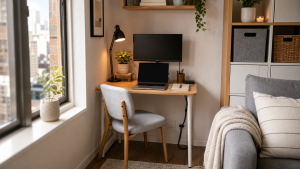
The Bestier 44-inch LED gaming desk is for small rooms where power access matters more than desktop size. Built-in outlets and shelves are useful when the wall outlet is inconvenient or when the desk sits in a bedroom corner.
This desk fits a simple setup: one monitor, keyboard, mouse, headset, and a few accessories. The LED lighting gives it a gaming look without forcing you into a large desk. For a first PC setup or a room with limited wall space, that can be enough.
The limitation is obvious. A 44-inch desk is not ideal for wide dual-monitor layouts, large speakers, or a tower on the desktop. It is a compact powered desk, not a premium battlestation.
Best Basic Desk: DUMOS 44-Inch Computer Desk
The DUMOS 44-inch computer desk is the simplest pick. It is not trying to be a full gaming workstation. It is a low-cost surface for a monitor, keyboard, mouse, and basic accessories.
That can be the right answer for a secondary setup, guest room, student room, or temporary gaming station. Spending less on the desk can leave more budget for the parts that affect daily comfort: chair, monitor height, lighting, mousepad, and cable management.
The tradeoff is that you get almost no built-in help. No power, no real storage, no hutch, no premium cable tray. It works if your setup is simple and you are willing to add your own accessories.
Comparison Table
| Desk | Type | Best setup | Standout feature | Watch out for |
|---|---|---|---|---|
| Arozzi Arena | Wide fixed desk | Dual monitors and broad mouse movement | Full-desk mousepad | No motor or built-in power |
| SEDETA L-Shaped Desk | Storage workstation | Cluttered gaming/work rooms | Drawers, hutch, pegboard | More assembly and visual bulk |
| Huuger 55 x 28 Electric Desk | Budget standing desk | Sit-stand work/gaming | Electric adjustment | Monitor-arm wobble planning |
| Bestier 44-Inch LED Desk | Compact powered desk | Small bedrooms | Outlets, shelves, LED | Too small for wide setups |
| DUMOS 44-Inch Desk | Basic fixed desk | Simple or temporary setups | Low price | No built-in gaming features |
Stability, Monitor Arms, and Setup Growth
A gaming desk has to handle more than static weight. Monitor arms create leverage, speakers vibrate, mouse movement is repetitive, and cables pull when the setup changes. Stability is especially important if you use dual monitors or an ultrawide screen.
Wide fixed desks usually feel simpler because there are no motors or moving columns. Standing desks add flexibility, but they also make cable slack and monitor movement more important. At standing height, small frame movement can become visible screen shake through a monitor arm.
Think about the next version of your setup. If you may add a second monitor, microphone arm, console, speakers, or tower mount, buy enough desk for that future. If the setup will stay simple, do not overspend just to fill the $1000 budget.
FAQ
Is $1000 too much for a gaming desk?
It can be too much for a simple setup. A $1000 ceiling is useful when you need a wide surface, sit-stand adjustment, storage, or a cleaner workstation layout. If you use one monitor in a small room, a cheaper desk plus better accessories may be smarter.
Is the Arozzi Arena still worth it?
It is worth considering if you want a very wide fixed desk with a full-surface mousepad. It is less appealing if you want height adjustment, built-in power, or a hidden cable system. Its value depends on whether the large surface solves your setup.
Should I buy a standing desk for gaming?
Buy a standing desk if the same desk is used for work, study, or long sessions where changing posture helps. For gaming only, prioritize stability, monitor distance, and surface size first. Monitor arms need extra attention on budget standing desks.
What is the best desk size for dual monitors?
Around 60 inches wide is a good starting point, and deeper desks are more comfortable for large displays. A 44-inch desk can work for one monitor, but dual displays usually feel better on a wider surface or with a carefully planned monitor arm.
Final Verdict
For a wide fixed gaming setup, Arozzi Arena is the strongest pick under $1000. Choose SEDETA L-Shaped Desk With Drawers, Hutch, and Pegboard if storage is the main problem. Huuger 55 x 28 Electric Standing Desk is the better low-cost standing option, while Bestier 44-Inch LED Gaming Desk fits small powered rooms. For a basic setup, DUMOS 44-Inch Computer Desk keeps the spend low.