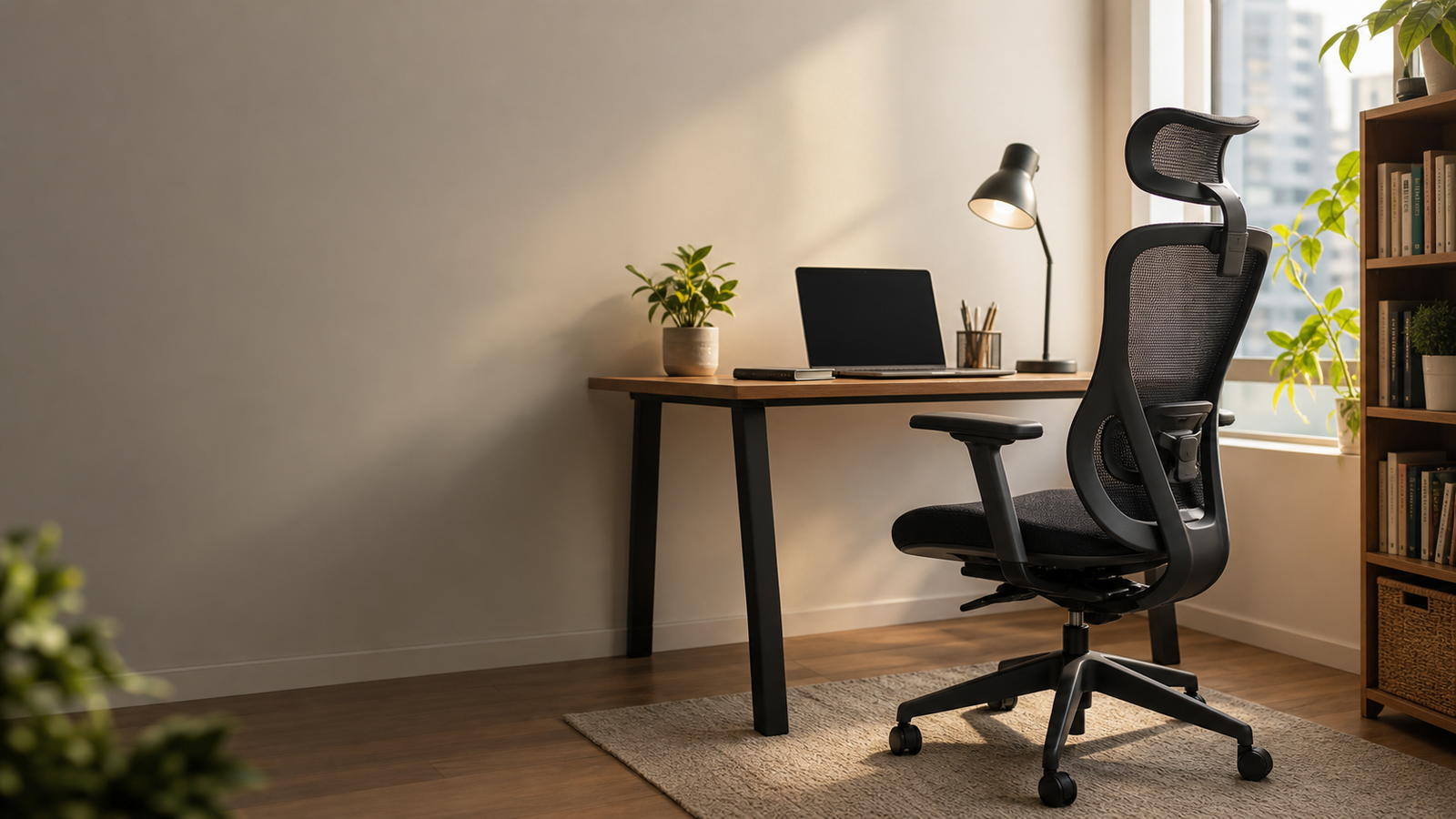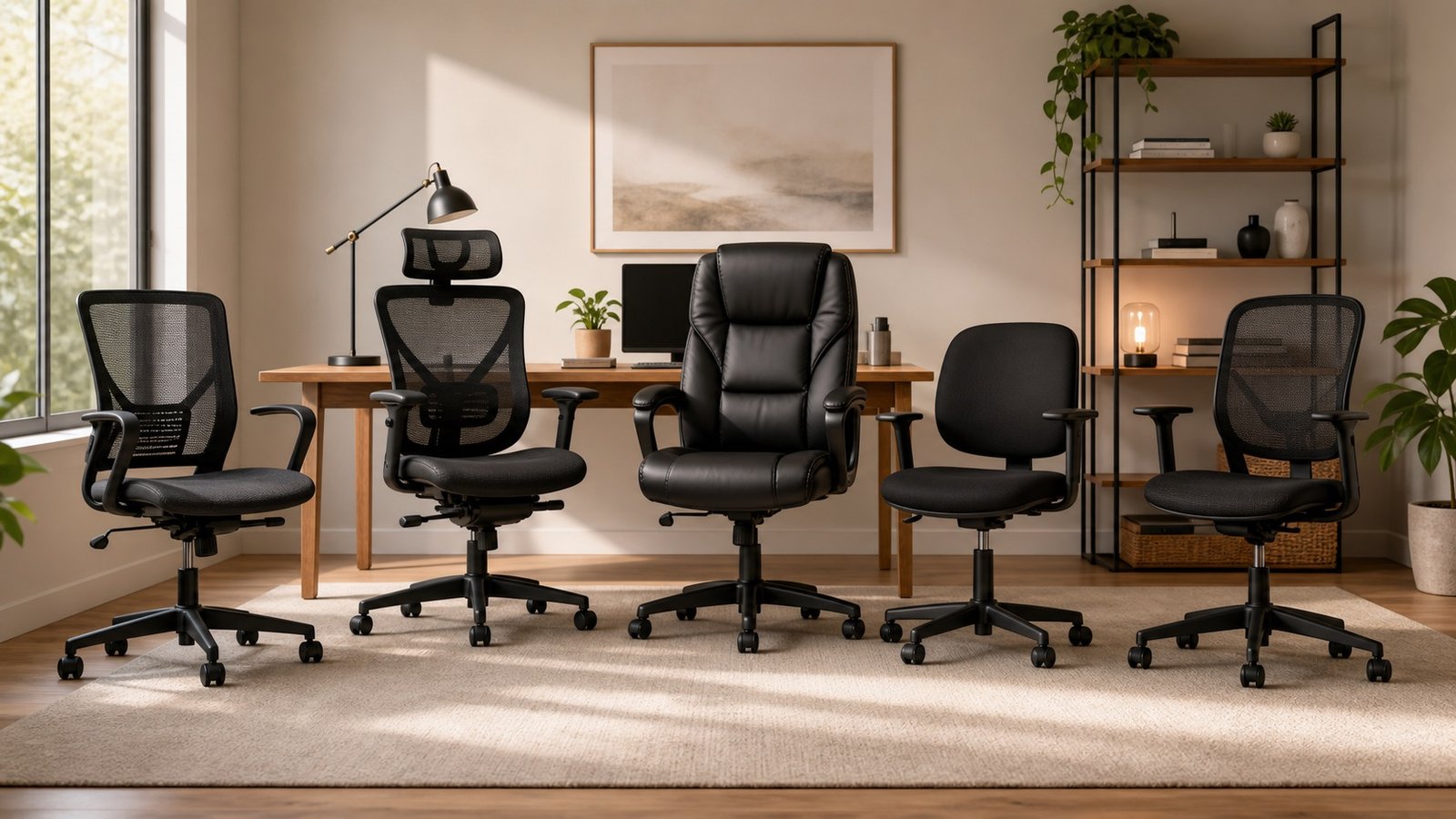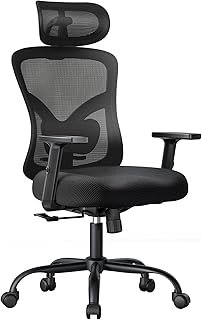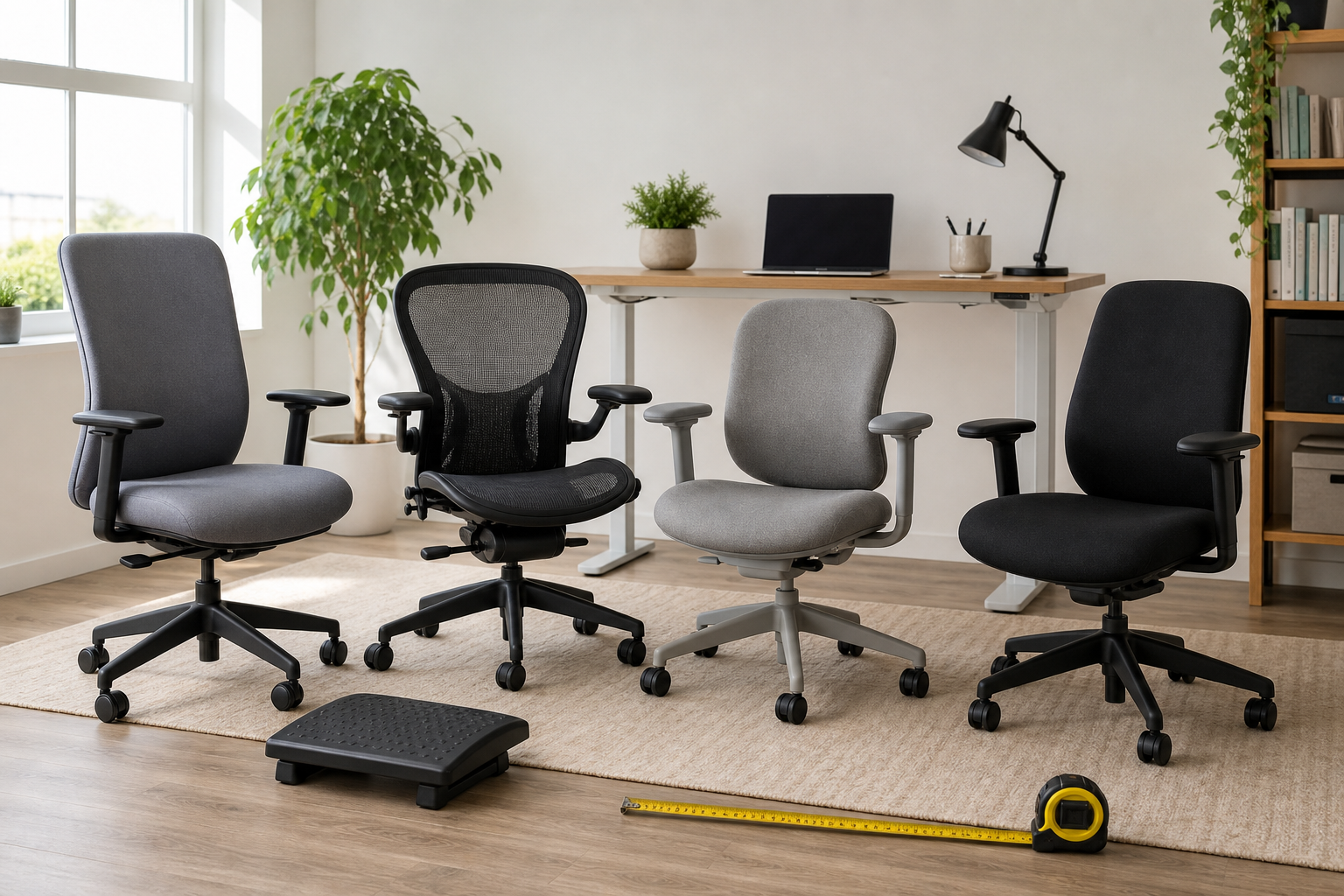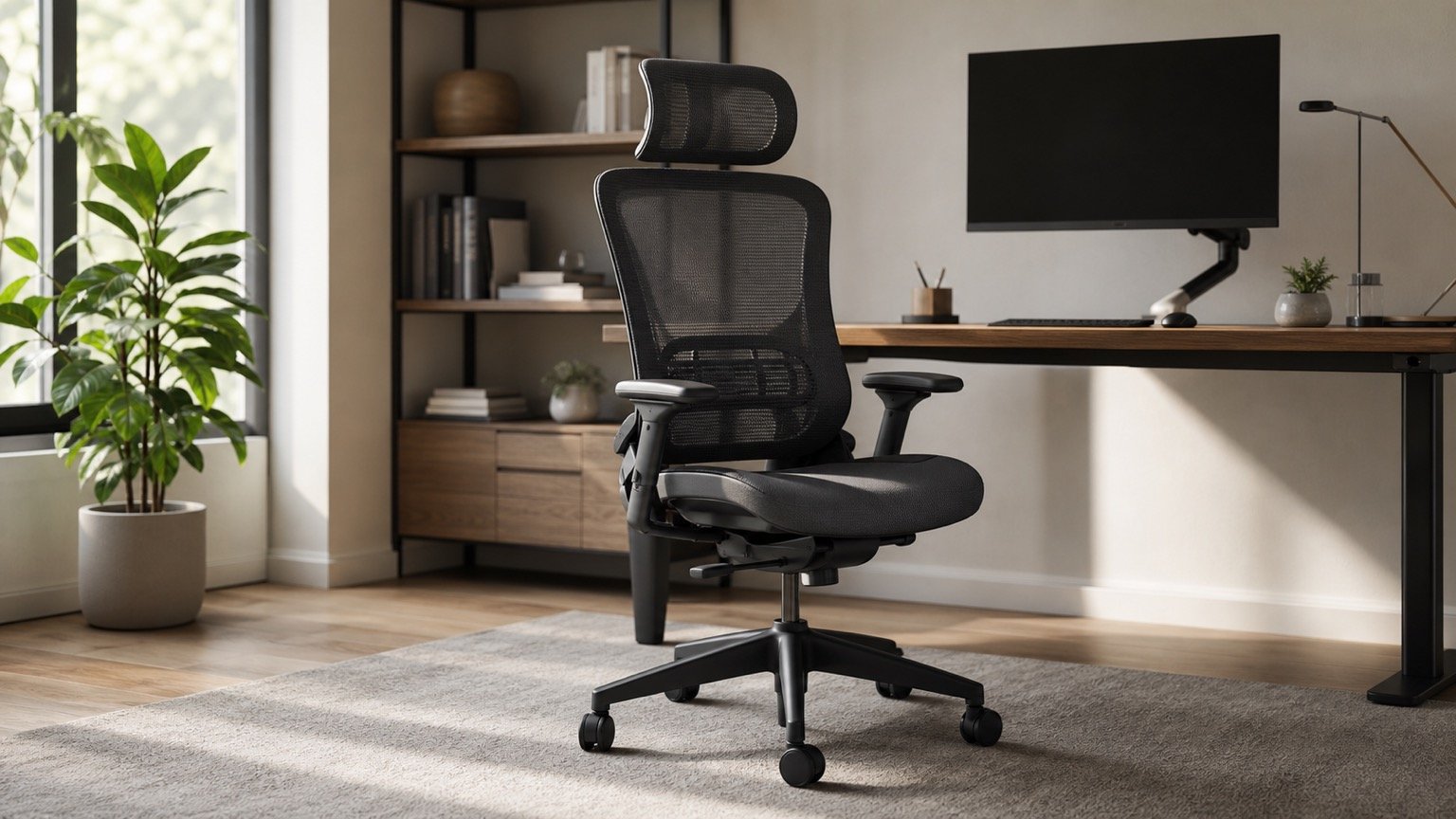
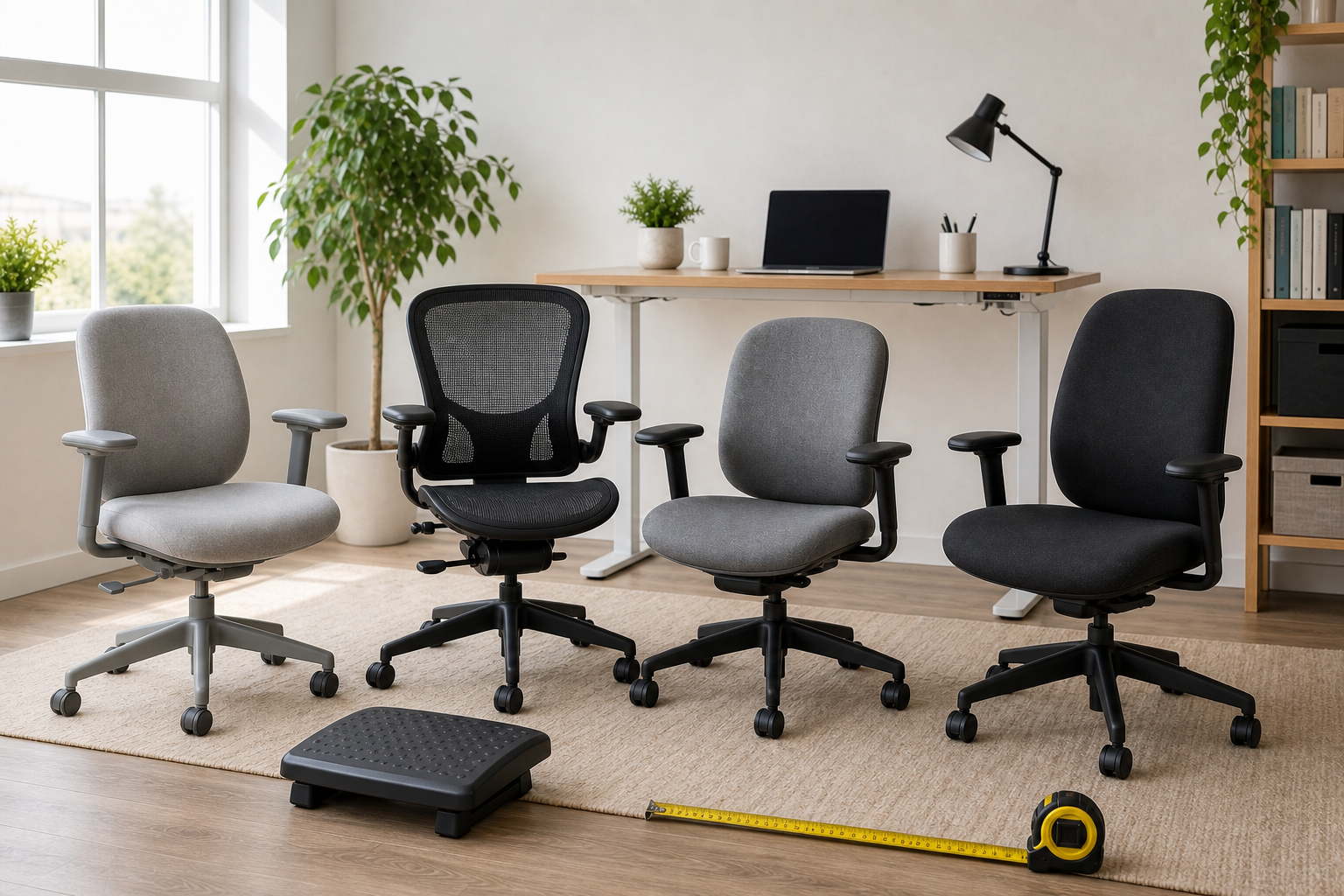
A good petite desk chair is not just a shorter version of a regular office chair. The whole chair has to scale down: seat depth, seat height, arm width, arm height, backrest shape, and the way the chair works with your desk. If one of those pieces is wrong, an expensive ergonomic chair can still feel oversized.
For petite users, the biggest warning sign is a chair that makes you sit forward. That usually means the seat is too deep, the arms are too wide, or the desk is forcing the chair higher than your legs want. The picks below prioritize fit first, then comfort, materials, and price.
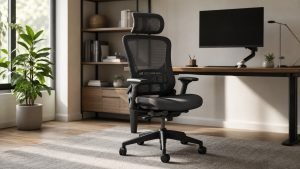
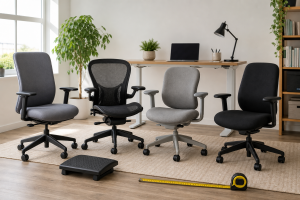
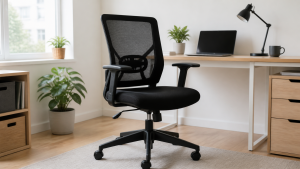
Quick Picks: Best Desk Chairs for Petite Users
Start with the chair that solves your hardest fit problem. If the seat pan is always too deep, prioritize adjustable seat depth. If armrests make your shoulders rise, prioritize arm adjustability. If your feet do not reach the floor, look for a low minimum seat height and plan for a footrest if the desk is high.
| Pick | Best for | Petite-fit strengths | Main tradeoff |
|---|---|---|---|
| Steelcase Amia | Best overall | Cushioned seat, adjustable seat pan, strong arm adjustment, petite-user support in owner discussions | Price can overlap with Leap |
| Steelcase Leap V2 | Best premium adjustable pick | 15.5-20.5 inch seat height, 15.75-18.75 inch adjustable seat depth, strong back support | Still may need a footrest for very petite users |
| Steelcase Gesture | Best armrest adjustability | 360-degree arms, adjustable seat depth, good for narrow shoulder and arm support problems | Seat starts around 16 inches, so measure first |
| Herman Miller Sayl | Best compact design | Smaller visual scale, shorter-feeling back, official 16-20.5 inch seat height range | Some listings have fixed arms or fixed seat depth |
| Herman Miller Aeron Size A | Best mesh chair | Size A small frame, official 14.75 inch minimum seat height | Wrong size can feel actively uncomfortable |
What Makes a Chair Petite-Friendly?
A petite-friendly chair should let you sit all the way back with your feet supported and your shoulders relaxed. That sounds basic, but many standard office chairs fail one of those steps. The seat pan may be too long, the arms may sit too far apart, or the lumbar support may land too high.
Seat height gets the most attention because it is easy to compare. It matters, especially if your feet hang. But seat depth and arm width often decide whether a chair actually feels made for a smaller frame. A chair with a slightly higher minimum seat height can still work if the desk height and foot support are right. A chair with a deep fixed seat is harder to fix.
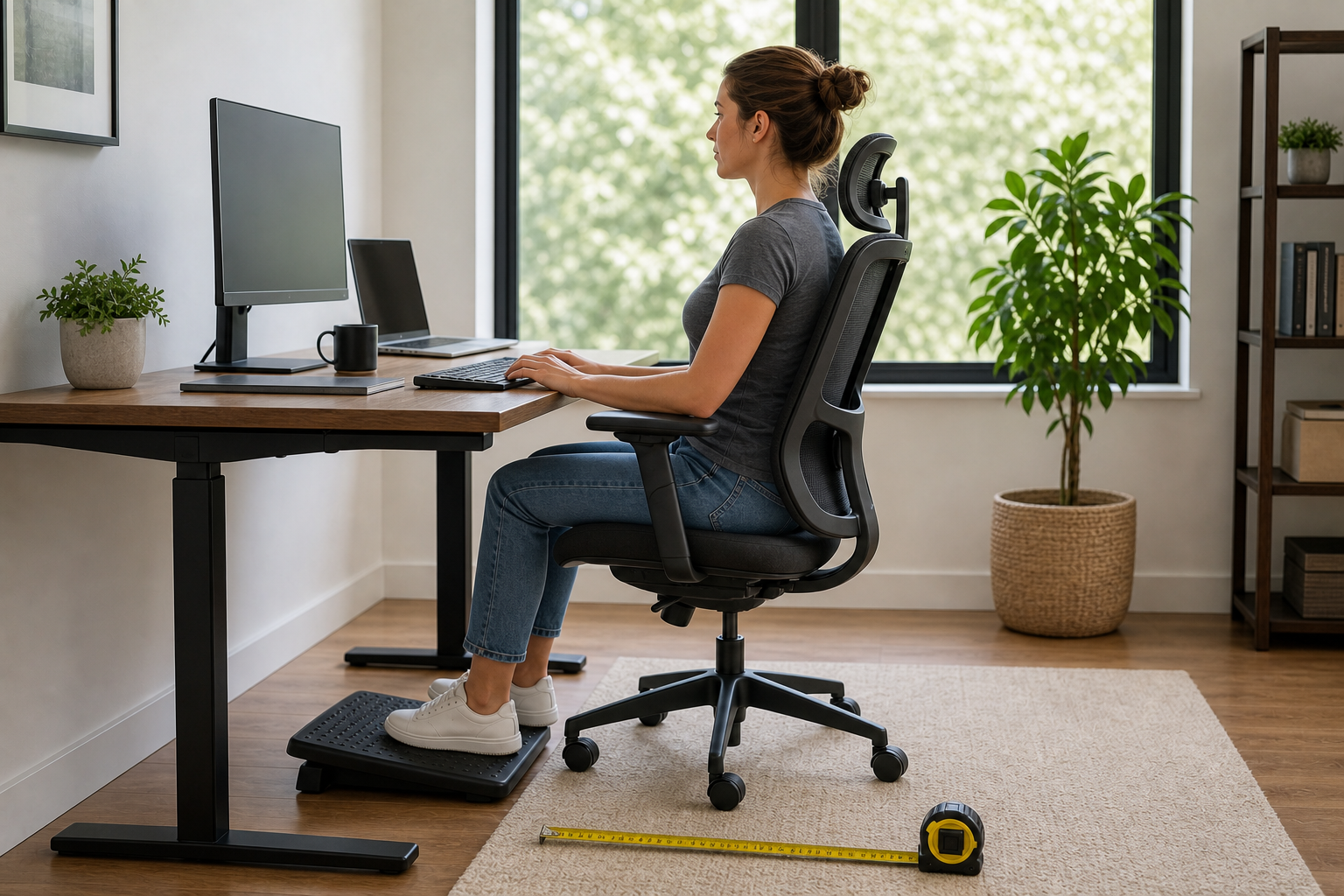
Also look at your desk. Petite users often lower the chair to get their feet flat, then realize the keyboard and mouse are too high. In that case, a footrest, keyboard tray, or lower desk can matter as much as the chair.
Seat Depth Comes Before Lumbar Support
Lumbar support only helps when your back reaches it. If the seat pan is too deep, you either sit forward and lose the backrest or sit back and feel pressure behind your knees. That is why adjustable seat depth is one of the most important petite-chair features.
For many petite users, a seat depth around 16 inches or an adjustable range that gets close to that feels much better than a fixed, deep cushion.
Armrests Can Make or Break the Fit
Petite users often have narrower shoulders, so fixed arms can be too wide even when the seat height is fine. Arms that sit too high can also push your shoulders upward while typing.
Look for arms that move up and down, inward and outward, forward and back, and ideally pivot. Better arm support can reduce the need to shrug, reach, or hover your elbows during long work sessions.
Best Overall: Steelcase Amia
Steelcase Amia is the best overall pick for most petite users because it does not rely on one headline feature. It gives you a cushioned seat, a practical backrest, adjustable arms, and an easy seat-pan adjustment. That combination is exactly what smaller frames usually need.
The Amazon listing notes a 5-inch cylinder range from 16.5 to 21.5 inches. TechGearLab highlights the Amia’s adjustable arms, adjustable lumbar support, and easy seat pan depth adjustment. Those are the features that help petite users avoid the two most common problems: sitting forward because the seat is too deep, and lifting the shoulders because the arms are wrong.
Real petite-user discussion also points toward Amia as a comfortable, practical choice. In a PetiteLiving thread about ergonomic chairs, one user said they were happy with Amia and called adjustable seat depth important. That is a useful signal because petite fit problems are rarely solved by cushion softness alone.
Choose Amia if you want a padded chair that feels less technical than Leap but still gives you the adjustments that matter. If the price is close to Leap V2, compare both; Amia may feel simpler and softer, while Leap gives a broader back-support system.
Best Premium Adjustable Pick: Steelcase Leap V2
Steelcase Leap V2 is the premium pick for petite users who want more back support and a wider adjustment range. The Amazon listing gives a 15.5-20.5 inch seat height range and a 15.75-18.75 inch adjustable seat depth range. Those numbers make it one of the safer high-end chairs for smaller frames.
The Leap is especially useful if you need the chair to adapt around your body instead of forcing you into one fixed posture. The seat depth can come forward or back, the back is flexible, and the arms have enough adjustment to work for many shoulder widths.
The caution is that “petite” covers a lot of body types. A 5’1″ person with short legs may still need a footrest, especially with a standard-height desk. In real owner discussions, Leap is often recommended for smaller users, but desk height and foot support still come up as part of the fit.
Choose Leap V2 if you want the most complete ergonomic adjustment package and you are willing to spend time dialing it in.
Best Armrest Adjustability: Steelcase Gesture
Steelcase Gesture is the best pick when the armrests are the problem. Petite users often find that chair arms sit too far apart or too high, leaving their elbows unsupported or their shoulders lifted. Gesture’s 360-degree arms are the reason it belongs in this list.
The Amazon page lists a standard 16-21 inch seat height range, adjustable seat depth, adjustable lumbar, and 360-degree arms. That makes Gesture less about being the lowest chair and more about fitting the upper body. In one short/petite user discussion, Gesture stood out because the arms could adjust enough to support the user comfortably.
The tradeoff is seat height. Gesture can work well for petite users, but it is not the lowest-seat pick here. If you are very short or your desk is high, measure carefully and keep a footrest in the plan.
Choose Gesture if narrow shoulders, typing posture, or arm support are your biggest issues. If your main issue is seat height, Aeron Size A or Leap V2 may be safer.
Best Compact Design: Herman Miller Sayl
Herman Miller Sayl is the best compact design pick for petite users who dislike oversized chair backs. Herman Miller lists the Sayl with a 16-20.5 inch seat height range and a compact 18 inch seat width. The backrest is supportive without feeling like a tall executive chair.
Sayl comes up often in discussions about smaller or shorter users because the back scale can feel more natural. It also looks lighter in a home office, which matters if a large task chair visually dominates a small room.
The important catch is configuration. The Amazon listing reviewed for this workflow describes a version with stationary seat depth and stationary arms, while other Sayl configurations can vary. Petite users should not buy by product name alone. Check whether the exact listing includes the arm and seat-depth adjustments you need.
Choose Sayl if you want a compact, design-forward chair and your proportions match the configuration. If you need maximum adjustability, choose Amia, Leap, or Gesture instead.
Best Mesh Chair: Herman Miller Aeron Size A
Herman Miller Aeron Size A is the best mesh option for petite users who want a low seat and breathable suspension. Herman Miller’s official dimensions list Size A with a 14.75 inch minimum seat height, which is the lowest starting point among these picks.
The key phrase is Size A. Aeron is not a forgiving one-size-fits-most chair. Its frame, seat edge, and mesh suspension can feel excellent when sized correctly and uncomfortable when sized wrong. Real office-chair discussions often warn shorter users not to buy Aeron unless they get the correct size.
Choose Aeron Size A if you want mesh, run warm in padded chairs, or need the lowest seat-height range. Avoid random used Aeron listings unless you can confirm the size, condition, and return terms.
Real-World Petite Fit Lessons
Real petite-chair feedback tends to repeat the same themes. First, adjustable seat depth matters because it lets the user sit against the backrest without pressure behind the knees. Second, armrests matter more than many buying guides admit. A chair can have good lumbar support and still feel wrong if the arms force the shoulders outward or upward.
Third, the desk is part of the chair fit. Several petite users mention footrests or lower desks because even a good chair cannot make a high desk disappear. If your keyboard sits too high, lowering the chair until your feet touch may create shoulder strain. Raising the chair and supporting your feet can be the better compromise.
Finally, small-frame comfort is not one product category. Amia and Leap solve the seat-depth and general adjustability problem. Gesture solves the armrest problem. Sayl solves the oversized-back problem. Aeron Size A solves the low-seat mesh problem.
Petite Chair Buying Checklist
Use this checklist before buying:
- Seat height: Look for a minimum height around 15-16.5 inches, or plan for a footrest if the desk is high.
- Seat depth: Prefer adjustable depth. Your back should reach the backrest without pressure behind your knees.
- Armrests: Look for arms that move inward, downward, forward/back, and pivot.
- Backrest scale: Avoid tall backs that push your shoulders or feel oversized.
- Lumbar position: Make sure the support lands on your lower back, not too high.
- Desk height: Chair fit changes if the desk cannot lower.
- Return policy: Petite fit is personal. Test the chair with your real desk if possible.
If a chair checks seat depth and arm support, it is usually a better petite candidate than a chair that only advertises “ergonomic” support.
Final Verdict
For most petite users, Steelcase Amia is the safest overall pick because it balances cushioned comfort, adjustable seat depth, and useful arm adjustment. If you want a more premium adjustment package, choose Steelcase Leap V2.
Choose Steelcase Gesture if arm support is your biggest issue. Choose Herman Miller Sayl if you want a compact chair for a smaller room. Choose Herman Miller Aeron Size A if you want mesh and the lowest seat-height range.
FAQ
What Seat Height Is Best for a Petite Person?
Many petite users should start around a 15-16.5 inch minimum seat height, but the right number depends on leg length, shoe height, cushion firmness, and desk height. The practical test is whether your feet are supported while your elbows can type comfortably.
What Seat Depth Is Best for Petite Users?
Petite users usually do better with a shorter or adjustable seat depth. The seat should let you sit all the way back while leaving a small gap behind your knees. If the seat pan is too deep, the backrest and lumbar support stop working properly.
Is Steelcase Amia Good for Petite People?
Yes, Steelcase Amia is a strong petite pick because it combines a cushioned seat with adjustable seat pan depth and flexible arm adjustment. It is especially good for users who want ergonomic fit without a mesh seat.
Is Herman Miller Aeron Size A Good for Petite Users?
Yes, Aeron Size A can be good for petite users because it is the small Aeron frame and has a very low official minimum seat height. The warning is that Aeron sizing is critical. Size B or C may feel too large or put pressure in the wrong places.
Do Petite Users Need a Footrest?
Sometimes. A footrest is useful when the desk is too high to let the chair stay low enough for your feet. It can also help if the chair fits your back and arms but your feet still do not rest comfortably.